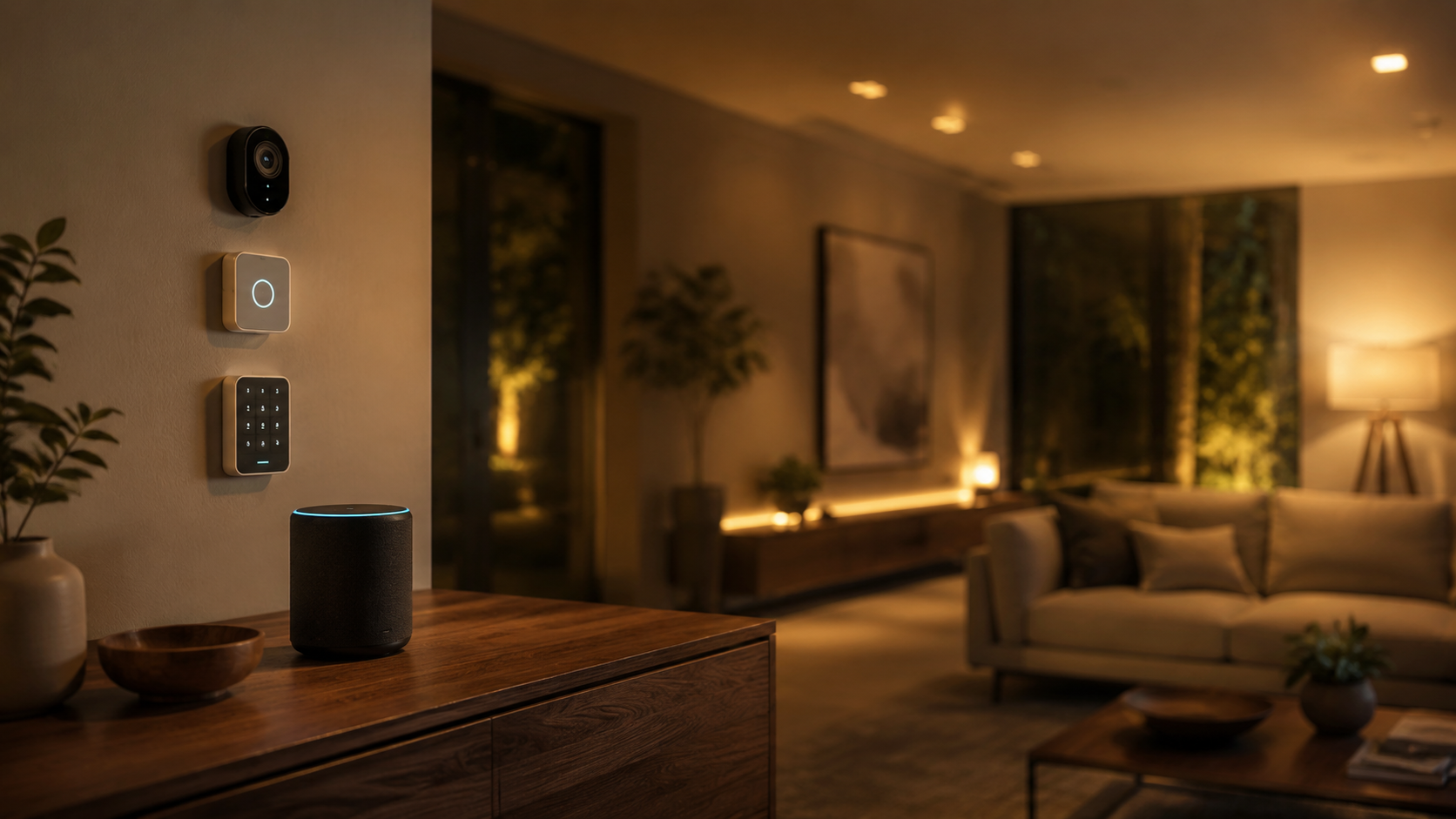
Securing a modern residence is no longer just about heavy deadbolts and noisy, hardwired sirens. Today, the intersection of home security and smart automation has created a new standard for protecting our sanctuaries. Modern homeowners want systems that are reliable, simple to install, and designed to blend with contemporary interior aesthetics. They expect high-tech sensors that communicate over the cloud, send instant smartphone alerts, and offer flexible monitoring options without locking them into long-term utility contracts.
In this guide, we provide objective, detailed smart home alarm system reviews for the leading DIY kits of 2026. We evaluate each system based on its hardware design, ease of setup, integration capabilities, and monthly costs. Our goal is to help you select a setup that protects your family while complementing your home decor.
Definition: What is a Smart Home Alarm System?
A smart home alarm system is a network of security sensors connected wirelessly to a central hub. This hub communicates with your home internet and backup cellular networks. Unlike traditional security systems, smart alarms send real-time push notifications directly to your smartphone, integrate with other smart home platforms (such as Apple HomeKit, Amazon Alexa, or Google Home), and allow users to toggle between self-monitoring and professional monitoring on demand.
The Essential Components of a Smart Alarm Setup
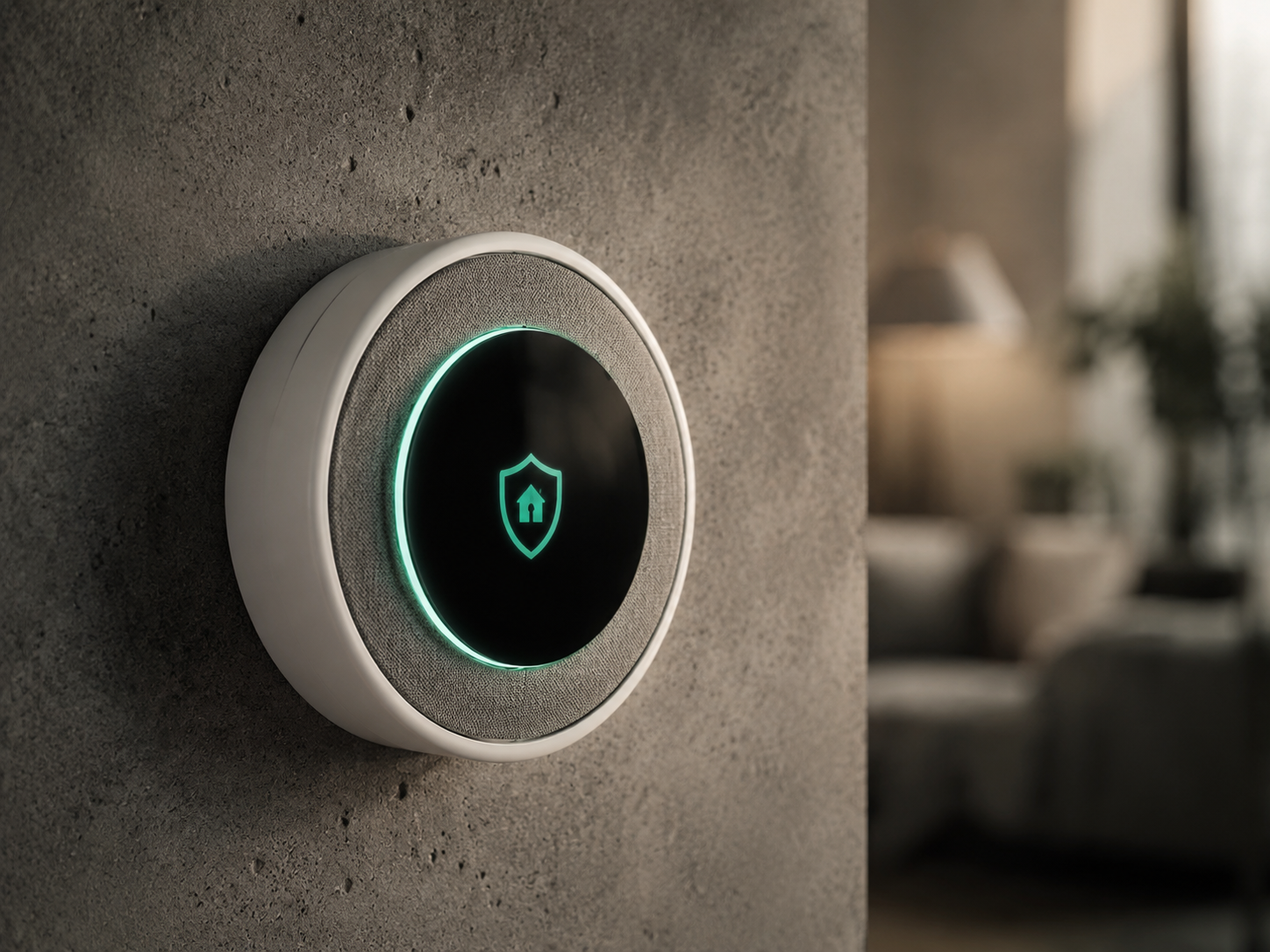
When selecting a smart alarm kit, understanding the underlying technology is vital. The core of any setup is the central hub or base station. This device connects to your router and serves as the bridge between your sensors and the cloud. High-quality hubs feature a built-in battery backup (usually lasting twenty-four hours) and a cellular backup chip. This ensures that even if a power outage occurs, your alarm system continues to operate and send emergency signals to monitoring centers.
The secondary layer consists of the entry and environment sensors. Contact sensors use magnetic switches to detect when doors or windows are opened. Motion detectors use passive infrared technology to monitor warm body heat moving through a room. Advanced motion sensors feature pet-immunity settings, ignoring movement from dogs or cats under forty pounds to prevent false alarms. For comprehensive protection, modern kits also incorporate glass-break sensors, which listen for the specific acoustic frequency of shattering glass, and environmental sensors that detect water leaks.
Finally, consider the keypad and control methods. While you can arm and disarm your system using a smartphone app, having a physical keypad near your primary entryway is highly practical for guests or children. The best modern keypads feature clean, minimalist designs with backlit keys, and some even support key fobs or proximity tags for quick, tap-to-disarm convenience.
“A modern security system should be felt, not seen, protecting your sanctuary without disrupting its visual harmony.”
Detailed Reviews of Key Smart Alarm Systems
We evaluated four of the most popular DIY smart security kits available in 2026. Each brand represents a distinct balance between design, price, and smart ecosystem compatibility.
1. Abode Iota: The Aesthetic Powerhouse
Abode Iota is designed specifically for those who care about visual appeal and smart integrations. The central hub ($279, goabode.com) is a sleek, fabric-wrapped tower that looks like a high-end smart speaker rather than an ugly piece of security hardware. It even has a built-in 1080p camera and motion sensor right inside the main unit.
What sets the Abode Iota apart is its outstanding support for third-party protocols. It supports Apple HomeKit, Amazon Alexa, Google Home, Z-Wave, and Zigbee. This allows you to use your security sensors to trigger other smart home devices, such as turning on your living room lights when a door opens. Abode offers very reasonable self-monitoring options for free, or you can opt for professional monitoring starting at twenty dollars per month. The hardware is premium, the app is fast, and the design is exceptionally elegant.
2. SimpliSafe Gen 3: Minimalist Security Made Simple
SimpliSafe is a pioneer in the DIY home security market. Their third-generation system ($249, simplisafe.com) is widely praised for its simplicity and clean, white design. The central base station is a soft, cylindrical column with a glowing blue light ring at the base that indicates the system status.
The sensors are some of the smallest on the market, blending easily into white door and window frames. Setup is incredibly straightforward, requiring no tools; you simply peel and stick the sensors in place. SimpliSafe requires a subscription of thirty dollars per month if you want smartphone control and professional monitoring. However, for sheer ease of use and clean design, SimpliSafe remains a top recommendation for families and renters alike.
3. Ring Alarm Pro: Secure Networking and Protection
For homes already invested in the Amazon ecosystem, the Ring Alarm Pro ($299, amazon.com) is a compelling option. This system combines a security hub with a built-in eero Wi-Fi 6 router, providing a secure, stable mesh network for your entire home alongside your security features.
The Ring Alarm Pro offers localized processing, saving security camera footage directly to a microSD card. It also features a unique 24-hour backup internet feature that allows you to keep all your smart home devices online via a cellular connection during an internet outage. Ring offers professional monitoring and cellular backup for twenty dollars per month, making it one of the most cost-effective paid plans. The hardware is utilitarian and plastic, but the features and network security are unmatched at this price point.
4. Eufy 5-Piece Smart Home Alarm Kit: The No-Fee Solution
If you want a reliable alarm system with absolutely no monthly subscriptions, the Eufy 5-Piece Kit ($159, eufylife.com) is the standout choice. The system relies entirely on local storage and local processing, sending alerts to your phone without requiring a cloud plan.
The kit includes a central HomeBase, a keypad, a motion sensor, and two entry sensors. The components have a modern, glossy white look with rounded corners. Arming and disarming can be managed via the keypad or the Eufy Security app. While it lacks professional monitoring options, it integrates smoothly with Alexa and Google Home. For budget-conscious buyers who refuse to pay monthly fees, Eufy offers an exceptionally strong, reliable alternative.
Comparison of DIY Smart Home Alarm Kits
To help you decide which security system matches your home layout and budget, we compiled a comparison of key metrics based on our evaluations.
| System & Key Model | Base Price | Smart Integrations | Monitoring Options | Best Feature | Where to Buy |
|---|---|---|---|---|---|
| Abode Iota All-in-One Kit |
$279 | HomeKit, Alexa, Google, Z-Wave | Self or Professional ($20/mo) | Beautiful design, wide smart support | goabode.com |
| SimpliSafe Gen 3 The Foundation Kit |
$249 | Alexa, Google Assistant | Professional ($30/mo) | Miniature sensors, simple setup | simplisafe.com |
| Ring Alarm Pro 8-Piece Kit |
$299 | Alexa, Ring cameras | Professional ($20/mo) | Built-in eero Wi-Fi 6 router | amazon.com |
| Eufy 5-Piece Kit Home Security Kit |
$159 | Alexa, Google Assistant | Self-monitoring only | Zero monthly subscription fees | eufylife.com |
A Journalist’s Checklist for Securing Your Home
Buying a security system is only the first step. To ensure optimal performance and minimal false alarms, apply this expert advice when setting up your new smart alarm:
- Place Motion Sensors Strategically: Do not point motion detectors directly at windows. Position them eight feet high in corners to cover entire rooms.
- Secure Every Ground-Level Entry: Focus your contact sensors on all ground-floor doors and window access points first.
- Test the Siren Volume: Ensure the central siren is loud enough to be heard from all bedrooms. If your home has multiple stories, consider adding secondary sirens.
Frequently Asked Questions
To conclude our smart home alarm system reviews, we address several common queries from security-conscious buyers.
Q: Can a smart home alarm system work without internet or power?
A: Yes, provided the system features a battery backup and cellular backup. Premium systems like SimpliSafe, Ring, and Abode keep their central hubs active on internal batteries for up to twenty-four hours during an outage, utilizing cellular networks to transmit emergency alerts.
Q: Are DIY smart alarm systems as reliable as traditional professional setups?
A: Absolutely. Modern wireless protocols used by companies like Abode and SimpliSafe are encrypted, preventing signal jamming. When paired with professional monitoring, these systems dispatch local emergency services just as fast as traditional, expensive security services.
Q: What is the benefit of integrating security with Apple HomeKit or Alexa?
A: Integration allows you to create useful automation routines. For example, when you arm your system to “Away,” your smart home can automatically lock your doors and shut off all interior smart lights.
Q: Will my pets trigger wireless motion sensors when I am away?
A: Most smart motion sensors feature pet-immunity algorithms that ignore animals under forty pounds. However, if you have very active cats that climb on high shelves within the sensor’s line of sight, they can still trigger alarms. In such cases, using glass-break and contact sensors is a safer option.