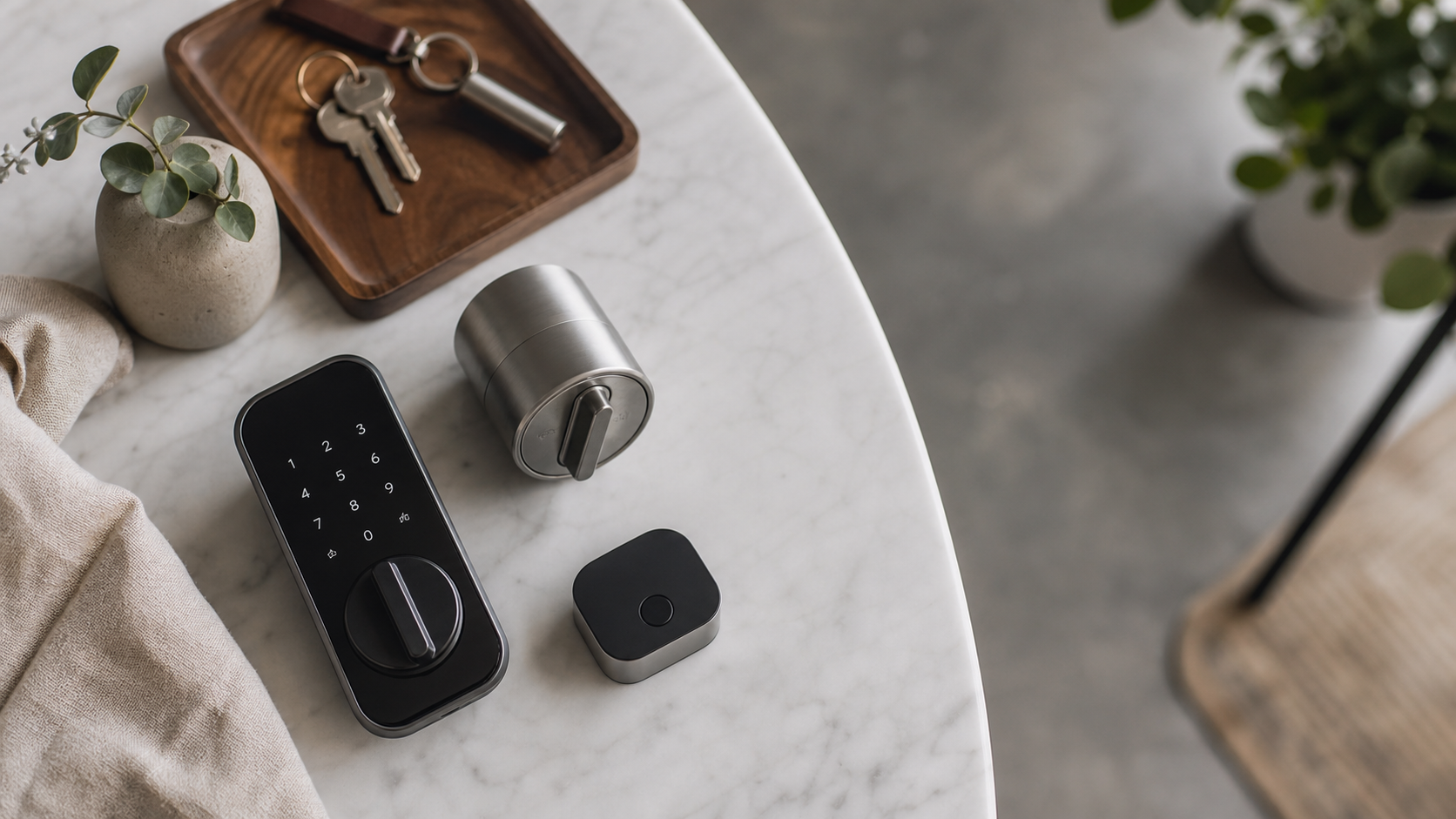
The front door of an apartment is more than a simple exit or entry point. It is a boundary that separates the busy public hallway from your quiet private home. As a design-conscious resident, you want your doorway to look beautiful, clean, and elegant. At the same time, you want the modern convenience of smart security, such as opening the door with a quick touch of your phone, sharing digital keys with guests, and checking if the latch is secure while you are away.
For apartment dwellers, especially renters, finding the right smart lock is complicated. Standard leases usually forbid tenants from changing the physical keys, as landlords and property managers must maintain emergency master key access to all units. Furthermore, replacing the entire handle or deadbolt can ruin the visual uniformity of your building’s hallway. Fortunately, retrofit smart lock technology has evolved significantly in 2026, offering elegant solutions that fit over your existing deadbolt hardware on the inside of your door, leaving the exterior completely untouched.
What is a Retrofit Smart Lock?
Retrofit Smart Lock: An internal smart device that attaches directly to the interior thumbturn of your existing deadbolt. It operates the mechanical turn mechanism electronically without modifying the exterior cylinder, keyhole, or key compatibility. It allows residents to use their original physical keys while adding smart entry capabilities.
Full Replacement Smart Lock: A complete deadbolt assembly that replaces the entire lock structure on both sides of the door. This type of lock requires a brand-new keyway, exterior touchpad or keyway, and interior turn mechanism, completely changing the physical keys of the home.
For most apartment residents, a retrofit model is the absolute best option. Because the exterior of the lock remains identical, your original physical key continues to function. Landlords can still use their master keys for maintenance or emergencies, and the visual appearance of the hallway is preserved. When it is time to move, you can simply detach the retrofit smart lock and reinstall the original metal thumbturn in under ten minutes, keeping your security deposit perfectly intact.
Design and Aesthetic Principles for Apartment Doorways
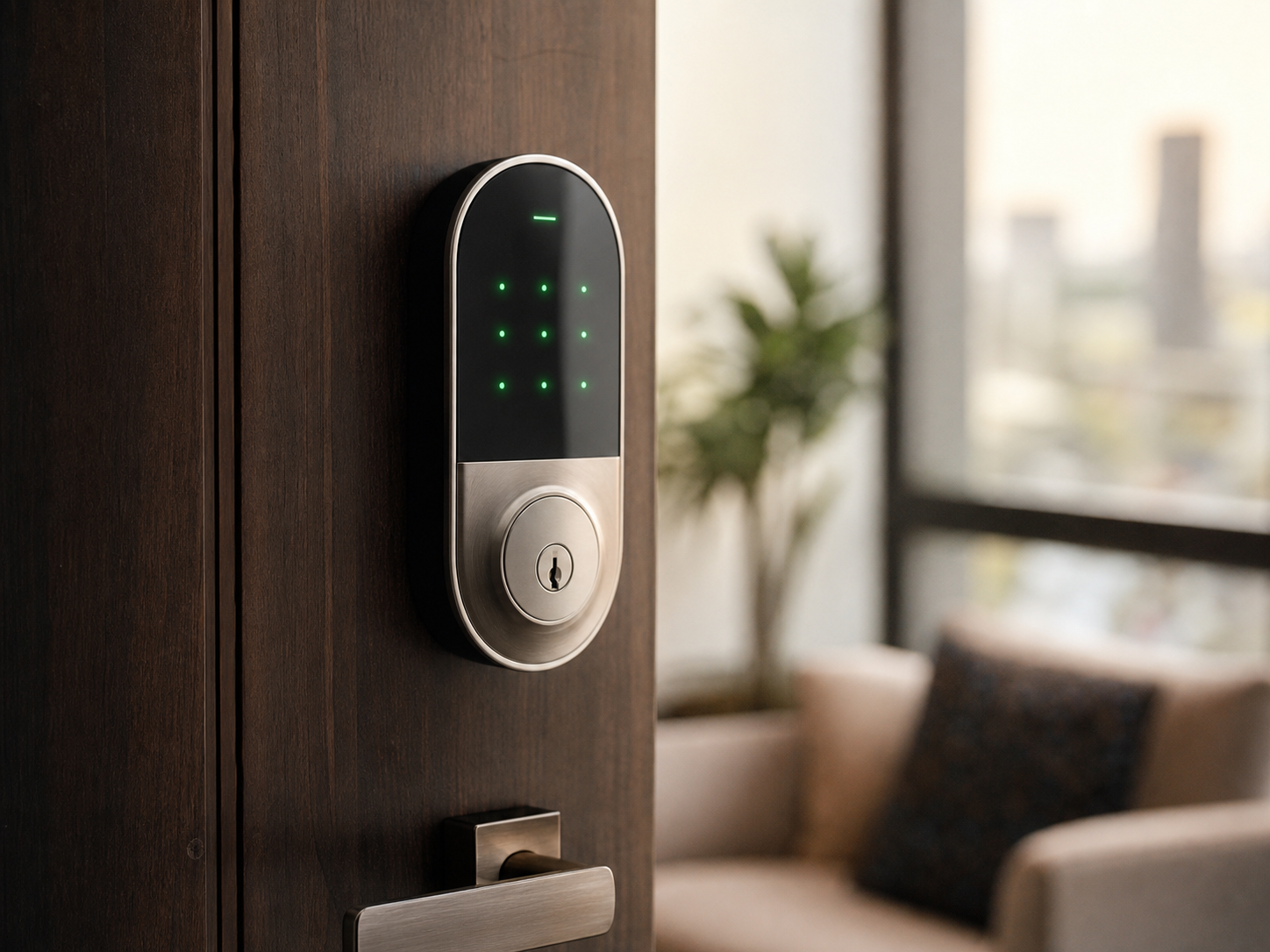
From an interior design perspective, smart home technology should never feel like a forced addition. Bulky plastic enclosures and flashing blue lights can disrupt the quiet luxury of a well-designed foyer. When choosing a smart lock, pay close attention to the scale, materials, and finishes. Modern hardware should match the existing metallic trim of your apartment, whether that is brushed brass, matte black, satin nickel, or oil-rubbed bronze.
The interior thumbturn is the first piece of hardware you see when leaving your apartment, and the last when returning. A compact circular or slim rectangular profile integrates much better with classic wooden doors or minimal metal frames. Look for brands that offer clean industrial designs, textured metal grip patterns, and low-profile silhouettes that complement, rather than dominate, your entrance foyer.
Top 5 Smart Door Locks for Apartments in 2026
To help you select the ideal lock for your apartment, we have tested and evaluated the five best options available on the market in 2026, focusing on design, installation ease, and smart home integration.
1. August Wi-Fi Smart Lock (4th Gen)
Price: $229.00
Where to Buy: Amazon, Best Buy, August.com
The August Wi-Fi Smart Lock remains a classic choice for design enthusiasts. Shaped like a simple, textured metal dial, it replaces only the interior thumbturn of your lock. Its circular silhouette is compact, measuring 45 percent smaller than previous August models. It is available in matte black and silver finishes, fitting beautifully into contemporary interiors.
Setup is simple. You mount a metal bracket over your existing deadbolt’s tailpiece and slide the circular August unit on top. Because Wi-Fi is built directly into the housing, you do not need an external bridge plug. The lock integrates smoothly with Apple Home, Google Home, and Amazon Alexa. It can automatically unsecure the latch when it detects your smartphone approaching via Bluetooth and secure it again when you close the door. The physical turn feel is firm and precise, reflecting high-quality manufacturing.
2. Yale Approach with Wi-Fi
Price: $129.00
Where to Buy: Amazon, YaleHome.com
For those seeking a super-slim profile, the Yale Approach is an exceptional choice. It is incredibly thin, sitting closer to the door surface than almost any other smart lock. The design is clean and minimalist, featuring a soft oval form factor that blends into the door rather than sticking out like a heavy box.
At $129, it is also a highly budget-friendly option that does not compromise on build quality. It connects to your network using the included Yale Connect Wi-Fi Bridge, which plugs into any nearby wall outlet. It supports hands-free auto-entry, allowing you to walk in with bags of groceries without searching for your keys. The Yale Access app is responsive, fast, and simple to use, offering real-time notifications whenever the latch is engaged or retracted.
3. SwitchBot Lock Pro
Price: $119.00
Where to Buy: Amazon, SwitchBot.com
The SwitchBot Lock Pro is a highly versatile option, especially for renters with unusual door configurations or European multi-point locks. It features an adjustable mounting system that can be secured using high-strength adhesive tape, making it a completely drill-free installation.
The Lock Pro features a clean matte black finish with a physical push-button. You can press the button to quickly retract the latch when leaving. An optional external wireless keypad with a fingerprint scanner can be added if your lease allows exterior accessories. It also supports Matter via the SwitchBot Hub for excellent smart home integration.
4. Schlage Encode Plus Smart WiFi Deadbolt
Price: $299.00
Where to Buy: Home Depot, Lowe’s
If you have lease freedom or own your apartment, the Schlage Encode Plus is the gold standard for full deadbolt replacements. It features a traditional keyway on the outside along with a backlit touchscreen keypad. For iOS users, it supports Apple Home Key, letting you open the door by tapping your iPhone or Apple Watch near the lock face. This certified AAA commercial-grade lock offers exceptional security and a very solid physical build.
5. Yale Assure Lock 2 (Wi-Fi)
Price: $179.00
Where to Buy: Amazon, Best Buy
The Yale Assure Lock 2 is a sleek full-replacement deadbolt with clean, modern proportions. Its glossy touchscreen lights up only when touched, keeping your entryway looking clean. You can choose keyed or completely keyless options. The keyless version eliminates the physical key cylinder, removing lock-picking risks entirely. If the AA batteries drain, a USB-C port at the bottom lets you temporarily power the lock with a backup battery pack.
Comparing the Top Smart Locks
This table compares the critical specifications of the top smart door locks to help you make an informed decision for your apartment layout.
| Product Name | Price | Installation Type | Smart Ecosystems | Best For |
|---|---|---|---|---|
| August Wi-Fi Smart Lock (4th Gen) | $229.00 | Retrofit (Inside Only) | HomeKit, Alexa, Google, SmartThings | All-Round Apartment Renter |
| Yale Approach with Wi-Fi | $129.00 | Retrofit (Inside Only) | Alexa, Google, SmartThings | Budget Minimalist Design |
| SwitchBot Lock Pro | $119.00 | Retrofit (Adhesive Optional) | Alexa, Google, Matter, Home Assistant | Drill-Free and Custom Doors |
| Schlage Encode Plus | $299.00 | Full Deadbolt Replacement | HomeKit / Apple Home Key, Alexa, Google | Apple Device Users |
| Yale Assure Lock 2 | $179.00 | Full Deadbolt Replacement | Alexa, Google, Z-Wave, SmartThings | Keyless Touchscreen Look |
A Renter Checklist for Smart Lock Installation
To ensure a smooth installation process that will not cause issues with your property management, follow this practical checklist:
- Verify deadbolt type: Make sure your door has a standard single-cylinder deadbolt (the thumbturn is separate from the lower handle). Retrofit locks are designed for separate deadbolts and do not work with integrated mortise locks unless specified.
- Keep original parts: When you remove your old interior thumbturn, place the screws and the metal turn piece into a small plastic bag. Label the bag and store it in a drawer. You must put these parts back when you move out.
- Use the correct tape: If you are installing the SwitchBot Lock Pro using adhesive, ensure your door surface is clean and dry. Use the high-strength tape provided by the manufacturer, which is designed to hold firmly without lifting paint when removed carefully.
- Configure auto-entry carefully: Set up geofencing so the door only unsecures when you are physically close. This prevents the lock from accidentally unlatching if you are simply walking past your door inside the hallway.
- Maintain battery alerts: Enable push notifications for low battery warnings. Replace the batteries immediately when the app warns you, ensuring you are never locked out of your apartment.
Common Questions About Apartment Smart Locks
Can I install a smart lock in a rented apartment?
Yes, absolutely. By using an interior retrofit smart lock, you do not modify the exterior handle or keyway. Your landlord’s physical master key continues to work normally. Because you can install and remove these devices without leaving any permanent marks, they are highly compatible with rental leases.
What happens if the batteries in my smart lock die?
If you are using a retrofit smart lock, your original physical key remains fully functional from the outside. You can simply insert your key and open the door mechanically. For keyless full-replacement deadbolts, manufacturers include temporary power contacts on the exterior (like a 9V battery terminal or a USB-C port) to let you power the keypad and gain entry in an emergency.
Do these locks require a monthly subscription fee?
None of the smart locks listed in this guide require a monthly subscription to operate their basic smart functions, such as auto-entry, remote access, or guest key sharing. Some manufacturers offer premium optional cloud storage packages for video doorbells, but standard lock operations are completely free after the initial hardware purchase.
How secure are retrofit smart locks?
Retrofit smart locks are just as secure as the physical deadbolt already installed on your door. Because they only turn the existing mechanical latch from the inside, they do not reduce the physical strength of your door hardware. From a digital perspective, they use advanced military-grade encryption (AES 128-bit or 256-bit) to ensure that your wireless signals cannot be intercepted or copied by unauthorized parties.
Choosing the right smart lock allows you to enjoy modern convenience without sacrificing style or lease terms. Whether you choose the compact August dial, the ultra-slim Yale Approach, or a sturdy full deadbolt replacement like the Schlage Encode Plus, your apartment entry can be secure, beautiful, and welcoming.