
What is smart lighting in IoT? It is a lighting system whose bulbs, switches, sensors, and controllers exchange data over a local network or the internet. Instead of turning a light on only from a wall switch, an IoT lighting setup can respond to motion, time, daylight, room occupancy, voice commands, or another connected device.
The useful idea is not that a bulb has an app. The useful idea is that light becomes part of a room’s control system. A hallway light can come on at low brightness after midnight. A desk light can follow a workday schedule. Exterior lights can respond to motion while remaining off during daylight. The best installations make these actions predictable and easy to override.
Smart lighting definition
Definition: Smart lighting in IoT is a connected lighting arrangement in which devices collect or receive data, communicate through a protocol, and apply a lighting command such as on, off, dimming, color change, or scheduling. The system may use Wi-Fi, Bluetooth, Zigbee, Z-Wave, Thread, or a bridge that links several products.
How the system works
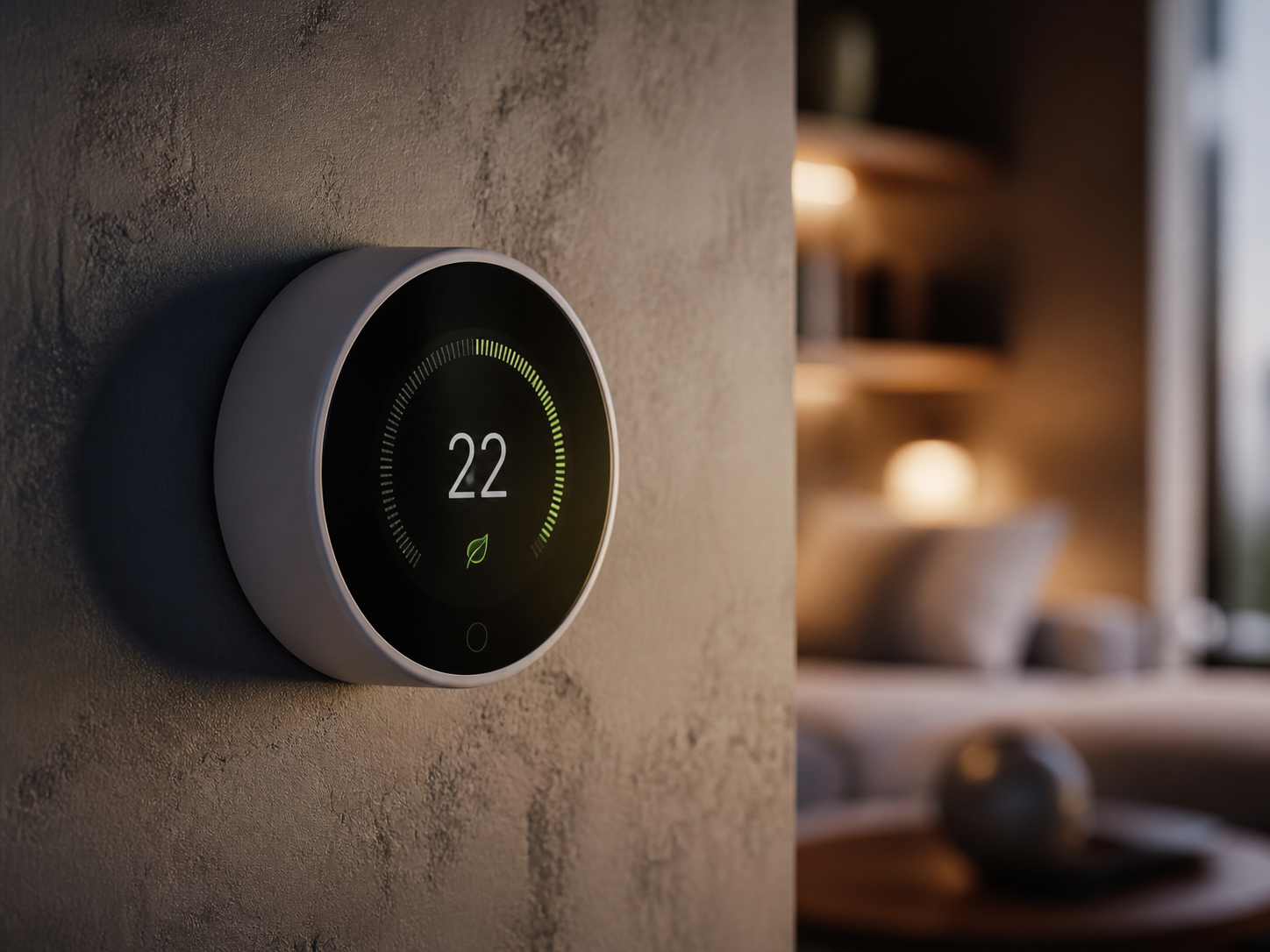
A basic setup has three parts: a light source, a control path, and an input. The light source may be a smart bulb, a connected fixture, or a standard lamp controlled by a smart plug. The control path may be a phone app, hub, wall switch, or home platform such as Apple Home, Google Home, or Amazon Alexa. The input may be a button press, schedule, motion sensor, sunrise calculation, or voice command.
When a motion sensor detects movement, it sends an event to the controller. The controller checks the rule, such as “turn on the hall light to 30 percent after sunset,” and sends a command to the light. In a well-designed local system, the action happens quickly even if the internet connection is temporarily unavailable.
Common smart-lighting protocols
| Protocol | Typical strength | Best fit | Watch for |
|---|---|---|---|
| Wi-Fi | Simple direct setup | Small installations | More devices on the router |
| Bluetooth | Low-power local control | Single rooms | Shorter range without mesh |
| Zigbee | Low-power mesh network | Larger bulb systems | Often needs a hub |
| Thread | Modern low-power mesh | Matter-ready homes | Needs compatible border router |
| Z-Wave | Reliable home automation mesh | Switches and sensors | Regional frequency differences |
Products and typical prices
Philips Hue
Philips Hue remains a broad ecosystem for bulbs, light strips, switches, and scenes. A white-and-color bulb often costs about $45 to $60, while a starter kit with a bridge may range from $80 to $200. Hue is a good choice when color scenes, accessories, and reliable room grouping matter. Shop current models at Philips Hue.
Nanoleaf Essentials
Nanoleaf Essentials bulbs and light strips commonly cost $20 to $50 per unit. They are attractive for buyers interested in Thread and Matter compatibility, although setup depends on the platform and border-router hardware already in the home. Their color effects suit accent lighting more than quiet task lighting.
Lutron Caseta
Lutron Caseta focuses on smart switches rather than app-dependent bulbs. A starter switch kit often costs around $60 to $120, with the bridge and accessories adding to the total. It is especially practical when several people use the wall switch, because the light remains easy to operate manually. See Lutron Caseta for current compatibility.
Govee smart lights
Govee offers bulbs, strips, and fixtures from roughly $15 to $100. The range is strong on color effects and value. Before buying, check whether the exact model supports the smart-home platform you use, because features differ across Bluetooth, Wi-Fi, and Matter versions.
Bulbs versus smart switches
Smart bulbs are best when you want dimming, color, scenes, or a lamp with no existing wall control. The weakness is that someone can turn off the physical switch and disconnect the bulb. Smart switches are better for ceiling fixtures and shared rooms because the wall control remains familiar. They also work with ordinary bulbs and can be easier to maintain over time.
A mixed system is often sensible. Use smart switches for main ceiling lights, smart bulbs for lamps and accent fixtures, and motion sensors only where the routine is clear. Avoid installing a smart bulb behind a switch that is regularly turned off unless the household understands how the system works.
Where IoT lighting helps most
Hallways and stairs
Motion-triggered low-level lighting is useful at night. Set a short timeout and keep the brightness below full power so the light guides movement without making the rest of the home feel harsh.
Kitchen and work areas
Under-cabinet strips and pendants benefit from schedules and dimming. Use brighter neutral light for food preparation and a warmer scene for evening meals. Keep the manual switch accessible.
Bedrooms
A bedside button or voice command can turn off several lights at once. A gentle wake-up scene can raise brightness gradually, but it should not replace blackout shades or a comfortable fixture.
Exterior entries
Motion sensors and sunset schedules can reduce wasted runtime. Choose weather-rated devices and position sensors away from moving branches, roads, and hot surfaces that create false triggers.
Privacy, reliability, and cost
Connected lights can reveal routines such as when a home is occupied or when someone usually goes to bed. Review account security, two-factor authentication, data sharing, and whether the product still supports local control without cloud access. A hub-based system may offer more local reliability than a collection of inexpensive Wi-Fi bulbs.
Estimate cost by adding the fixture or bulb, hub, sensors, switches, and any electrician labor. A small apartment may need $100 to $300. A whole-home setup with switches, scenes, and sensors can easily exceed $1,000. The energy savings from LEDs are real, but the smart layer primarily adds control and convenience, not a guaranteed reduction in consumption.
“IoT lighting earns its place when it handles a repeated decision quietly. If the app makes a simple wall switch harder to use, the system needs a better rule.”
Q&A
Does smart lighting need Wi-Fi?
Not always. Bluetooth, Zigbee, Z-Wave, and Thread can provide local connections, although some require a hub or border router. Check what still works during an internet outage.
Can I use smart bulbs in any lamp?
Most smart bulbs fit standard sockets, but check the base, voltage, enclosed-fixture rating, dimmer compatibility, and physical clearance. Never place a bulb in a fixture that exceeds its temperature rating.
Is Matter the same as Wi-Fi?
No. Matter is a smart-home application standard that helps compatible devices work across platforms. It can run over Wi-Fi, Ethernet, or Thread. A Matter label does not tell you the full radio or hub requirements.
Are smart switches better than smart bulbs?
For shared ceiling lights, often yes. For color effects, lamps, and flexible scenes, smart bulbs can be better. Choose based on who uses the room and whether manual control must remain simple.
Bottom line
Smart lighting in IoT connects lights to sensors, schedules, platforms, and household routines. Philips Hue is the broad ecosystem pick, Lutron Caseta is strong for dependable switches, Nanoleaf suits Matter and Thread buyers, and Govee offers affordable effects. Start with one room, keep a manual control path, and build rules around real habits rather than adding automation for its own sake.