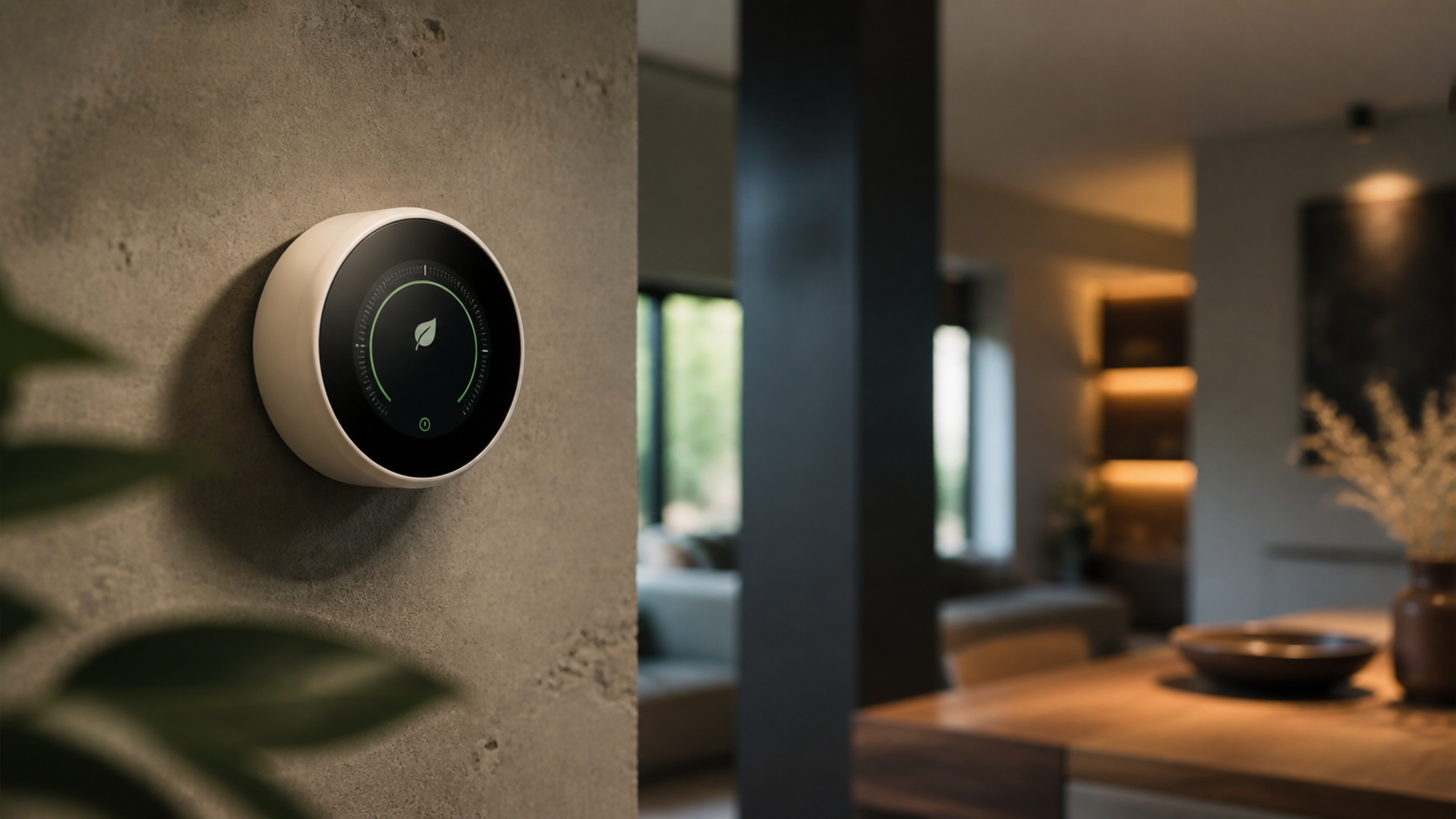
Finding the best smart thermostat settings for energy savings is less about choosing one fixed temperature and more about creating a schedule that matches your routine. A smart thermostat can reduce unnecessary heating and cooling by adjusting the temperature when you are asleep, away, or using only certain rooms. The greatest benefits come from combining sensible temperature targets, accurate scheduling, efficient equipment use, and a comfortable approach to indoor air quality.
Smart thermostats can also work alongside other smart home products, including connected lighting, air purifiers, occupancy sensors, and home security systems. Together, these devices can make a home more efficient without making it feel inconvenient or overly automated. This guide explains how to set up a smart thermostat for energy savings while protecting comfort, indoor wellness, and the long-term performance of your heating and cooling system.
Why Smart Thermostat Settings Affect Energy Use
Your heating and cooling system works to maintain the difference between the indoor temperature and the outdoor temperature. When that difference is larger, the system generally has to work harder or run for longer periods. Setting the thermostat slightly closer to the outdoor conditions while the home is empty or everyone is asleep can reduce demand.
A smart thermostat adds useful controls that a basic programmable thermostat may not offer. Depending on the model, it may learn your schedule, detect occupancy, use room sensors, provide maintenance reminders, and adjust settings through an app. Some models can also respond to weather information or participate in utility demand-response programs.
These features are helpful, but they do not replace good settings. A thermostat cannot compensate for major air leaks, blocked vents, dirty filters, poor insulation, or an incorrectly sized HVAC system. Think of the thermostat as one part of an energy-saving plan rather than the entire solution.
Recommended Temperature Ranges for Energy Savings

There is no single ideal temperature for every household. Comfort preferences, humidity, health needs, building design, and local climate all matter. Still, practical starting ranges can make it easier to build an efficient schedule.
Heating season
During colder months, many households can begin with a daytime heating setting in the upper 60s Fahrenheit, or approximately 19 to 21 degrees Celsius, when people are home and active. A lower setting can work well while residents are asleep or away, provided the home remains safe for occupants, pets, plumbing, and sensitive materials.
Instead of making a dramatic change, try lowering the heating target by a few degrees during sleep or unoccupied periods. This approach is often easier to tolerate and may reduce the chance that someone overrides the schedule. If your home takes a long time to warm up, set the recovery period before you expect to need the higher temperature.
Cooling season
For cooling, a useful starting point is a daytime setting in the mid to upper 70s Fahrenheit, or about 24 to 26 degrees Celsius, when people are home. You may be comfortable with a higher setting when the house is empty or overnight. Ceiling fans, window shading, breathable bedding, and reduced indoor heat from lighting and appliances can help you maintain comfort without turning the thermostat down as far.
Avoid setting the air conditioner to an extremely low temperature in an attempt to cool the home faster. Most central systems cool at roughly the same rate regardless of the target temperature. A very low setting may simply make the system run longer than necessary.
Build a Smart Thermostat Schedule Around Real Life
The best schedule reflects when your home is occupied, not an assumed routine. Start by listing the times when people typically wake up, leave, return, and go to bed. Then create only the changes that are useful. A schedule with too many transitions can be difficult to manage and may cause frequent manual overrides.
A simple weekday schedule
- Wake-up: Use a comfortable setting shortly before the household begins its morning routine.
- Away: Apply an energy-saving setting after everyone leaves, unless someone works from home or a pet needs a narrower comfort range.
- Home: Return to the preferred comfort setting before residents arrive or shortly before they usually return.
- Sleep: Shift to a temperature that supports comfortable rest without conditioning an empty home at daytime levels.
Use separate weekday and weekend schedules only if your routines are truly different. If weekend plans vary, an occupancy-based setting may be more useful than a fixed timetable. Before enabling automatic learning, review the thermostat’s privacy controls, location permissions, and geofencing options.
Use temporary holds carefully
Temporary holds are useful when the household schedule changes, but a permanent hold can quietly cancel the energy-saving plan. After a party, sick day, vacation, or work-from-home day, check whether the thermostat has resumed its normal schedule. Some models offer a hold duration, such as until the next scheduled change, which can prevent accidental long-term overrides.
Use Away Modes and Geofencing With Care
An away mode can lower heating or raise cooling when the home is empty. Geofencing uses the location of connected phones to estimate whether residents are home. These features can be convenient, but they should be configured with realistic boundaries.
Set a geofence large enough to begin conditioning the home before arrival if that is important to your routine, but not so large that the system heats or cools an empty house for hours. Make sure every regular resident is included in the household account or that the thermostat can recognize occupancy through sensors. Otherwise, the system may switch to away mode while someone is still home.
Do not rely on away mode alone during extreme weather. In winter, maintain a safe minimum temperature to help protect plumbing and prevent excessive cold in areas with vulnerable materials. In hot, humid conditions, allowing indoor humidity to rise too much can affect comfort, wood furnishings, books, and other household items. A humidity-aware setting or dehumidification control may be appropriate where available.
Room Sensors Can Improve Comfort and Efficiency
Many smart thermostats support wireless room sensors. These sensors can measure temperature and, on some systems, occupancy. They are useful when the thermostat is located in a hallway, near a draft, or in a room that does not represent the main living area.
Place a sensor in a room that people use often, such as a living room, home office, or bedroom. Keep it away from direct sunlight, supply vents, exterior doors, radiators, cooking equipment, and electronic devices that release heat. If the thermostat allows you to choose which sensors are active at different times, prioritize the bedroom at night and the primary living area during the day.
Room sensors do not create separate heating and cooling zones unless the HVAC system is designed for zoning. They give the thermostat better information, but the system may still condition the entire home. For more consistent results, keep interior doors open where appropriate, avoid blocking vents, and address major room-to-room temperature differences at the building or ductwork level.
Humidity Matters as Much as Temperature
Temperature is only one part of comfort. Indoor humidity can make a room feel warmer in summer and colder in winter. Excess humidity can also encourage condensation and support the growth of mold, while very dry air can irritate skin, eyes, and airways.
If your smart thermostat measures humidity, use that information when adjusting temperature settings. In warm weather, moderate humidity may allow a slightly higher cooling setting to feel comfortable. In cold weather, ventilation, cooking, showers, and drying laundry can add moisture, so use exhaust fans and address condensation around windows.
A thermostat with humidity control may run the HVAC system differently from a basic temperature-only schedule. Review the manufacturer’s guidance before enabling aggressive dehumidification or humidification, especially if the equipment is not designed for that function. An inexpensive standalone hygrometer can help verify whether the thermostat’s reading represents the rooms you use most.
Connect the Thermostat to Other Smart Home Systems
Energy savings are easier to maintain when smart home devices support the same routine.
Smart lighting and atmosphere
Use smart lighting schedules to reduce unnecessary heat and electricity use from lights. Motion or occupancy settings can turn lights off in empty rooms, while warmer, lower-intensity evening scenes can support a comfortable atmosphere without bright lighting late at night. This complements a nighttime thermostat setback and can make a slightly cooler bedroom feel more inviting.
Smart home security systems
Security systems can provide occupancy information, vacation modes, and alerts when doors or windows are left open. If a window is open during a heating or cooling cycle, a compatible automation may pause conditioning briefly or notify you. Configure this carefully so a faulty sensor does not leave the home without necessary heating or cooling.
Air purifiers and home wellness
An air purifier can help address particles, while ventilation and source control remain important for indoor air quality. Do not use a purifier as a reason to disable fresh-air ventilation or ignore filter replacement. If a purifier or fan is running continuously, consider its electricity use and noise when selecting schedules for bedrooms and work areas.
Maintenance Makes Efficient Settings More Effective
A well-tuned schedule cannot overcome neglected maintenance. Replace or clean the HVAC filter according to the equipment and filter manufacturer’s instructions. A heavily loaded filter can restrict airflow, reduce comfort, and place additional strain on the system. Homes with pets, renovation dust, or occupants with allergies may need more frequent checks.
Keep supply and return vents clear of furniture, curtains, baskets, and decor. Inspect accessible ductwork for visible damage and have a qualified professional evaluate persistent temperature differences. Schedule professional service according to the equipment manufacturer’s recommendations, especially before periods of heavy heating or cooling use.
Check the thermostat’s location as well. It should not be exposed to direct sun, drafts, cooking heat, or the warm air from electronics. If the displayed temperature seems inconsistent with a separate thermometer, compare readings in the same location before changing the schedule.
Energy-Saving Habits Beyond the Thermostat
Small changes throughout the home can reduce the amount of work required from the HVAC system. Close blinds or curtains during intense summer sun and open them when winter sunlight can provide useful warmth. Seal noticeable drafts around doors and windows, and use weatherstripping where appropriate. Improve insulation when practical, beginning with areas identified by an energy audit.
Choose efficient lighting and appliances, particularly in rooms that are already warm. A kitchen range, oven, clothes dryer, gaming computer, or large monitor can add heat indoors. Use kitchen exhaust fans during cooking, but avoid leaving them on much longer than necessary because they can remove conditioned air.
When buying home decor or furniture, avoid covering radiators, baseboard heaters, return vents, or air-quality sensors. Eco-friendly materials and durable furnishings can support a lower-impact home, but placement still matters for airflow and sensor accuracy. A minimalist desk setup, for example, can keep a home office return vent and thermostat sensor unobstructed.
Common Smart Thermostat Mistakes
Making setbacks too extreme
A very large temperature change may create discomfort, moisture concerns, or long recovery periods. Start with moderate adjustments and review how long the system takes to return to the preferred setting.
Changing the setting constantly
Frequent manual changes make it difficult to tell whether a schedule is working. Test one adjustment for several days while noting comfort, runtime, and indoor humidity.
Ignoring pets, plants, and sensitive belongings
Pets may need a more stable temperature than an empty house. Plants, musical instruments, artwork, wood furniture, and certain electronics can also be sensitive to temperature or humidity changes. Consider these needs before enabling aggressive away settings.
Assuming smart means maintenance-free
Connectivity does not eliminate the need for clean filters, clear vents, accurate sensors, and professional inspection. Keep manual controls available in case the internet connection or app is unavailable.
How to Test and Refine Your Settings
Make changes gradually. Begin with a basic schedule, then observe the home at different times of day. Check whether bedrooms, living areas, and workspaces remain comfortable. Review the thermostat’s runtime reports if available, but treat them as guidance rather than a complete measure of energy use. Weather, equipment cycling, and auxiliary heating can affect the results.
Look for signs that the schedule needs adjustment: frequent overrides, long recovery periods, rooms that remain uncomfortable, excessive humidity, or heating and cooling running at the same time. If these problems persist, investigate insulation, ductwork, equipment capacity, sensor placement, and control compatibility instead of simply changing the target temperature again.
Concise Q&A
What is the best smart thermostat setting when I am away?
Use a moderately reduced heating setting or a moderately increased cooling setting rather than an extreme change. Account for weather, pets, plumbing, humidity, and sensitive furnishings.
Should I turn my thermostat off when I leave?
Usually, no. A setback setting is safer for most homes because it maintains a reasonable indoor range and allows the system to recover more predictably.
Is it better to leave the thermostat at one temperature all day?
A steady setting can be suitable for some heat pump systems, highly efficient homes, or households with changing occupancy. Otherwise, a moderate schedule can reduce conditioning when the home is empty or residents are asleep.
Do smart thermostats save energy automatically?
They can help, but savings depend on correct installation, suitable schedules, efficient equipment, and household behavior. Review automated changes instead of assuming every recommendation is appropriate.
Can ceiling fans replace air conditioning?
Fans cool people rather than the room itself. Use them when occupants are present, and turn them off in empty rooms. They can make a higher cooling setting feel more comfortable.
Final Takeaway
The best smart thermostat settings for energy savings are the ones that reduce conditioning during predictable unoccupied and sleeping periods while maintaining safe, healthy, and comfortable conditions. Begin with moderate seasonal targets, build a schedule around actual routines, use sensors thoughtfully, monitor humidity, and keep the HVAC system maintained. When combined with efficient lighting, sensible security automations, good airflow, and practical home upgrades, a smart thermostat can become a valuable part of a more comfortable and responsible smart living space.