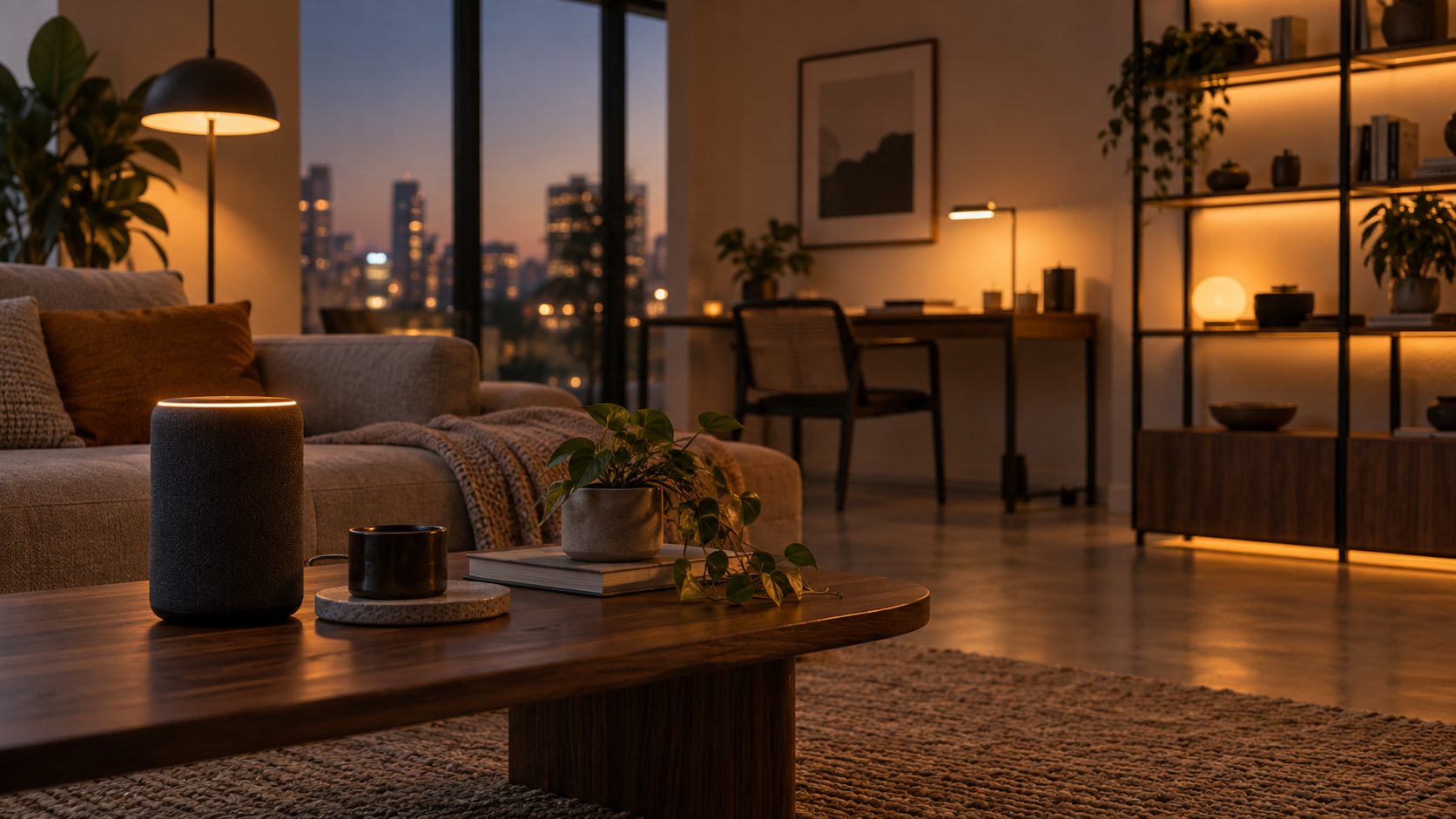
A minimalist home office is not an empty room with a laptop on a bare table. It is a deliberately edited workspace where every object supports focus, comfort, or daily work. The best minimalist home office setup ideas combine visual restraint with practical systems: reliable lighting, comfortable furniture, organized cables, healthy air, sensible automation, and security that does not make the room feel technical or cluttered.
For people working from home regularly, the goal is not to own the fewest things possible. It is to reduce friction. A desk that is easy to clear, a light that suits video calls and evening work, and a room that stays comfortable without constant adjustment can make the workspace easier to use every day.
What Is a Minimalist Home Office Setup?
A minimalist home office setup is a work area designed around essential tasks, limited visual distraction, and intentional storage. It uses a small number of useful, well-chosen items instead of filling the room with decor, accessories, or duplicate equipment. Minimalism can still include smart devices, but technology should solve a real problem rather than add another app, cable, or notification.
A practical setup usually has five foundations: a clear work surface, ergonomic seating and monitor placement, layered lighting, hidden or managed cables, and a simple routine for putting work materials away. Smart home features can support these basics when they are selected carefully.
Start With the Room, Not the Accessories
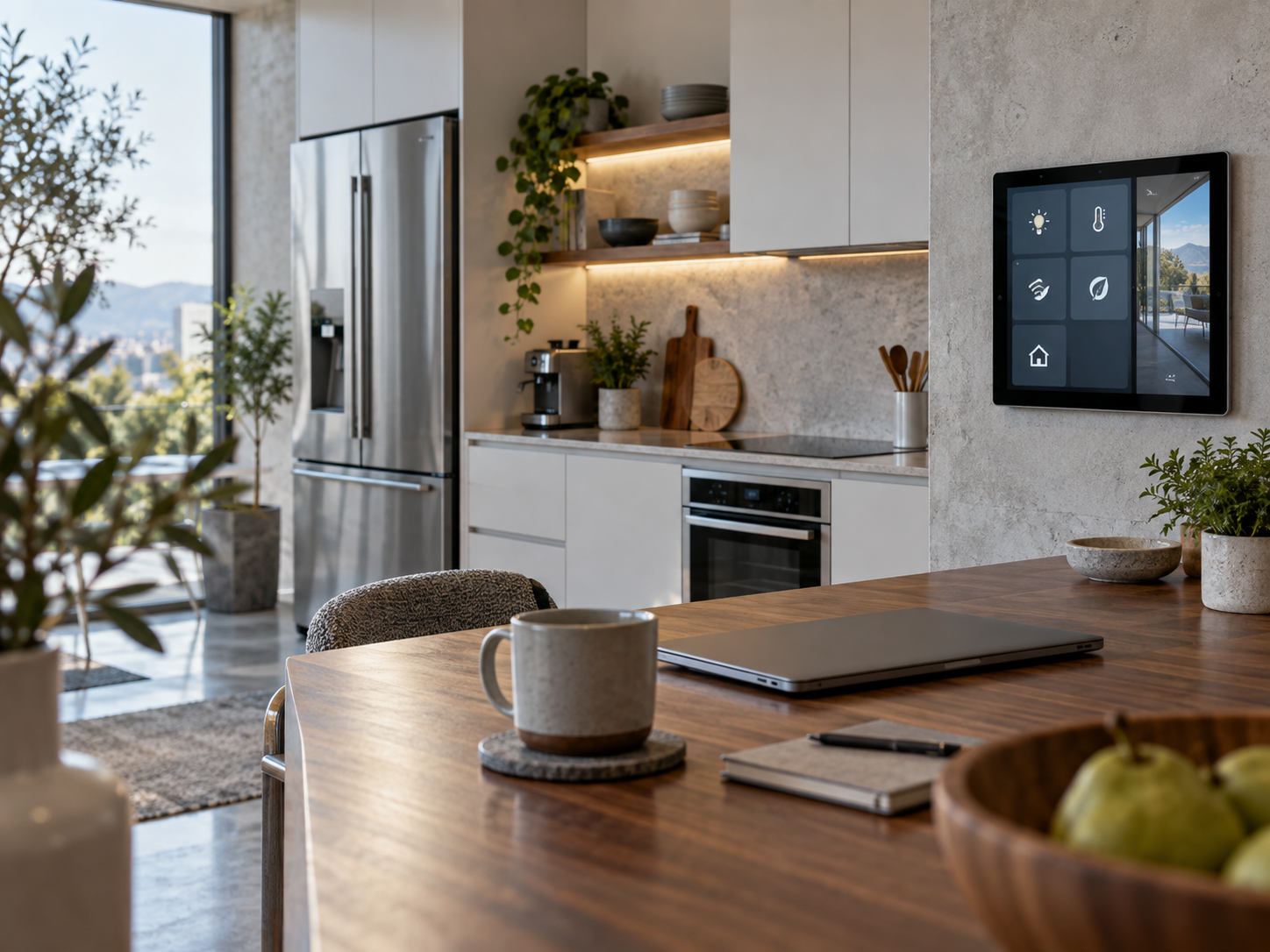
Before buying furniture or smart devices, assess the room itself. Notice where daylight enters, which wall appears in video calls, where power outlets are located, and whether noise from other areas affects concentration. A small alcove can become a focused office, while a larger room may need zoning so it does not become a storage area.
Choose a Low-Distraction Position
Place the desk so your screen is not directly facing a bright window. Strong backlighting can make screens harder to see and can create an unflattering video-call image. Positioning the desk perpendicular to a window often gives balanced daylight while reducing reflections. If the only available position faces a wall, make the wall useful but restrained: one framed print, a shallow shelf, or a pinboard with only current work can provide character without becoming visual noise.
For a shared home, consider how the office changes outside work hours. A desk in a living room or bedroom benefits from closed storage, a laptop stand that can be packed away, and a dedicated tray for chargers and work supplies. These simple boundaries help the workspace disappear when the day is finished.
Build Around a Limited Color Palette
A minimalist aesthetic is easier to maintain with a narrow palette. Start with the room’s existing finishes, then select two or three compatible colors for the desk, chair, storage, and textiles. Natural wood, off-white, charcoal, muted green, and black can work well together, but the exact palette matters less than consistency.
Avoid buying matching items solely for appearance. A chair must fit the user, a lamp must provide useful light, and storage must hold the materials that actually accumulate. Visual coherence should follow function, not replace it.
Create an Ergonomic Minimalist Desk Setup
Minimalist desk setups often look calm because equipment is placed with intention. Ergonomics also prevents a tidy desk from becoming an uncomfortable one.
Keep the Surface Purposeful
Assign zones to the desktop. The central zone is for the computer and primary work. One side can hold a notebook or document tray. The other can hold a drink, task light, or charging station. When each category has a place, it is easier to reset the desk at the end of the day.
Consider keeping only the following visible: your computer, one input device, one lamp if needed, a small plant or object you truly enjoy, and the materials for the current task. Store spare cables, unopened stationery, old notebooks, and infrequently used devices elsewhere. A drawer organizer is often more useful than adding another desktop container.
Use Adjustable Furniture Where It Matters
A supportive chair, a desk at an appropriate height, and a monitor at a comfortable viewing level are stronger investments than decorative upgrades. If you use a laptop as your primary computer, a laptop stand and separate keyboard and mouse can help create a more flexible working posture. A monitor arm can free desk space and make screen positioning easier, but it requires a compatible desk and should be installed according to the manufacturer’s instructions.
Standing desks can be useful for changing positions during the day, but they are not required for a functional workspace. A fixed-height desk, chair adjustments, and intentional movement breaks can also support a comfortable routine. Test furniture in person when possible, especially seating, because fit differs significantly among users.
Use Smart Lighting to Shape the Atmosphere
Lighting is one of the most effective ways to make a minimalist office feel considered. It also influences how easily a space transitions from daytime work to a calmer evening environment.
Use layered light rather than relying only on a ceiling fixture. Daylight provides broad ambient illumination. A desk lamp supports close work, while an indirect floor lamp or wall light can soften shadows after sunset. Keep bulbs and fixtures visually consistent so the room does not look pieced together.
Choose Smart Lighting With a Clear Job
Smart bulbs, switches, plugs, and light strips can be useful when they reduce repetitive adjustments. For example, a single scene might set a task lamp and room light to a practical level at the beginning of work, then dim the room later. Physical switches remain important because they are faster for guests and remain usable when a phone is unavailable.
Look for bulbs or fixtures with suitable color rendering information and compatible dimming controls. For general lighting guidance, the U.S. Department of Energy publishes consumer information about efficient lighting, while ENERGY STAR identifies products that meet program criteria in categories including lighting. These sources are useful for understanding labels and product claims, although they do not replace evaluating whether a specific fixture works in your room.
Pros: Smart lighting can simplify routines, support different activities, and reduce the need for several separate lamps or controls.
Cons: It may add app setup, wireless dependencies, firmware updates, and compatibility questions. A conventional dimmable lamp is sometimes the simpler and more reliable choice.
Manage Cables Without Making the Desk Hard to Service
Cable clutter can undermine an otherwise clean workspace, but cable management should remain practical. Start by listing what must stay connected: computer power, display cable, charging, internet, audio, and desk accessories. Remove duplicate chargers and retired cables before organizing what remains.
Mount a power strip under the desk only if it can be accessed safely. Use cable sleeves, reusable ties, and adhesive clips to guide wires along the desk frame. Label power adapters if several devices use similar black bricks. Leave enough slack to move a chair, raise a sit-stand desk, or service equipment without pulling on connectors.
Do not overload outlets, hide damaged cords, route cables under rugs, or tightly bundle power adapters that generate heat. Keep liquids away from power strips and charging stations.
Add Smart Comfort Without Over-Automating
A calm office is easier to maintain when temperature, air quality, and cleaning routines are reasonably managed. The key is choosing tools that fit the room and household instead of building a complicated automation system.
Smart Thermostats and Energy Awareness
A smart thermostat can make scheduling easier in homes with compatible heating and cooling systems. It may allow homeowners to reduce conditioning when rooms are unused and restore a preferred setting before work begins. However, the outcome depends on insulation, local weather, household schedules, equipment condition, and whether the thermostat can control the relevant system.
Before installation, verify wiring compatibility and determine whether the office is on the same heating and cooling zone as other occupied rooms. In some homes, a desk fan, window covering, draft sealing, or moving the desk away from direct sun can address comfort more effectively than changing the thermostat. ENERGY STAR offers general resources on home energy use and connected thermostats, which can help frame questions to ask before purchasing.
Air Purifiers and Home Wellness
An air purifier can be a sensible office addition when selected for the room size and pollutant concern, but it is not a substitute for source control, ventilation, or medical care. The U.S. Environmental Protection Agency provides guidance on indoor air quality and notes that portable air cleaners can be part of an overall approach.
For a minimalist room, choose a unit that fits under a side table or against a wall without blocking airflow. Check replacement filter availability and maintenance requirements before purchase. Avoid treating app-reported air-quality readings as a medical diagnosis. If occupants have significant respiratory symptoms, persistent moisture problems, or suspected mold, seek qualified medical or building advice.
Robot Vacuums and Low-Visual-Maintenance Cleaning
Robot vacuums can help maintain clear floor space, particularly in offices with hard flooring and limited obstacles. Their charging dock should be placed where it does not interrupt walkways or become a focal point. A simple cable plan and a raised footrest can make the floor easier for the device to manage.
They are less effective around loose cables, deep rugs, crowded rooms, and certain thresholds. A robot vacuum also does not eliminate the need for occasional manual cleaning, emptying bins, and maintaining brushes. For many homes, a compact cordless vacuum stored nearby is a less complex alternative.
Use Storage That Protects the Visual Quiet
Minimalism depends more on storage habits than on buying fewer visible objects once. Choose closed storage for papers, adapters, and supplies that create visual clutter. Open shelves work best for a limited number of attractive, frequently used items such as books, a small plant, or one ceramic container.
Use vertical space carefully. A slim cabinet, filing drawer, or wall-mounted shelf can add capacity without expanding the desk footprint. Keep the top of storage furniture mostly clear; otherwise it becomes a second desk for unfinished tasks.
Create a simple intake rule for new items. Before placing a new gadget, notebook, or decor piece in the office, decide where it will live and what it replaces or improves. This prevents the gradual buildup that makes a minimalist setup difficult to sustain.
Keep Smart Home Security Proportionate
Home office equipment may include personal data, work devices, and private documents. Smart home security systems can provide useful awareness through door sensors, cameras, alarms, and access notifications, but they should be planned around actual risks and privacy expectations.
A door sensor or reliable lock may be more relevant to an office than an indoor camera. If cameras are used, avoid aiming them at screens, private paperwork, or spaces where household members expect privacy. Review retention settings, account sharing, and whether recordings are stored locally or in a cloud service. Use unique passwords and multi-factor authentication when available.
The U.S. Cybersecurity and Infrastructure Security Agency, commonly called CISA, publishes practical guidance on securing connected devices. Its advice is a useful baseline: change default credentials, apply updates, and understand what data a device collects. Security products can reduce some risks, but no connected system guarantees prevention of theft, unauthorized access, or account compromise.
Decorate With Restraint and Personal Meaning
A minimalist office does not have to feel impersonal. One or two elements can make it feel like a place you want to use: a framed photograph, a well-made desk tray, a small plant suited to the available light, or a textured curtain that improves both appearance and glare control.
When considering eco-luxury sustainable goods, examine durability, repairability, materials, and packaging rather than relying only on broad terms such as “green” or “natural.” Solid wood furniture, recycled materials, refillable accessories, and secondhand pieces can all be reasonable choices, but environmental claims vary by supplier and product. Favor items likely to remain useful for years.
A Practical Setup Sequence
- Clear the room and remove items unrelated to work or the intended atmosphere.
- Choose the desk location based on daylight, outlets, circulation, and video-call background.
- Set up chair, desk, monitor, keyboard, and mouse for comfortable daily use.
- Install one layer of general light and one layer of focused task light.
- Consolidate cables, retain access to outlets, and remove unused chargers.
- Add closed storage for papers, supplies, and technology that does not need to remain visible.
- Introduce only the smart devices that solve a specific recurring problem.
- Finish with a limited amount of meaningful decor and establish a five-minute reset routine.
Limitations to Expect
Minimalist home office ideas must adapt to real constraints. Renters may have restrictions on wall mounting or electrical changes. Families may need shared desks and visible storage. Small homes may require the office to double as a bedroom, dining area, or guest room. Budget, accessibility needs, and existing furniture also shape the result.
Technology has limitations as well. Smart devices can lose connectivity, require subscriptions, become unsupported, or expose personal information if accounts are poorly secured. Favor controls that still work manually and avoid automations that make basic lighting, heating, or access confusing for other household members.
Concise Q&A
How do I make a home office look minimalist on a limited budget?
Begin by decluttering, improving cable routing, and using existing containers inside drawers. Rearrange the desk for better light before replacing furniture. Add only items that solve a daily problem, such as a monitor riser, task lamp, or closed file box.
What smart device is most useful for a minimalist office?
There is no universal answer. Smart lighting is often useful because it can improve the room without taking desk space. A smart thermostat, air purifier, or security sensor may be more valuable when comfort, air quality, or access is the actual concern.
Should I use an indoor security camera in my office?
Use one only when its security benefit outweighs its privacy cost. A door sensor, lock, or alarm may meet the need with less data collection. Review privacy settings and notify household members where appropriate.
Can an air purifier replace opening windows?
No. Portable air cleaners may help with certain indoor pollutants, but they do not replace addressing pollution sources or using appropriate ventilation. Follow EPA guidance and seek professional help for persistent building or health concerns.
Safety and Information Disclaimer
This article provides general home-office and smart-home information, not electrical, medical, security, financial, or building-specific advice. Follow manufacturer instructions, consult qualified installers for electrical or HVAC work, and seek professional guidance for persistent indoor-air concerns or security requirements. Product suitability, energy use, privacy practices, and costs vary by home, region, and device.