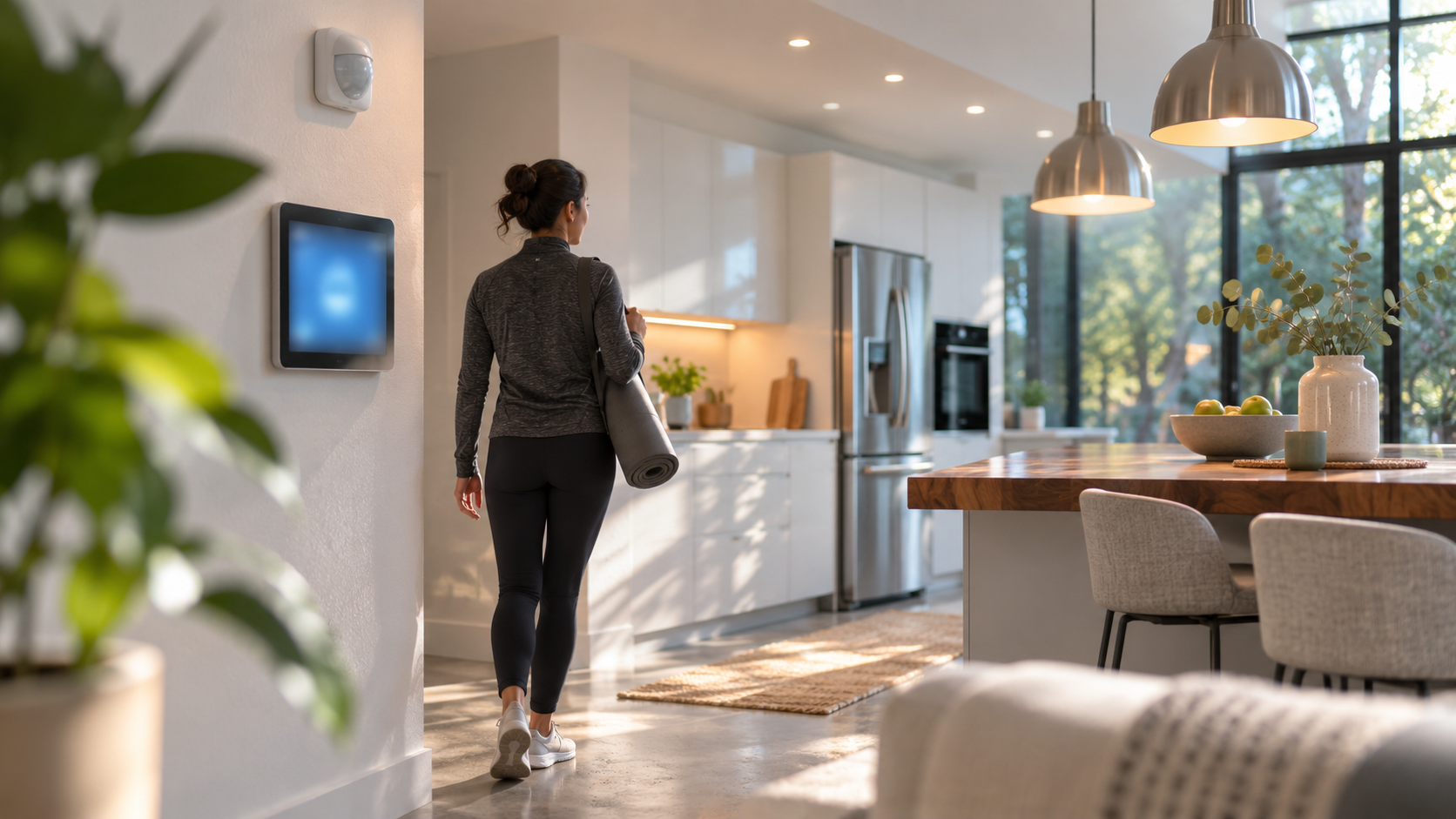
Occupancy sensors can make a home feel more responsive: lights come on when someone enters a room, and heating can adjust when a space is in use. But a sensor does not automatically know what a person wants, and lighting and heating do not respond in quite the same way. Good results depend on choosing suitable sensors, placing them carefully, and setting rules that suit the room.
This guide explains how occupancy sensors control lighting and heating, what they can and cannot detect, and how to plan a practical setup. It also covers privacy, comfort, energy use, and the ways sensors can fit into a wider smart home.
What is an occupancy sensor?
An occupancy sensor is a device that detects signs of human presence and sends that information to another device or system. Depending on the model, it may use passive infrared (PIR), ultrasonic sound waves, radar, or a combination of technologies. A controller can use the resulting signal to switch lights, change a thermostat setting, or trigger another automation.
“Occupancy” is an inference, not a direct measure of whether a room is being used. A sensor may detect motion without identifying a person, and it may fail to detect someone sitting still. Some systems also use door contacts, schedules, or other sensor readings to make a more reliable estimate.
A related term is vacancy sensor. In lighting, this often means a control that turns lights off after a room appears empty but requires a person to switch them on manually. An occupancy sensor commonly turns lights on automatically as well as off. Product naming varies, so check the operating modes rather than relying on the label alone.
How occupancy sensors control lighting
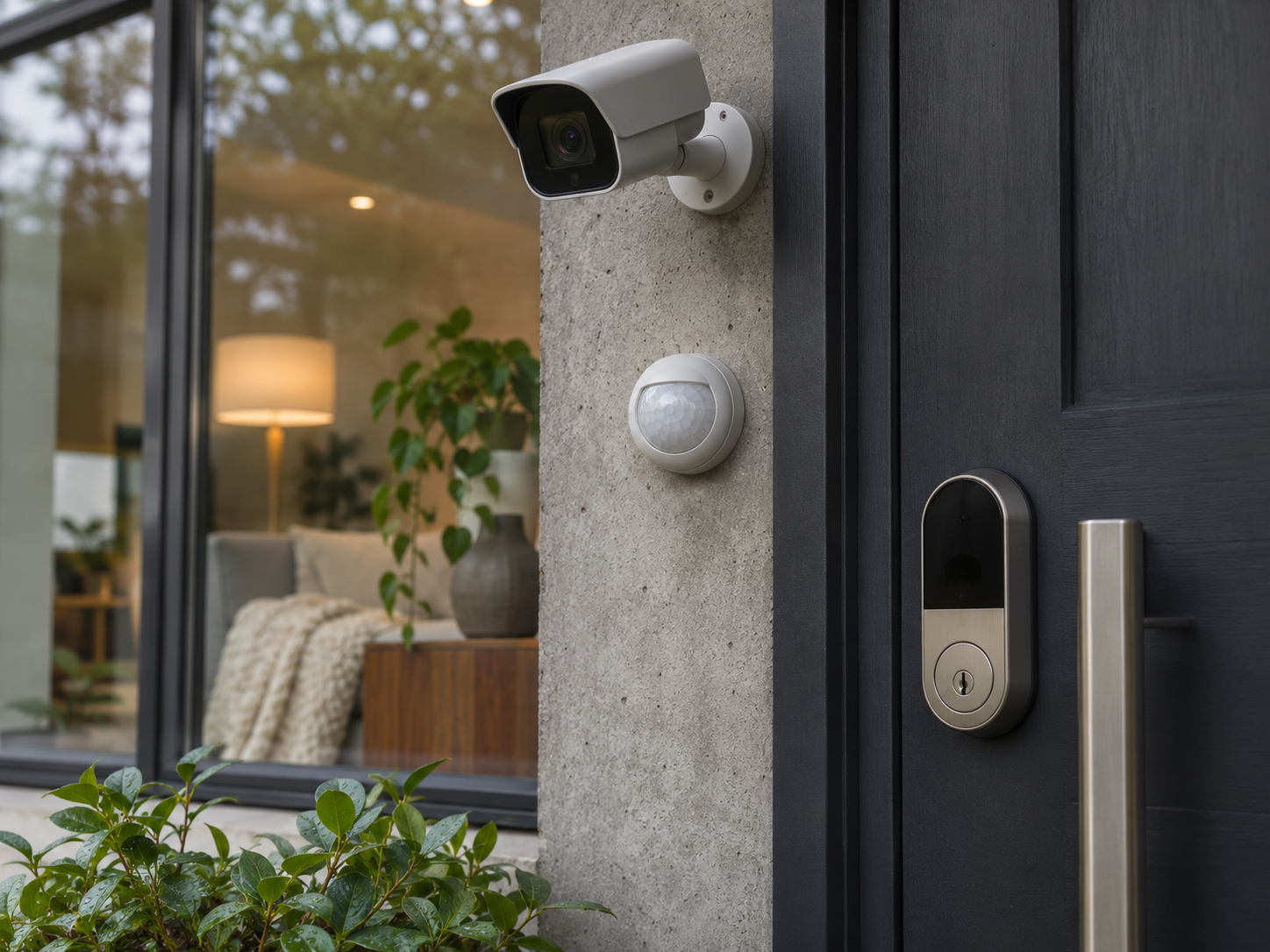
In a typical lighting automation, the sensor reports movement or presence to a smart bulb, switch, hub, or building-control system. The system applies rules such as: if the room is occupied and ambient light is low, turn on the ceiling light. If no presence is detected for a set period, dim or switch it off.
Many systems let you adjust the timeout, brightness, and time of day. A hallway might use a short timeout and a low night-time level, while a home office might keep task lighting available during working hours. Dimming can be more comfortable than an abrupt on-off response, provided the bulbs and controls support compatible dimming.
Some sensors include a light-level measurement, sometimes called an illuminance or lux reading. That allows a control to avoid switching on a lamp when daylight is already sufficient. Readings can be affected by sensor direction, nearby windows, and light reflected from walls, so a lux threshold may need adjustment after installation.
Networked systems can coordinate more than one fitting or room. The Bluetooth SIG’s article, “Creating Healthier Spaces with Bluetooth Networked Lighting Control”, discusses networked lighting controls and their role in managing lighting across spaces. For a home, the useful principle is that a sensor’s value can extend beyond the one lamp directly above it: a compatible controller may use presence information to operate a group of lights or a scene.
Lighting can also support atmosphere and decor. Rather than treating presence as a command to switch every lamp to full brightness, use room-specific scenes: softer light in a lounge, focused light at a desk, or a gentle route light at night. The installation should still offer a convenient manual control. That matters when a sensor misses a quiet occupant or when someone wants a different setting.
How occupancy sensors can affect heating
Heating automation usually works by combining occupancy information with a thermostat or heating controller. A simple rule might lower a room’s target temperature after it has been empty for a chosen period, then restore the normal target when presence returns. More advanced systems can consider schedules, outdoor conditions, temperature readings, and whether the home is in an away mode.
Heating is slower than lighting. A lamp can respond almost instantly, but a radiator, underfloor system, or heat pump may take much longer to change room temperature. If the system waits until someone arrives before beginning to warm a cold room, the room may not become comfortable promptly. A schedule, preheating rule, or occupancy prediction based on a regular routine may be more suitable than a simple motion-triggered command.
It is also important not to confuse a motion sensor with a temperature sensor. The occupancy sensor tells the automation whether it has detected presence; a thermostat or separate temperature sensor measures temperature. Where a smart system uses a room sensor, check which sensor actually governs the heating call. A thermostat in a warm hallway may not represent a cooler bedroom accurately.
For heating, sensible rules are usually modest. A system can reduce the setpoint in an unused room rather than turn heat completely off, particularly where freezing conditions, damp, vulnerable occupants, or the heating system’s instructions are relevant. The appropriate settings depend on the home, climate, construction, and equipment. Follow the boiler, heat-pump, and thermostat manufacturers’ guidance.
Sensor types and what they detect
Passive infrared (PIR)
PIR sensors detect changes in infrared energy, commonly caused when a warm body moves across the sensor’s field of view. They are widely used for lighting controls and can work well in rooms where people move through the detection area. They may be less reliable when a person sits very still, is behind an obstruction, or moves mainly toward the sensor rather than across its field of view.
Ultrasonic
Ultrasonic sensors emit sound waves above the range of human hearing and detect changes in their return. Depending on the design and room, they can detect smaller movements than a basic PIR sensor. Air movement, furnishings, room shape, and other sources of interference can affect performance.
Radar and mmWave
Radar-based sensors, including some marketed as mmWave presence sensors, can detect small movements and may help address the “sitting still” problem. Their performance depends on the device, placement, settings, and room. A high-sensitivity sensor can also detect movement through some lightweight materials or in an adjacent area, creating unwanted triggers. Check the product’s documented detection range and privacy design rather than assuming all radar sensors behave alike.
Combined sensing
Some products combine technologies or use presence data alongside door, temperature, or light sensors. Combining signals can make a control more useful, but it adds setup and compatibility considerations. Confirm that the sensor, hub, lights, and thermostat can communicate using a protocol and platform your home supports.
Practical steps for planning a setup
- Choose the room and the goal. Decide whether you want automatic lighting, a heating setback, or both. A rarely used storage room is different from a bedroom where someone may read quietly.
- Observe how the room is used. Note entrances, common seating positions, desks, daylight, pets, and places where a person may remain still. This helps reveal likely blind spots and false triggers.
- Match sensor type to the activity. A PIR sensor may be adequate for a passageway. A quiet study or bedroom may need a presence sensor designed for small movements, alongside a manual control.
- Check compatibility before buying. Confirm the sensor works with the intended bulbs, switches, hub, and thermostat. Check whether automations continue to work if the internet connection is unavailable, and whether the system needs a particular bridge or subscription.
- Place the sensor thoughtfully. Follow the manufacturer’s mounting height, orientation, and coverage instructions. Keep the field of view clear where possible, and avoid aiming it through a doorway at a busy corridor or toward a moving curtain.
- Set lighting rules separately from heating rules. Lighting can usually react quickly. Heating may need a longer vacancy delay and a conservative setback so brief trips out of a room do not cause repeated temperature changes.
- Test real routines. Try entering, leaving, sitting still, working at a desk, and moving through adjacent spaces. Adjust timeouts and sensitivity if the lights switch off too soon or turn on without need.
- Keep manual controls accessible. A wall switch, app control, or clearly understood override can help when a sensor misreads a situation, a guest is unfamiliar with the system, or a device is offline.
Room-by-room examples
Hallways and entrances
Motion-triggered lighting can be useful where people pass through briefly. Consider a lower night-time brightness and a short timeout, and check that the sensor does not repeatedly trigger from movement outside the intended area. A door sensor can provide useful context, but it does not prove that the room is occupied.
Home office and minimalist desk setups
A desk occupant may move very little while reading or taking a call. Set a longer lighting timeout or use a presence sensor suited to small movements. Keep a task lamp under manual control so the person can set comfortable light without making the whole room brighter. If heating is automated, use a room temperature reading appropriate to the workspace rather than assuming presence alone means the room is warm enough.
Bedrooms
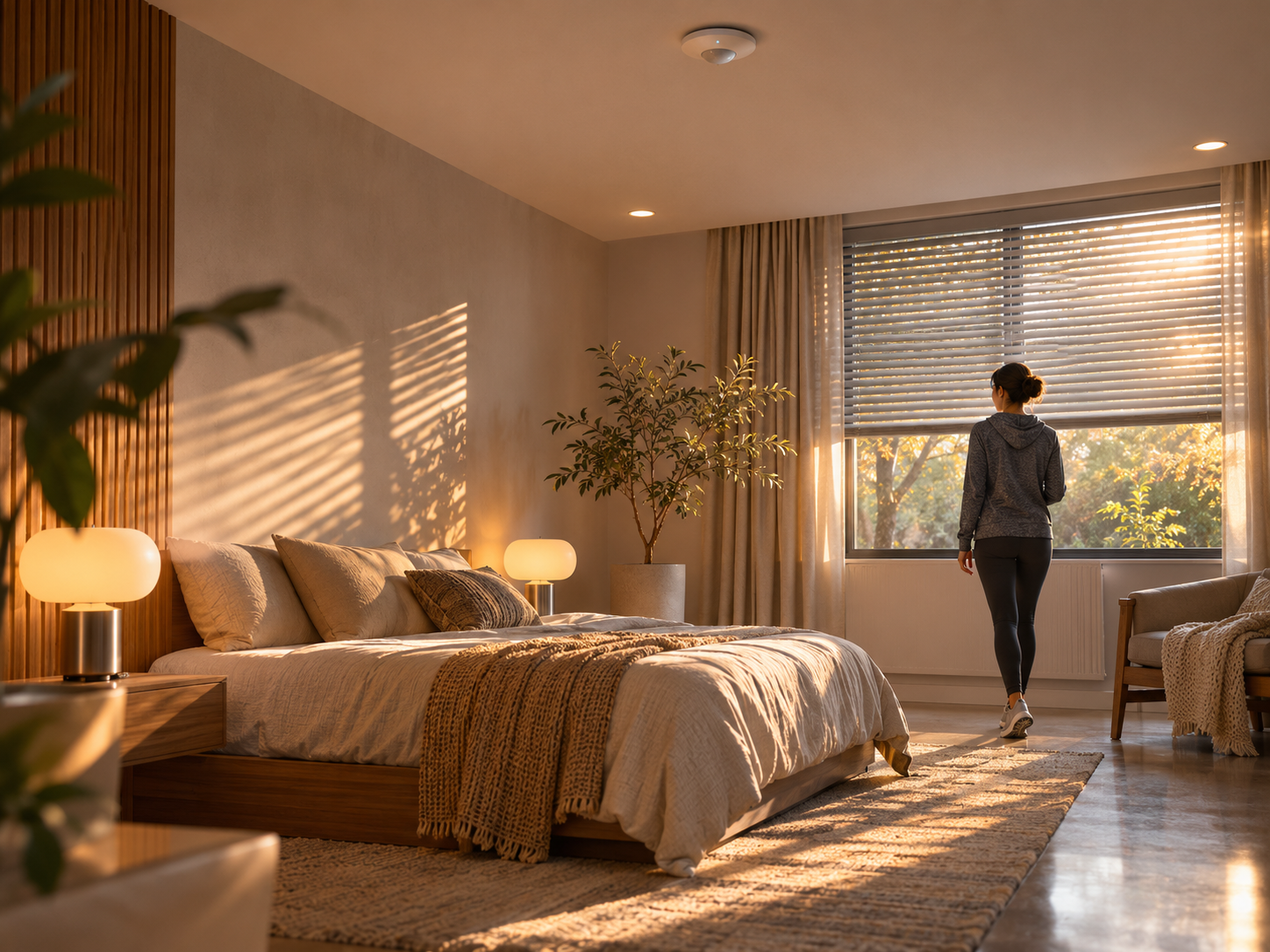
Automatic low-level lighting can help with nighttime movement, but bright overhead lights may be unwelcome. A bedroom’s heating schedule should account for sleep preferences and the time needed to warm the room. Avoid a rule that turns lights on at full brightness whenever a sleeping person moves, and provide a straightforward way to disable or override automation.
Kitchens and living areas
In kitchens, occupants may stand relatively still while preparing food, so test for missed presence. Reflective surfaces, appliances, and open-plan layouts can also complicate detection. In a living area, a multi-zone lighting scene can be more pleasant than switching every light on at once. Signify’s Hospitality & Workspace Design Show article is a useful reference for thinking about how lighting design responds to the purpose of a space; the same design-minded approach can help when planning residential scenes.
Benefits, trade-offs, and limitations
Potential benefits
- Convenience: Lights can respond without someone searching for a switch, especially in corridors or rooms where hands are occupied.
- More tailored lighting: Presence, daylight, and time-of-day rules can support different moods and tasks.
- Less avoidable operation: Automatically switching lights off in an empty room may reduce unnecessary use. Heating setbacks may also help avoid heating an unused space, depending on the home and the control strategy.
- Useful integration: A compatible smart home can combine presence with lighting scenes, security modes, and thermostat schedules. For example, a departure routine might check more than one signal before changing settings.
Trade-offs and limitations
- Missed presence: A quiet occupant, an obstructed sensor, or poor placement can cause lights to switch off unexpectedly or a room to be treated as empty.
- False triggers: Pets, motion in another room, or sensor interference may switch lights on or delay a heating setback.
- Comfort is personal: A useful temperature or brightness for one person may not suit another. Household members should be able to adjust or override settings.
- Heating response is slow: A presence signal cannot make a slow heating system warm a room instantly. Aggressive on-off rules can be uncomfortable and may not suit the equipment.
- Compatibility and upkeep: Hubs, wireless networks, batteries, firmware, and device support can affect reliability. A system can be more complex to troubleshoot than a conventional switch and thermostat.
- Privacy and security: Sensor data may reveal when rooms are used. Some sensors process data locally, while others send information through a hub or cloud service. Read the privacy policy, secure accounts, install updates, and restrict access to household members who need it.
Presence-related lighting can also interact with smart home security systems. A light triggered by movement is not, by itself, proof of an intruder: it may respond to a resident, pet, or passing movement. Do not treat a lighting sensor as a substitute for a properly configured alarm, door and window contacts, or other security measures.
Spatial lighting is an emerging design direction, too. Stuff’s coverage of Philips Hue SpatialAware describes an approach that considers the physical positions of lights when creating effects. That is distinct from occupancy sensing, but it illustrates why room layout and fixture placement matter to smart-lighting behavior.
Q&A
Can one sensor control both lights and heating?
Sometimes. The sensor and control platform must support the needed integrations, and the automation should use different timing and conditions for lighting and heating. A lighting rule that reacts quickly may be unsuitable for a heating system.
Will an occupancy sensor always save energy?
No. It may reduce avoidable lighting or heating, but the outcome depends on existing habits, device behavior, the building, and the settings. False triggers, unnecessarily long run times, or poorly chosen heating rules can reduce or remove any benefit. Measure your own usage if energy savings are important.
Can a sensor tell whether someone is asleep?
Ordinary occupancy detection generally cannot reliably identify sleep or a person’s intentions. Some systems may infer patterns from multiple signals, but those inferences are not the same as a confirmed state. Use explicit schedules or manual controls for sensitive bedroom routines.
What should I do if the lights turn off while I am in the room?
Check sensor placement and sensitivity, increase the vacancy timeout, and verify that the product’s detection mode suits still activities. Add or retain a manual switch. If the problem continues, a different sensor type or a second sensor may be appropriate.
Bottom line
Occupancy sensors control lighting and heating by giving a smart system information about likely presence; the system then applies rules to lights, thermostats, or other connected devices. They can make a home more convenient and help tailor rooms to how they are used, but they are not infallible and do not guarantee lower bills. Start with one room, choose a sensor suited to its activity, keep controls adjustable, and test the automations with everyday routines.
Disclaimer: This is general information, not electrical, heating, security, or energy-saving advice for a specific property. Follow product instructions and local regulations, and consult a qualified professional for electrical work or questions about heating-system safety.