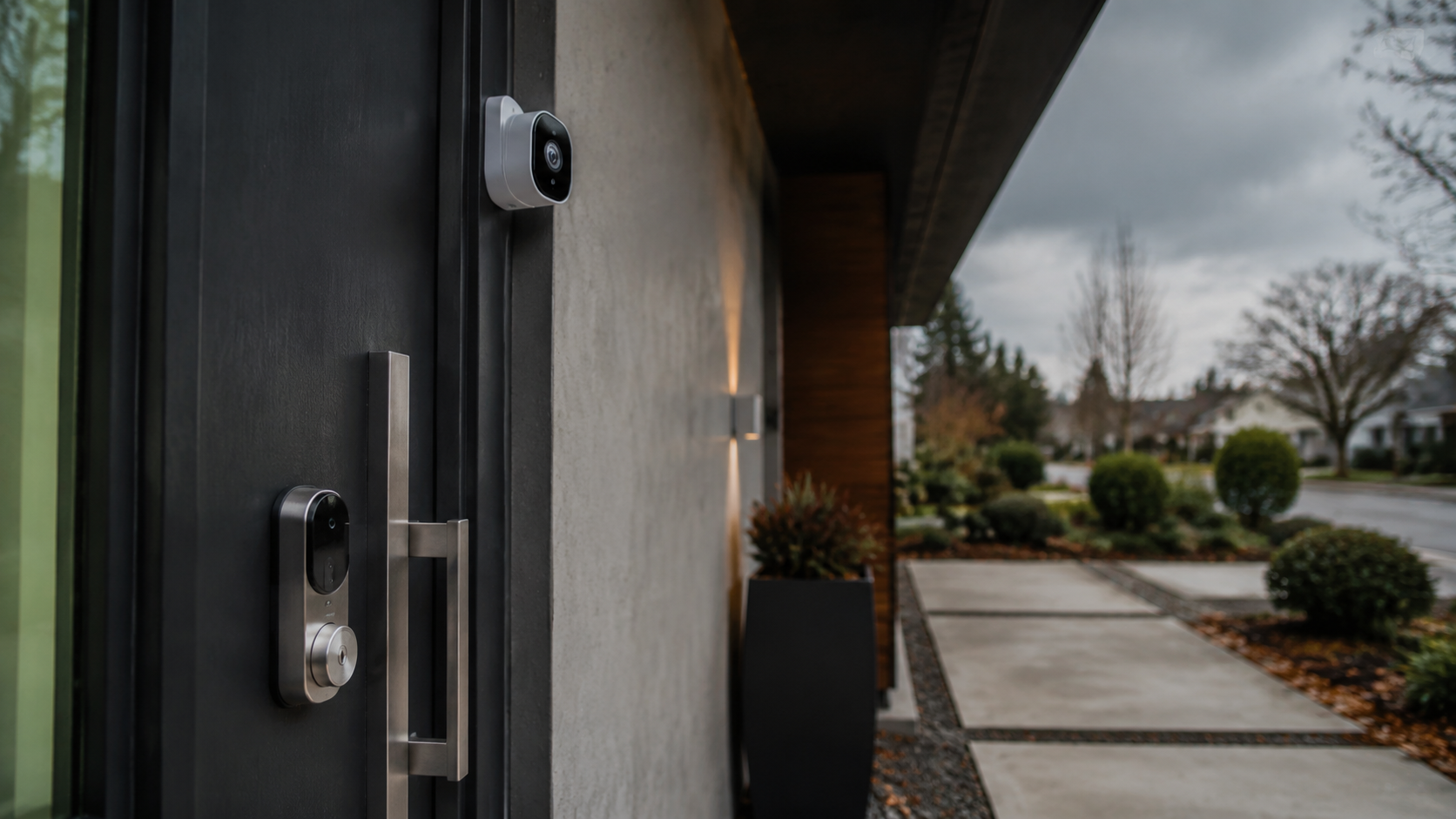
If you ask ten smart home owners what stayed installed after the first year, the answer is rarely the flashiest gadget. The device that becomes useful long-term is usually quiet, boring, and tied to a daily habit: lights that turn on at the right time, a lock that removes key anxiety, or a thermostat that trims waste without making the house uncomfortable.
So, whats one smart home device you actually found useful long-term? For most homes, my answer is a smart thermostat, with smart plugs and smart lighting close behind. The best long-term device is not the one with the most app screens. It is the one that saves attention every day.
Quick Answer: The Smart Thermostat Wins for Most Homes
Definition: A smart thermostat is a Wi-Fi connected heating and cooling controller that learns schedules, supports app control, and can reduce HVAC runtime through occupancy sensing, geofencing, and temperature automation. It usually replaces a traditional wall thermostat.
The reason it wins is simple. Heating and cooling are among the largest energy uses in a typical home, and the thermostat touches that cost every day. ENERGY STAR says certified smart thermostats save users about 8% on heating and cooling bills, equal to roughly $50 per year for many U.S. households.
“A long-term smart home device earns its outlet by cutting either cost, friction, or worry at least once a day.”
That is why the Google Nest Learning Thermostat, Ecobee Smart Thermostat Premium, and Amazon Smart Thermostat keep showing up in real homes after the novelty phase ends. They do not need to impress guests. They need to keep the home comfortable every day.
Long-Term Usefulness Comparison
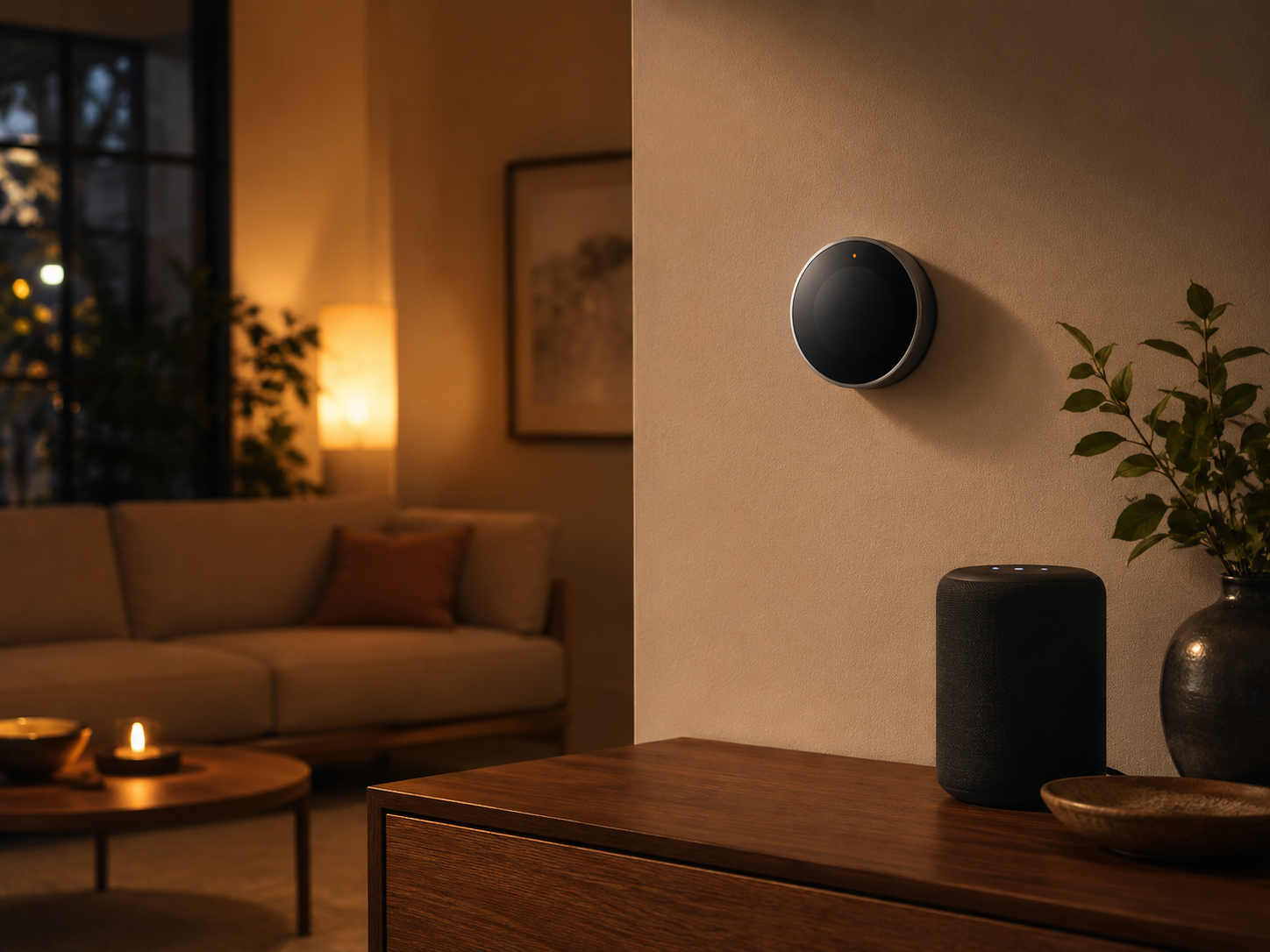
The table below compares the smart devices that tend to survive beyond the first year. Prices are typical U.S. retail prices in 2026 and can shift during sales at Amazon, Best Buy, Home Depot, Lowe’s, Apple, and brand stores.
| Device type | Good 2026 picks | Typical price | Why it stays useful | Main drawback |
|---|---|---|---|---|
| Smart thermostat | Ecobee Smart Thermostat Premium, Google Nest Learning Thermostat, Amazon Smart Thermostat | $80 to $250 | Daily comfort, energy savings, remote control | HVAC compatibility can be confusing |
| Smart plug | TP-Link Kasa Matter Smart Plug, Eve Energy, Meross Matter Smart Plug | $12 to $40 each | Makes lamps, fans, and chargers automatic | Only controls plug-in devices |
| Smart bulbs | Philips Hue White Ambiance, Nanoleaf Essentials Matter, WiZ 60W A19 | $10 to $55 each | Better routines, dimming, sleep cues | Wall switches can break the experience |
| Smart lock | Schlage Encode Plus, Yale Assure Lock 2, Aqara U100 | $160 to $330 | No-key entry, guest codes, entry logs | Battery changes and door fit matter |
| Water leak sensor | Moen Flo Smart Water Detector, Aqara Water Leak Sensor, GoveeLife Wi-Fi Water Sensor | $20 to $80 | Can prevent costly water damage | Easy to forget unless placed well |
Why Smart Thermostats Age Better Than Novelty Gadgets
The first test of a smart home product is whether it still works when nobody feels like opening an app. A thermostat passes that test because the wall control remains useful. Guests can still adjust it, and the app is an extra control layer rather than the only control layer.
The second test is whether the device affects a real household budget. A $249 Ecobee Smart Thermostat Premium is not cheap, but it monitors occupancy, supports room sensors, and can be bought from Ecobee, Amazon, Best Buy, and major home improvement stores. A Google Nest Learning Thermostat, usually around $249, brings a strong physical dial and schedule learning that suits homes with steady patterns.
For renters or budget-first homes, the Amazon Smart Thermostat often sells around $79.99 and works well with Alexa. It lacks some premium touches, but the core value is strong: remote changes, schedules, and away mode without a luxury price.
The Data Case
According to the U.S. Energy Information Administration, space heating and air conditioning remain major shares of residential energy use. When a device controls that system, even small percentage changes matter. A 5% to 10% runtime reduction can be more valuable than a drawer full of sensors that only send notifications.
“The smartest device in a home is often the one attached to the most expensive system.”
This is why the question whats one smart home device you actually found useful long-term keeps pointing back to climate control. It works in the background, it has a clear job, and it can pay back part of its cost over time.
The Runner-Up: Smart Plugs for Lamps, Fans, and Real Life
If you do not own your home, or if your HVAC system is not compatible with a smart thermostat, the humble smart plug may be the better answer. A TP-Link Kasa Matter Smart Plug often costs about $15 to $20. Eve Energy costs more, usually around $40, but adds Thread and energy monitoring in Apple Home setups.
Smart plugs are excellent because they fix small daily annoyances. A living room lamp can turn on at sunset. A fan can shut off after two hours. A holiday tree can follow a schedule without a mechanical timer that clicks in the corner.
Smart plugs let you keep warm lamps, paper lanterns, vintage task lights, and sculptural fixtures instead of replacing everything with plastic smart bulbs. In a well-designed room, that is a better compromise.
Best Places to Use a Smart Plug
- Entry lamp: Turns on before you arrive home, making the space feel occupied and welcoming.
- Bedroom fan: Runs during the first sleep cycle, then shuts down to reduce noise and energy use.
- Coffee corner: Powers a basic drip machine on a weekday morning schedule, if the machine has a physical switch.
- Media cabinet: Cuts standby draw from older consoles or amplifiers when not in use.
Smart Lighting Is Useful When It Respects the Room
Smart lighting can be either brilliant or irritating. The difference is design. A bedroom with two Philips Hue White Ambiance bulbs, warm scenes, and a sunrise routine feels considered. A kitchen full of random color bulbs that reset after a switch flip feels messy.
For long-term use, I prefer smart lighting where dimming and color temperature support a room’s purpose. Philips Hue remains the premium pick, with starter kits often around $100 to $200 depending on bulbs and bridge. Nanoleaf Essentials Matter bulbs usually cost about $20 each and suit homes built around Matter, Thread, Apple Home, Google Home, or SmartThings.
WiZ bulbs are the budget-friendly option, often around $10 to $15 each, and work well for lamps where perfect color accuracy is not the point. In living rooms and bedrooms, choose tunable white before RGB color. Warm dimming gets used every night. Party colors get used twice.
When the Best Long-Term Device Is a Smart Lock
For apartments, side doors, and family homes with dog walkers or cleaners, a smart lock can beat a thermostat in daily usefulness. The Schlage Encode Plus, usually around $299 to $329, is a favorite for Apple Home Key support, keypad entry, and a solid hardware feel. Yale Assure Lock 2 models often range from $160 to $290, depending on module and finish.
A smart lock earns its place when it removes a recurring worry: did I lock the door, did the guest get in, did the spare key end up under the planter again? It also helps with design because keypads are now slimmer and finishes are better than early smart locks. Matte black, satin nickel, and brass options can work with modern doors rather than looking like tech bolted onto a home.
If the deadbolt rubs, no app will save the experience. Before buying, check alignment, door thickness, backset, and whether you want a full replacement or a retrofit lock like August Wi-Fi Smart Lock.
The Most Underrated Pick: Water Leak Sensors
A water leak sensor is a small device placed near a washer, water heater, sink, toilet, or dishwasher to detect moisture and send an alert before a leak spreads. It is not glamorous, but it may be the highest-value smart sensor in a home.
A $20 to $80 sensor near the washing machine is not décor, but it is good home care. Moen Flo Smart Water Detector, Aqara Water Leak Sensor, and GoveeLife Wi-Fi Water Sensor are widely available and easy to place.
If you already have a smart home hub, Aqara’s sensor is compact and inexpensive. If you want direct Wi-Fi alerts without a hub, GoveeLife is simple. For larger homes, Moen’s ecosystem pairs well with shutoff products, but costs more.
How to Choose the Device You Will Still Use in Three Years
Start with a room, not an app. Ask what repeats every day: changing temperature, turning on lamps, locking the door, checking for leaks, or managing a fan. The best device is tied to that repeat behavior.
Then check whether the product keeps manual control. A smart thermostat should still work on the wall. A smart lock should still accept a key or code. A lamp should still make sense if the internet is down. Long-term smart homes need graceful failure.
Finally, choose products that support your current platform. Matter has made cross-platform support better, yet not every Matter device supports every feature in every app. Read the fine print for Thread, Wi-Fi, HomeKit, Alexa, Google Home, and SmartThings before you order.
Q&A: Long-Term Smart Home Use
Whats one smart home device you actually found useful long-term?
For most people, the smart thermostat is the best long-term pick because it affects comfort and energy use every day. The Ecobee Smart Thermostat Premium, Google Nest Learning Thermostat, and Amazon Smart Thermostat are the strongest options at different price levels.
What smart home device should renters buy first?
Renters should usually start with smart plugs or smart bulbs. They are low-cost, removable, and do not require wiring changes. A Kasa Matter Smart Plug or Nanoleaf Essentials bulb can make a room feel smarter in ten minutes.
Are smart home devices still worth it if I do not use voice assistants?
Yes. The best routines do not need voice commands. Schedules, sensors, geofencing, and physical controls are often more useful than speaking to a speaker across the room.
Which smart device is best for saving money?
A smart thermostat has the clearest savings case because it controls heating and cooling. Smart plugs with energy monitoring can also help find waste, but they usually save less unless they control high-use devices.
Final Verdict
If I had to recommend one smart home device with the best chance of being useful years from now, I would choose a smart thermostat for homeowners and a smart plug for renters. Both solve ordinary problems, not fantasy problems.
The lasting lesson is restrained: buy the device that improves a routine you already have. Whats one smart home device you actually found useful long-term? The one you stop thinking about because it quietly does its job.