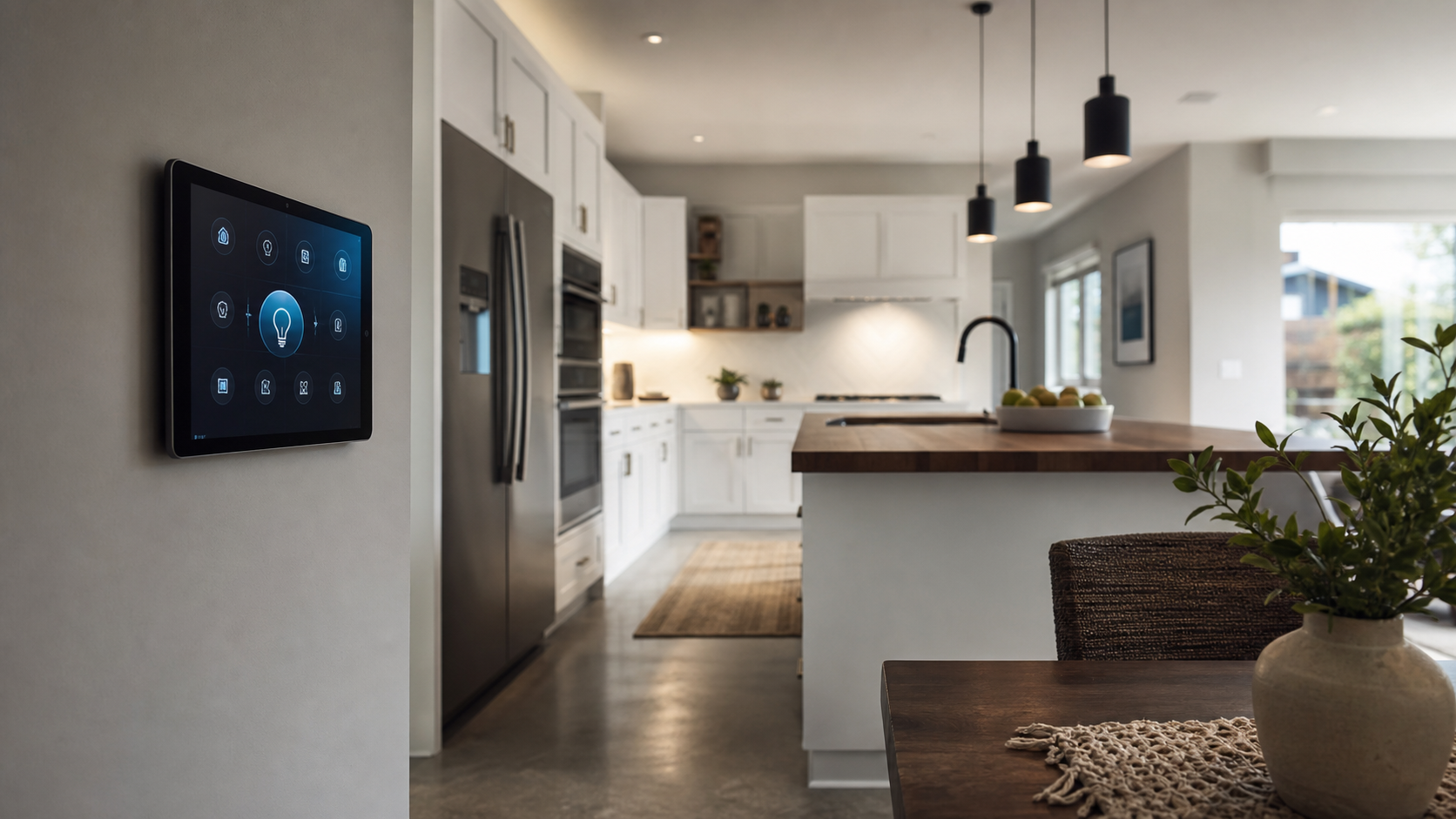
Smart lighting is no longer just a colored bulb in a floor lamp. Used well, it becomes part interior styling tool, part energy manager, and part quiet household helper. The trick is knowing where the light should work hard, where it should disappear, and which products are worth the extra money.
This guide explains how to use smart lighting in a real home, from a rented bedroom to an open-plan living room. The focus is practical: product names, prices, buying sources, room settings, comparison notes, and design rules that make connected lights look intentional rather than flashy.
Definition: What Is Smart Lighting?
Smart lighting means bulbs, strips, lamps, switches, or fixtures that can be controlled by an app, voice assistant, sensor, schedule, or automation system. A smart light can dim, change color temperature, switch scenes, react to motion, or run on a timer without needing a wall switch every time.
There are two main paths. You can replace bulbs with connected bulbs, such as Philips Hue White and Color Ambiance, Govee Smart A19, or Nanoleaf Essentials. Or you can keep normal bulbs and install smart switches or dimmers, such as Lutron Caseta Diva, Leviton Decora Smart, or TP-Link Kasa switches. Bulbs are easier for renters. Switches feel cleaner in owned homes because everyone can still use the wall controls.
The Design Rule: Layer Before You Automate
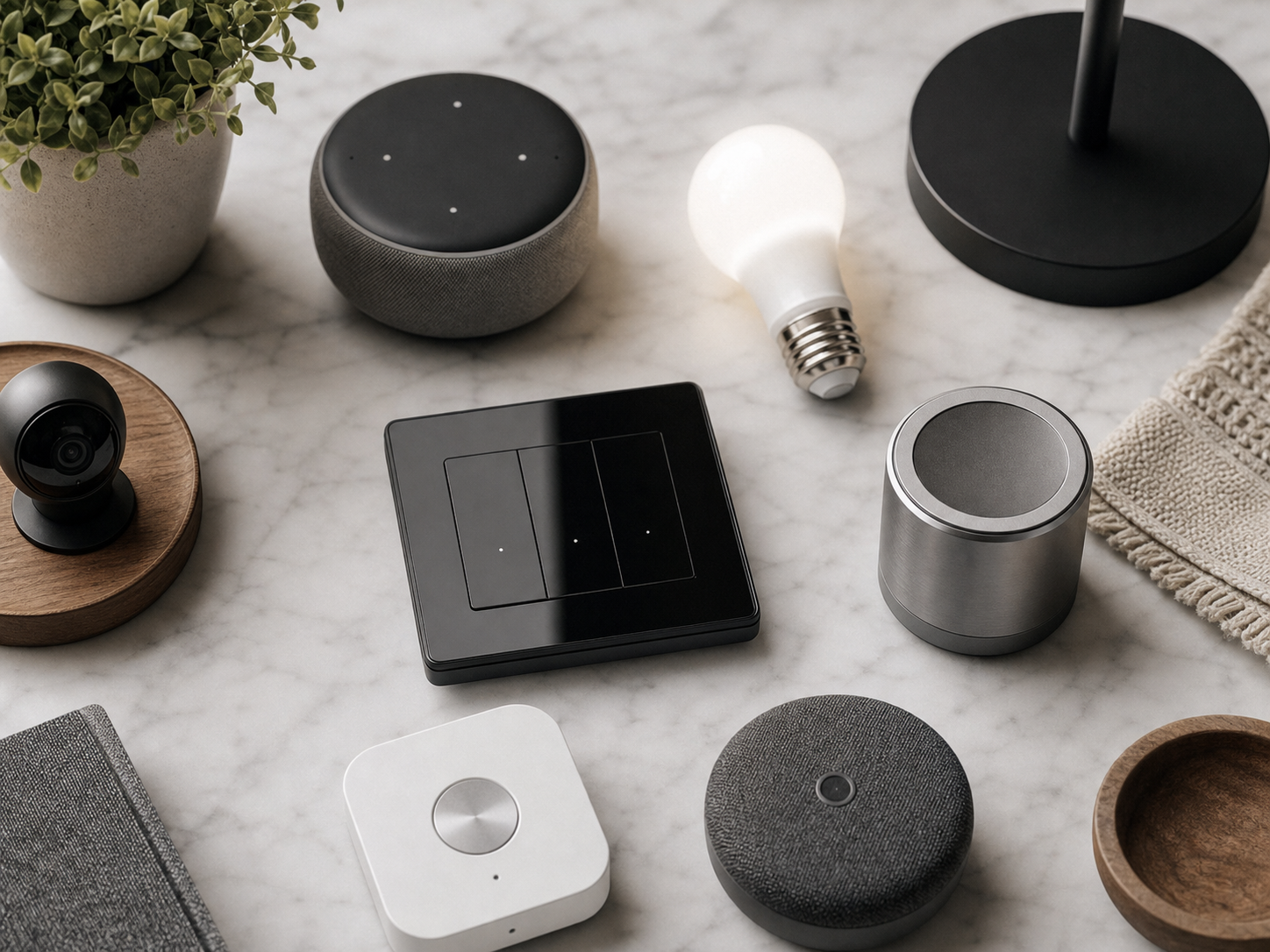
Interior designers think in layers: ambient light for general brightness, task light for work, and accent light for mood or objects. Smart lighting works best when it respects those layers. A single ceiling bulb that turns blue at night is not a design plan. A warm floor lamp, dimmed picture light, under-cabinet strip, and quiet pathway sensor can change the room without announcing itself.
“The best smart lighting is noticed as atmosphere, not as technology.”
Start with warm white, dimmable light before buying color. In living spaces, 2200K to 2700K feels soft in the evening. In kitchens and home offices, 3000K to 4000K keeps surfaces clear and eyes alert. Full color is useful behind media units, for party scenes, kids rooms, and seasonal settings, but it should not carry the whole plan.
Quick Product Comparison
| Product | Best For | Typical Price | Where to Buy | Notes |
|---|---|---|---|---|
| Philips Hue White and Color Ambiance A19 | Premium whole-home setups | $50 to $55 per bulb, starter kits from $180 | Amazon, Best Buy, Philips Hue | Strong app, wide accessory range, best with Hue Bridge |
| Govee Smart LED Strip Lights M1 | Media walls and shelves | $80 to $100 for 16.4 ft | Amazon, Govee | Very bright, rich color, good value for accent lighting |
| Nanoleaf Essentials Matter A19 | Matter-based smart homes | $20 to $25 per bulb | Amazon, Apple Store, Nanoleaf | Good for Apple Home, Google Home, and Matter hubs |
| Lutron Caseta Diva Smart Dimmer Kit | Reliable wall dimming | $70 to $120 depending on kit | Home Depot, Lowe’s, Amazon | Excellent reliability, ideal for ceiling circuits |
| TP-Link Kasa Smart Wi-Fi Plug Mini | Table lamps and renters | $12 to $18 each | Amazon, Walmart, Target | Cheap way to automate existing lamps |
Living Room: Build Scenes, Not Tricks
The living room is where smart lighting can feel most luxurious if it stays restrained. Use a Lutron Caseta dimmer or Hue bulbs for the main ceiling lights, a smart plug for a shaded table lamp, and a Govee M1 or Philips Hue Gradient Lightstrip behind the TV console. The aim is not a rainbow wall. The aim is a room that shifts from cleaning brightness to movie warmth in one command.
Create three scenes. Day can use 80 percent brightness at 3000K. Evening can dim lamps to 35 percent at 2400K. Movie can drop overhead lighting to 5 percent, keep one side lamp at 15 percent, and set the TV backlight to a soft amber or dim neutral white. If you use Apple Home, Google Home, Alexa, or Home Assistant, name scenes with plain language: Living Room Evening, Living Room Reading, Living Room Movie.
Bedroom: Protect Sleep First
Bedrooms are where smart lighting should be calmer than the marketing suggests. A pair of warm bedside lamps on TP-Link Kasa plugs costs about $25 to $35 total if you already own lamps. For a cleaner look, Philips Hue White Ambiance bulbs cost about $30 to $35 each and let you tune from crisp morning white to a candle-like glow at night.
Use schedules gently. A wake scene can brighten from 1 percent to 60 percent over 20 minutes, which feels better than a phone alarm in a dark room. At night, set a wind-down scene that moves lamps to 2200K and 20 percent brightness. Avoid saturated blue and purple near bedtime. They photograph well, but they are rarely restful.
Good bedroom buys include the Philips Hue Go portable lamp at about $90 for a soft bedside glow, the Hatch Restore 2 at about $200 for sleep routines with light and sound, and the Nanoleaf Matter bulb at about $25 for a lower-cost smart bulb that plays well with newer hubs.
Kitchen: Use Light as a Work Surface Tool
In kitchens, smart lighting should help you see knives, counters, and food color accurately. Under-cabinet strips are the best upgrade. Govee M1, Philips Hue Lightstrip Plus, and GE Cync light strips all work, but install quality matters more than brand. Place strips toward the front edge of upper cabinets so light washes the counter instead of the backsplash only.
Use a bright Prep scene around 3500K to 4000K and a softer Dinner scene around 2700K. If you have open shelving, small smart puck lights or a warm strip can turn dishes and glassware into a design feature. For voice control, use simple phrases such as “turn on kitchen prep” rather than long custom commands.
Home Office: Treat Glare as the Enemy
A smart home office is not just brighter. It is better balanced. The best monitor light bars, such as BenQ ScreenBar Halo at about $179 or Xiaomi Mi Computer Monitor Light Bar at about $50 to $70, are not always app-controlled, but they solve the real problem: screen glare and desk shadows. Pair one with a smart bulb in a floor lamp or a Lutron dimmer on the ceiling circuit.
Set Work mode to 3500K or 4000K during focus hours. After sunset, switch to 2700K and lower brightness so the room stops feeling like a conference booth. If you take video calls, place a soft lamp in front of you and dim overhead lights. Smart lighting should help your face look natural without making the room feel staged.
Entry, Hallway, and Bathroom: Sensors Beat Voice
Some lighting should not require a command. Motion sensors are ideal in hallways, closets, laundry rooms, and bathrooms. Philips Hue Motion Sensor, Aqara Motion Sensor P1, and Eve Motion are common picks, usually ranging from $25 to $50. Set hallway lights to 10 percent at night and 70 percent during the day. In a bathroom, use warm low light for midnight visits and brighter white for morning routines.
If you already have a smart speaker, voice control is handy. But sensors are often more polished because they respond before you ask. This is especially true when hands are full, guests are visiting, or children are half asleep.
Bulbs, Switches, or Plugs: Which Should You Buy?
| Option | Choose It When | Pros | Tradeoffs |
|---|---|---|---|
| Smart bulbs | You rent, want color, or have lamps | Easy install, color options, no wiring | Wall switch can cut power and break control |
| Smart switches | You own the home or want normal wall controls | Natural for guests, reliable for ceiling lights | Needs wiring and neutral wire checks |
| Smart plugs | You want cheap lamp automation | Low cost, simple setup, great for renters | No color tuning unless lamp bulb also changes |
| Smart strips | You want shelves, cabinets, or TV accent light | High design effect per dollar | Can look messy if cables are visible |
Buying Advice: Spend Where Reliability Matters
Spend more on the lights you use daily. A Lutron Caseta kit is not cheap, but it is the product many designers and electricians prefer for dependable wall dimming. Philips Hue costs more than budget bulbs, but the accessory range, bridge stability, and scene control justify it in main living areas. Save money on secondary rooms, seasonal decor, and accent strips where Govee, Kasa, Cync, and Nanoleaf can give strong results for less.
Check compatibility before buying. Apple Home users should look for Matter or HomeKit support. Alexa households can use almost anything, but Wi-Fi clutter becomes real if you buy dozens of budget bulbs. Home Assistant users may prefer Zigbee or Matter over basic cloud Wi-Fi products. For renters, smart plugs and bulbs are the easiest path because they move with you.
A Simple Setup Plan Under $250
For a starter home or apartment, buy two Nanoleaf Essentials Matter bulbs for the bedroom, about $50 total; two TP-Link Kasa smart plugs for living room lamps, about $30; one Govee M1 strip for shelves or a media unit, about $90; and one motion sensor for a hallway, about $30 to $50. That puts the core plan near $200 to $220 before tax, with light in the four places that change daily life most.
Set only five automations at first: wake lights, evening living room scene, movie scene, night hallway sensor, and away mode for lamps. More rules can come later. A smaller system that works every day is better than a complex setup the household starts ignoring.
Q&A
Do smart lights use electricity when off?
Yes, but usually very little. Most smart bulbs and plugs use standby power so they can hear network commands. Expect roughly 0.2 to 0.5 watts per device, depending on model.
Can smart lighting increase home value?
It can improve buyer perception, especially with built-in dimmers, under-cabinet lighting, and clean exterior lighting. Portable bulbs alone are better thought of as lifestyle upgrades than resale upgrades.
Is Philips Hue still worth it?
For main rooms, yes, especially if you want reliable scenes, sensors, switches, and a strong app. For one or two lamps, cheaper Matter bulbs or Kasa plugs may be enough.
What color temperature is best for a living room?
Use 2700K for most living rooms, then dim lower in the evening. If the space has lots of daylight or doubles as a work area, 3000K can feel cleaner without looking cold.
Final Take
Learning how to use smart lighting is less about buying every connected bulb and more about assigning light a job. Use warm lamps for comfort, brighter task light for work, strips for architectural accents, and sensors where asking would feel silly. The smartest room is not the one with the most colors. It is the one that changes at the right moment and still looks good when the app is closed.