Choosing between smart blinds and regular blinds is less about finding a universally better window treatment and more about deciding how much control, convenience, and automation your home needs. Both options can support privacy, manage daylight, reduce glare, and complement home decor. Smart blinds add motors, controls, and sometimes sensors or smart-home connections. Regular blinds depend on manual cords, wands, chains, or cordless lift mechanisms.
For households focused on smart home comfort, the key question is whether automated window coverage solves a real daily problem. A bedroom that overheats in afternoon sun, a living room with persistent screen glare, an inaccessible high window, or a privacy routine that is frequently forgotten may justify smart blinds. In a rarely used guest room, well-chosen regular blinds may offer nearly the same visual and light-control benefits with less complexity.
What Are Smart Blinds?
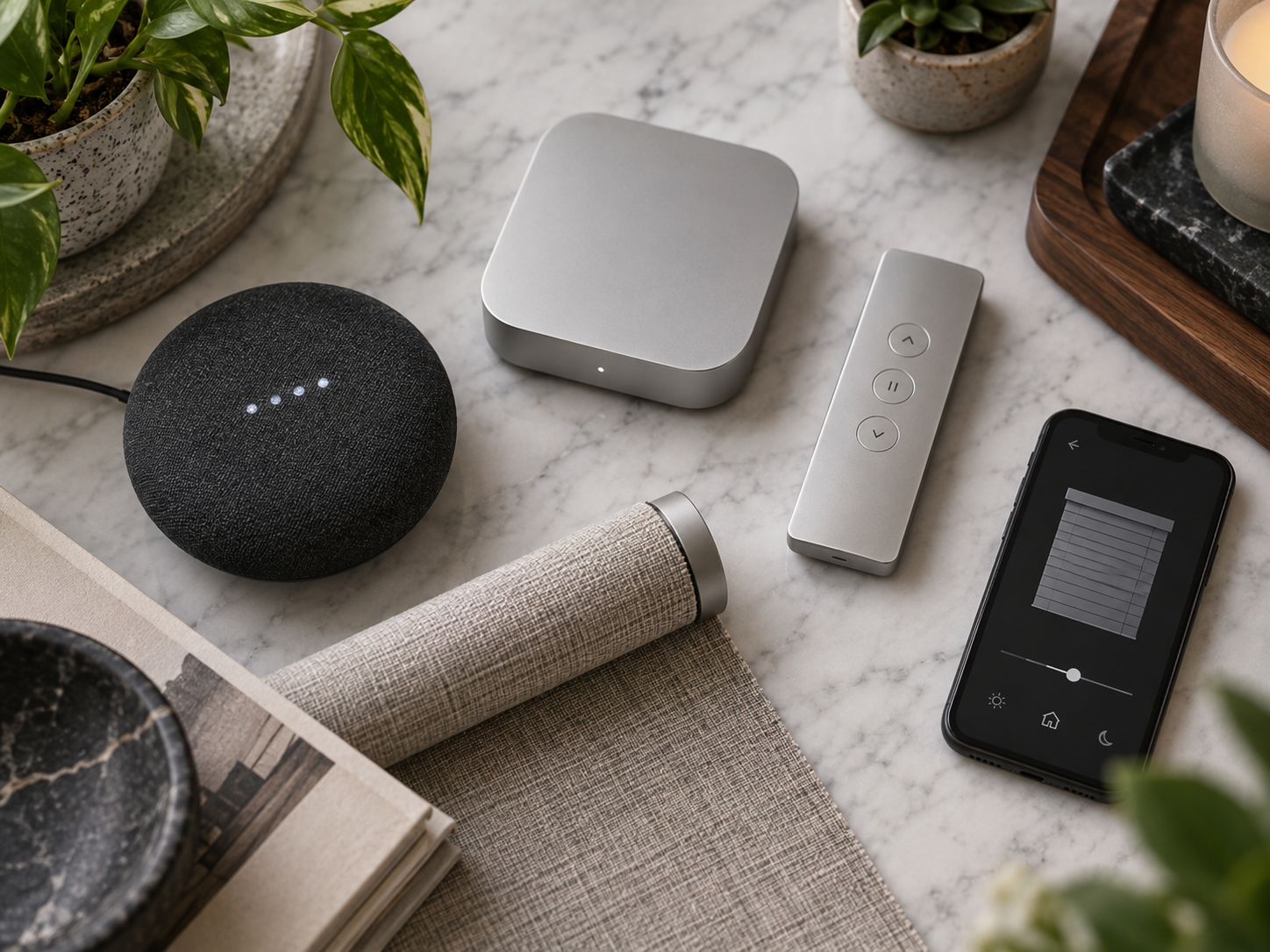
Smart blinds are window coverings with a motorized mechanism that raises, lowers, tilts, opens, or closes the covering through a remote control, wall control, phone app, voice assistant, timer, or home-automation system. Depending on the product, the motor may be battery powered, plug-in, wired into household electricity, or solar assisted.
Smart blinds can include roller shades, cellular shades, Venetian-style blinds, Roman shades, curtains, and retrofit devices that motorize an existing pull-chain shade. Their automation can be simple, such as a scheduled opening every weekday morning, or more integrated, such as closing shades when a smart thermostat detects cooling demand or when a security system changes to away mode.
Regular blinds are manually operated window coverings. They may use a wand for slat tilt, a pull cord, a continuous-loop chain, a spring mechanism, or a cordless lift design. They can still be highly functional and are available in materials ranging from aluminum and vinyl to wood, faux wood, fabric, woven natural fibers, and insulating cellular fabric.
Smart Blinds vs Regular Blinds at a Glance
| Factor | Smart Blinds | Regular Blinds |
|---|---|---|
| Daily operation | Remote, app, voice, schedules, or automations | Manual operation at the window |
| Upfront complexity | Higher; may involve setup, charging, wiring, or hub configuration | Lower; installation is generally straightforward |
| Privacy routines | Can close automatically at selected times | Must be adjusted manually |
| Daylight management | Can follow schedules or sensor-based rules when supported | Requires manual adjustment |
| Dependence on power | Requires battery, mains power, solar charging, or all three | No power required |
| Repair considerations | Motor, battery, firmware, controls, and fabric may all need support | Mostly mechanical parts and fabric or slats |
| Design selection | Growing selection, but compatibility may limit choices | Very broad range of sizes, materials, and price points |
Home Comfort: Where Smart Blinds Can Help
More consistent daylight and glare control
Sunlight is welcome until it makes a television difficult to see, creates reflections on a desk monitor, or fades furnishings near a window. Smart blinds make it easier to set a repeatable pattern: open in the morning, partially close when direct sun reaches a work area, and close in the evening for privacy.
This is especially relevant to minimalist desk setups, where a clean work surface can still be uncomfortable if sunlight falls directly on screens. A scheduled shade can reduce the need to repeatedly interrupt work. However, a schedule is only as useful as the room’s changing seasonal light. A setting that works in winter may need adjustment during summer.
Bedroom comfort and routines
Smart bedroom gadgets are often valuable when they remove small frictions from regular routines. Motorized blackout shades can be scheduled to open gradually at a chosen wake-up time, while bedroom privacy shades can close automatically in the evening. This may be convenient for people with limited mobility, tall windows above beds, or a preference for predictable morning light.
That said, smart blinds are not a substitute for good sleep habits, medical advice, or a properly dark sleep environment when one is needed. Noise, room temperature, outdoor lighting, and individual sensitivity all affect sleep. A manually operated blackout shade can be just as effective once closed.
Comfort alongside smart thermostats and energy use
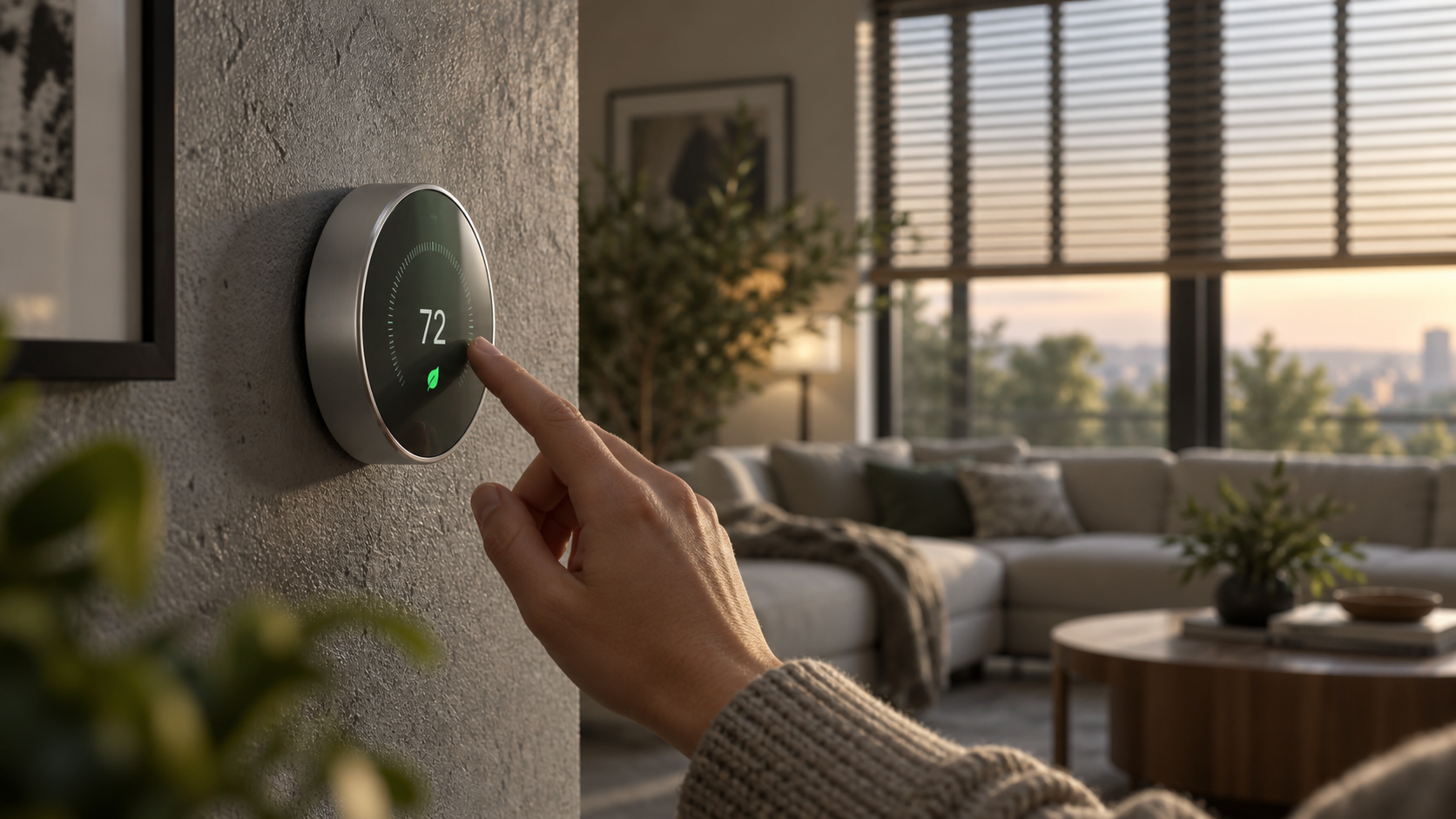
Window coverings can influence perceived indoor comfort by blocking direct solar gain in warm conditions and adding another layer between the room and the window. Smart blinds can make this behavior more consistent by closing during a recurring sunny period or in coordination with a smart thermostat.
It is important to keep expectations realistic. Blinds do not turn an inefficient window into a high-performance one, and automation alone does not guarantee lower energy bills. Results depend on window orientation, glazing, insulation, local climate, shade material, room use, HVAC system behavior, and how the schedules are configured. Cellular shades and close-fitting shades are often selected when insulation is a priority, whether they are smart or manual.
The U.S. Department of Energy’s Energy Saver guidance discusses how window coverings, including insulated shades and blinds, can help manage heat gain and heat loss. The guidance is useful for understanding the role of the covering itself; it should not be interpreted as a promise that every motorized product will produce the same outcome.
Atmosphere with smart lighting
Smart lighting and atmosphere work well with window automation because daylight and electric light should be considered together. For example, a living room scene can lower shades partway before evening lighting turns on, preserving privacy without making the room feel abruptly dark. In a media room, shades can close before a movie scene begins.
Integration is optional. Many households get enough benefit from a basic timer or remote. More elaborate routines can be useful, but they also introduce more setup decisions and more places for a routine to fail.
Privacy and Smart Home Security Considerations
Smart blinds can support a privacy routine by closing windows at dusk or when a household leaves home. They can also make an occupied home appear more consistent from the street, although window coverings should not be treated as a security system. Strong locks, exterior lighting, appropriate alarms, cameras where lawful and appropriate, and good neighborhood awareness are separate parts of home security.
Connected blinds also create a digital security consideration. Any device controlled by an app, cloud account, hub, or wireless protocol should be configured with a strong unique account password and multi-factor authentication where available. Keep the device app, hub, and home router updated. Review whether a product needs cloud access to perform basic schedules and what permissions its app requests.
Before purchase, check whether the blind works with your existing platform, such as Apple Home, Amazon Alexa, Google Home, Matter, Zigbee, Z-Wave, or a manufacturer’s own bridge. Compatibility labels can describe different capabilities. A product may support voice control but not local automation, or it may require an additional hub for the feature you want.
Safety and informational disclaimer: Motorized coverings should be installed according to the manufacturer’s instructions. Keep control devices, charging cables, and any accessible cords managed safely around children and pets. For hardwired installations or work near electrical circuits, use a qualified professional where local rules or the product instructions require one. This article provides general information, not electrical, security, health, or financial advice.
Advantages of Smart Blinds
- Convenience: One control can manage multiple windows, including hard-to-reach windows.
- Scheduled privacy: Blinds can close before evening without someone needing to be home or remember.
- Repeatable comfort: Regular shade positions can reduce recurring glare and direct sun.
- Accessibility: Automation can make window coverings easier to operate for people with mobility limitations.
- Smart-home coordination: They can complement lighting, thermostat, and security routines where integrations are reliable.
- Potentially cleaner visual design: Some motorized options avoid visible cords and can suit contemporary furniture and decor.
Limitations and Drawbacks of Smart Blinds
- More components can fail: Motors, rechargeable batteries, remotes, hubs, and software connections add maintenance points.
- Battery management: Battery-powered units need recharging or replacement, particularly in frequently adjusted windows.
- Installation constraints: Recess depth, window shape, power access, and mounting surfaces can limit product choices.
- Noise: Motors are often quiet but not silent, which matters in bedrooms and nurseries.
- Integration uncertainty: A future app change, discontinued bridge, or platform update can affect advanced features.
- Higher overall cost: The product, installation, power solution, and optional hub can make a project more expensive than a manual equivalent.
- Less immediate control during outages: Some products retain manual controls or local operation, while others have reduced functionality when power or connectivity is unavailable.
Why Regular Blinds Still Make Sense
Regular blinds remain a strong choice for many rooms. They are easy to understand, do not need accounts or charging, and can match almost any decor direction. Faux wood blinds can suit a practical kitchen or laundry area. Fabric roller shades can provide a simple, restrained look in a home office. Wood or woven shades can bring texture to a room with natural furniture and eco-luxury sustainable goods, provided the materials and sourcing claims are independently verified.
Manual blinds are also useful when your preferred position changes constantly. If you enjoy adjusting slats throughout the day for a specific balance of view, daylight, and privacy, direct control may be faster than opening an app. They are often the simpler option for rental properties, secondary rooms, or windows where a manual lift is already easy to reach.
For home wellness, the material choice can matter as much as automation. Select products that fit your cleaning needs, especially in rooms affected by cooking residue, dust, humidity, or allergies. Air purifiers can help address airborne particles in appropriate circumstances, but they do not replace cleaning blinds, controlling moisture, or following product-care instructions. A robot vacuum can simplify floor maintenance, yet it will not clean window coverings effectively.
How to Choose the Right Option
1. Identify the actual comfort problem
Write down what is difficult about the window now. Is it heat, glare, privacy, accessibility, fading risk, a cluttered cord, or an inconsistent evening routine? This prevents buying automation for a problem better addressed by a different shade fabric, a window film, improved insulation, or a revised furniture layout.
2. Choose the covering type before choosing automation
Decide whether you need blackout, light filtering, privacy while preserving daylight, adjustable slats, or insulation. For example, a blackout roller shade and a light-filtering cellular shade serve different purposes even when both are motorized. The fabric openness factor of a solar shade affects glare, view, and privacy differently during day and night, so read product documentation carefully.
3. Measure and inspect each window
Measure width, height, depth, and available mounting space. Note handles, trim, radiators, vents, nearby furniture, and whether the window opens inward. For smart blinds, also note the closest outlet, charging access, and wireless signal quality. A high window may make battery charging inconvenient unless it uses long-life batteries, a solar option, or hardwired power.
4. Decide how much automation you will maintain
A remote-only blind is often the simplest motorized option. Schedules add routine-based control. Sensors and multi-device scenes add sophistication but require configuration and occasional review. Select the least complicated system that solves your actual problem.
5. Evaluate product support and repairability
Look for clear warranty terms, replacement battery information, manual operation options, support documentation, and availability of replacement parts. Established suppliers can be easier to verify than anonymous marketplace listings. Manufacturers such as Lutron and IKEA publish product documentation for their smart shading ranges, while platform documentation from Apple, Google, and Amazon can clarify current ecosystem requirements. Availability and compatibility vary by country and product generation.
6. Use zones instead of automating every window
Prioritize rooms with the most frequent comfort issue: a sun-exposed office, a bedroom, a television room, or a high-window stairwell. This can be more practical than treating every window identically. It also lets you learn which automation rules are truly useful before expanding the system.
Practical Smart-Blind Automation Ideas
- Open bedroom shades on a weekday schedule and retain a manual override for weekends.
- Close west-facing living room shades during recurring late-afternoon sun, then reopen if desired.
- Pair an evening shade-close routine with warm smart lighting for privacy and a calmer atmosphere.
- Lower media-room shades before a film or gaming session to reduce screen reflections.
- Set away-mode shades conservatively, prioritizing privacy over elaborate simulated occupancy behavior.
- Keep kitchen window coverings simple and easy to clean rather than adding automation near heat, steam, or grease unless the product is suitable for that environment.
Comparison Methodology and Sources
This comparison is based on the functional differences between manual and motorized window coverings: operation method, need for power and connectivity, installation requirements, light and privacy control, and maintenance considerations. It does not rely on a single product test, personal experience, or assumed savings figure.
For further verification, consult the U.S. Department of Energy Energy Saver materials on window coverings and energy efficiency, the U.S. Consumer Product Safety Commission guidance on window covering cord safety, and installation or compatibility documentation from the specific manufacturer under consideration. Product manuals are important because battery systems, manual overrides, bridge requirements, and supported platforms differ substantially between models.
Q&A
Are smart blinds worth it for energy savings?
They can help apply a consistent shading routine, but the energy result depends more broadly on the window, shade type, climate, orientation, HVAC system, and use patterns. Choose smart blinds for convenience and comfort first; treat energy benefits as situation-dependent.
Do smart blinds work without Wi-Fi?
Many motorized blinds can still work from a remote or wall control without Wi-Fi. App access, voice control, remote-away control, and some automations may require a hub, local network, or internet connection. Verify the exact product behavior before buying.
Can regular blinds provide the same privacy as smart blinds?
Yes. Privacy depends on the covering type, fit, opacity, and whether it is closed. Smart blinds mainly make it easier to close them consistently at a chosen time.
What is best for a rental home?
Regular blinds or removable retrofit shade motors are often easier to install and remove. Check lease requirements before drilling, wiring, or replacing landlord-provided coverings.
Final Decision
Smart blinds are most compelling when a window creates a repeating comfort, privacy, glare, or accessibility problem and automation will be used often. They can work particularly well alongside smart lighting, thermostats, and bedroom routines, provided the system remains simple enough to maintain. Regular blinds remain the practical choice when budget, simplicity, broad design selection, and repairability matter most.
Start with the desired shade performance and room needs, then add automation only where it creates meaningful everyday value. That approach supports a comfortable smart space without making every window another device to manage.