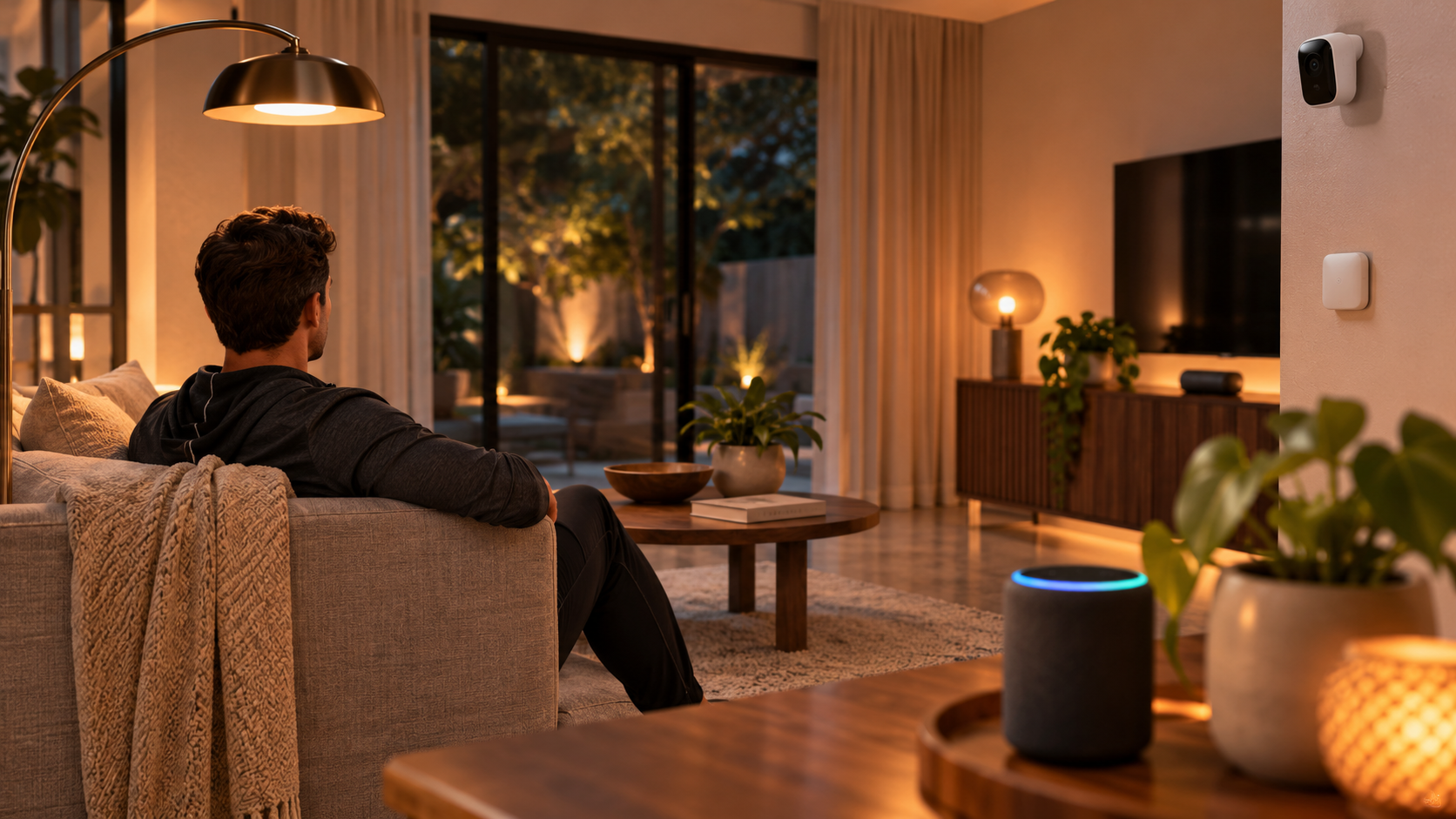
Ring Alarm is a practical starting point for a home with Ring cameras and Alexa speakers. Abode may suit households that use Apple Home. ADT is worth considering if you want professional installation and compatible Google Nest equipment, but you should confirm the current platform and plan before ordering. AT&T Connected Life should not be treated as a current recommendation without confirming that the service and its Nest compatibility are still available.
Start with a specific routine you can verify. For example: when I arm the house before bed, I want the downstairs lamps to switch off while the landing light stays on. That example identifies the alarm event, the devices that need to respond, and what successful smart alarm integration means in your home.
What does smart alarm integration mean?
Smart alarm integration is a supported connection between an alarm system and another device or service. The connection may let a lock report that the front door is secured, a speaker accept a request to arm the house, or a lighting system turn on a lamp when a door sensor opens. These are separate capabilities, so compatibility with one does not guarantee compatibility with the others.
The direction of the connection matters. An assistant that can report whether the alarm is armed can read the alarm state. A bedtime lighting routine also needs the platform to expose an alarm event as a trigger. If you want a sensor to initiate a monitored alarm, the security provider must support that sensor for that purpose. Check each capability by name.
Which alarm system fits the devices you already own?
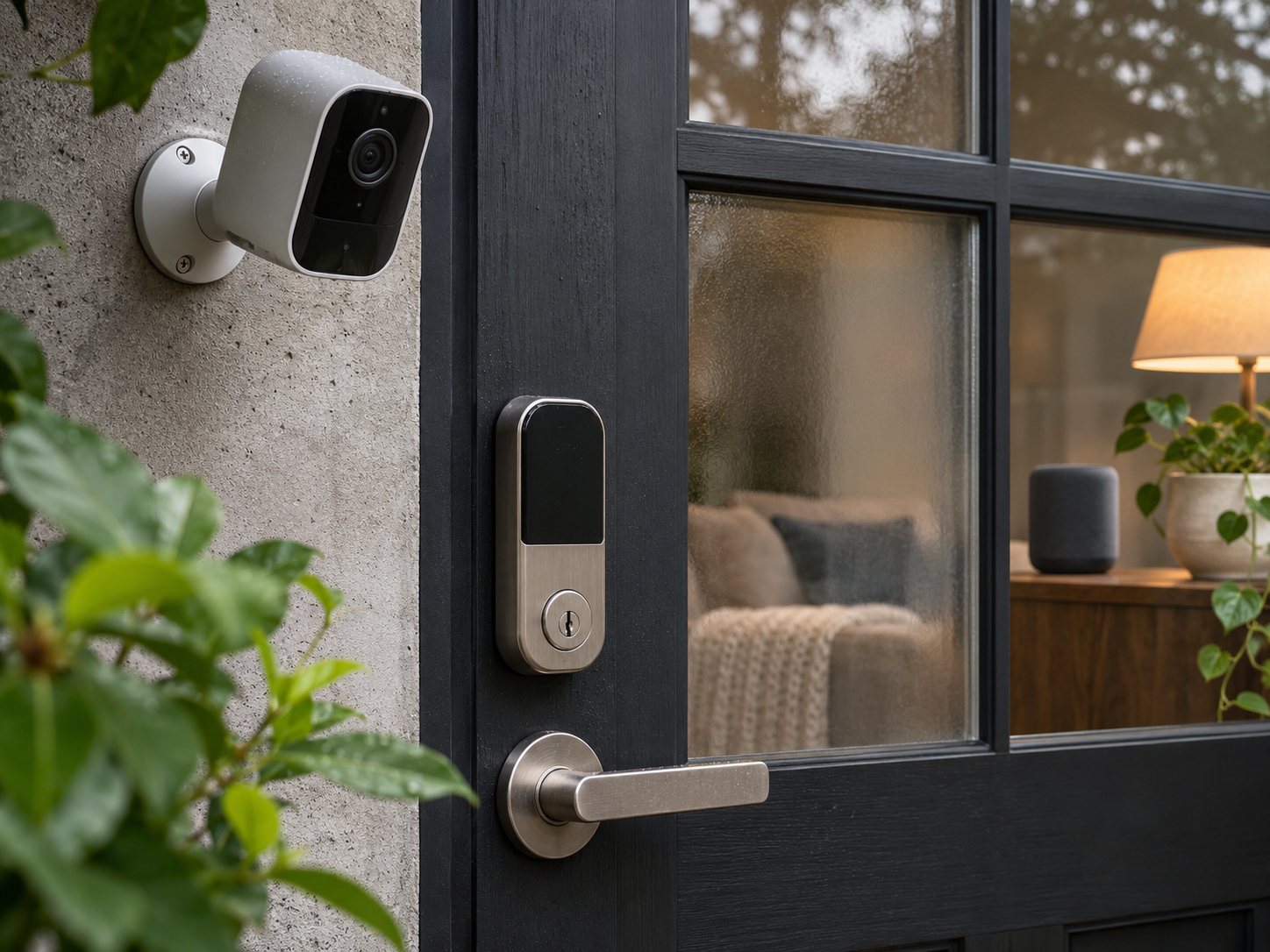
This comparison focuses on US offerings and considers three priorities: equipment you can keep, actions you can perform, and services you may need to pay for. CNET’s home security guide provides a broader comparison of DIY and professionally installed systems. For an individual lock, camera, or sensor, use the provider’s current model list to confirm compatibility. CNET’s best home security systems guide
Ring Alarm for Ring cameras, Alexa, and selected Z-Wave accessories
Ring Alarm suits households that already use the Ring app for doorbells and cameras or have Echo speakers around the house. Compatible Ring cameras can remain in the same app as the alarm. The alarm base station also supports selected third-party accessories, including compatible Z-Wave locks.
If the lock is the device you most want to keep, check its full model number under Works with Ring. Similar-looking locks may use different radios or have different compatibility requirements.
The convenience is having the doorbell, lock, and alarm available in one app. The trade-off is that each feature may have separate requirements. Check the terms for app-based arming, camera recording, and professional monitoring individually. A household that manages deliveries remotely may value different features from one that mainly uses a wall keypad.
Abode for Apple Home and mixed-brand lighting
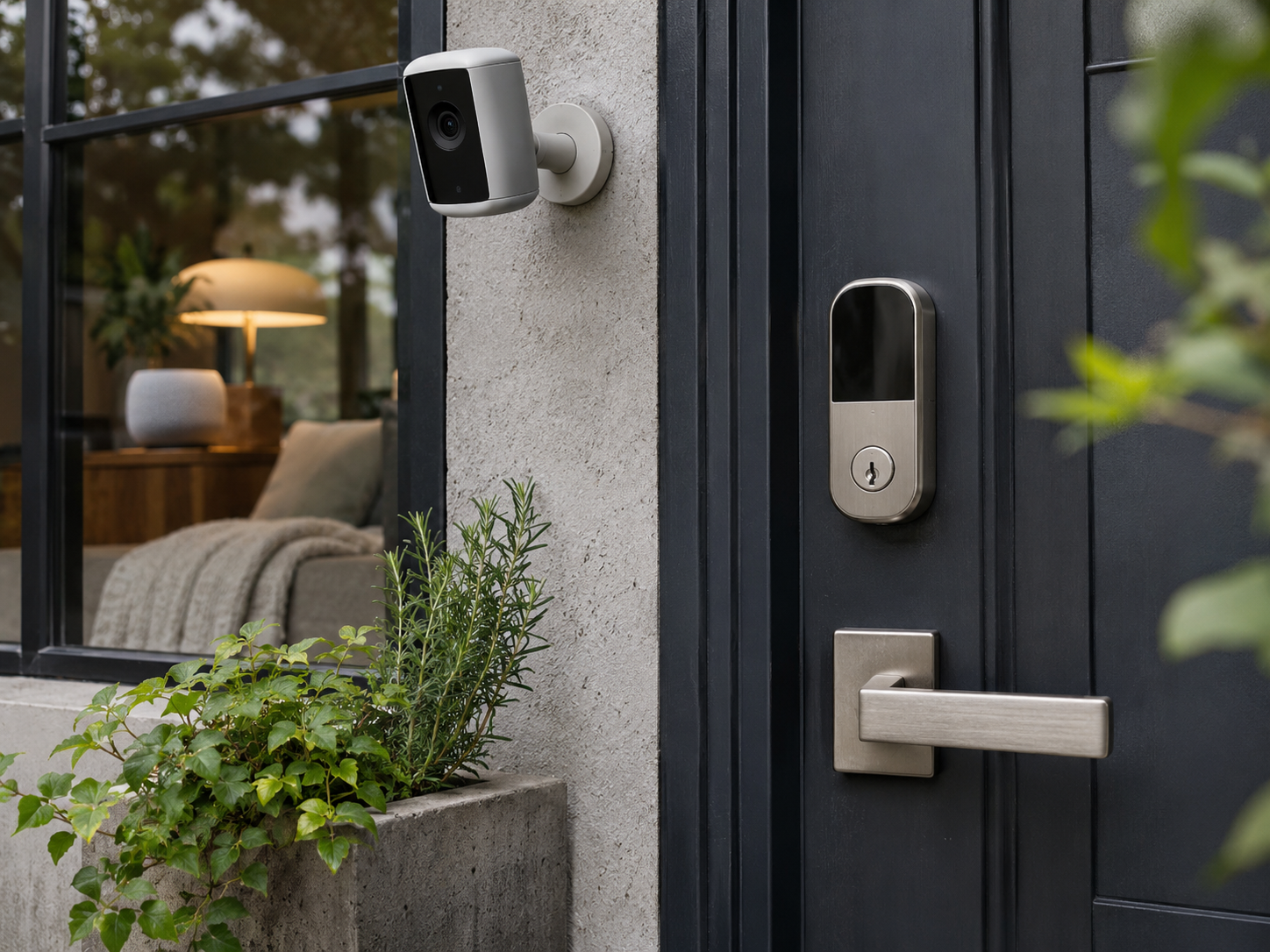
Abode’s HomeKit-compatible gateways, including iota, may suit households that organize rooms and scenes in Apple Home. With supported equipment, you can view the alarm’s status in the Home app and use exposed sensors in automations. One example is a hallway contact sensor that turns on a Home-compatible lamp when a door opens after dark.
The main limitation is accessory-level support. A device paired with the gateway may expose different capabilities in Abode and Apple Home. Check which sensors appear in Apple Home, which gateway generation you need, and whether the proposed automation requires an Apple home hub. For a used gateway, ask for the model label before buying.
AT&T Connected Life and Google Nest equipment: verify current availability
Older coverage described AT&T Connected Life as a home security option for Google Nest equipment. Because the service’s current availability and product naming need to be verified, it should not be treated as a current buying recommendation based on those older references alone. Confirm directly with AT&T whether the service is offered, which Nest generations it supports, and which app handles live view, recorded events, and alarm control before making a purchase.
The following links provide the historical references to the partnership and coverage: Google Home’s AT&T Connected Life partnership announcement and The Verge’s coverage of AT&T Connected Life. Do not assume that either reference confirms a currently available product or plan.
ADT for compatible Nest devices and installation support
ADT offers security systems with Google Nest integration, but the supported platform and plan matter. Ask for the exact name of the proposed ADT platform and request current compatibility details. Information about ADT+ may not apply to an older panel already installed in your home.
Installation support can help with sensor placement and details such as covering a patio door without damaging its trim. The trade-offs may include installation charges and service-agreement terms. Request a written equipment list showing which items will be reused, which will be supplied, and which connected features depend on continued service.
How to check compatibility before spending money
- Inventory the equipment that would be inconvenient to replace. Start with door locks, wired cameras, thermostats, and fitted lighting. Record each model number, its app, and any bridge it uses. A photo of the model label is more useful than a receipt that says only “smart lock.” Add battery sensors and plug-in accessories after the fitted equipment.
- Write down the trigger and the action. “Front door opens after sunset, entry lamp turns on” is specific enough to check. Ask whether the contact sensor can trigger the routine through the alarm app or your preferred home platform. If you also want the lamp to turn off later, confirm that the routine supports a timer.
- Trace the connection from end to end. A lighting bridge may control the bulbs while Apple Home or Alexa runs the routine. Include that bridge in your equipment list. Shared Wi-Fi, a Z-Wave logo, or Matter support alone does not establish that the alarm exposes the event your routine needs.
- Price the features you will actually use. Ask for equipment, installation, monitoring, video storage, and applicable cancellation charges in writing. Compare costs over the period you expect to live in the home. For renters, include any fee for moving service and the cost of restoring mounted equipment when the lease ends.
- Test a normal day with everyone who uses the house. Have one person arm the system while another checks the expected lamp or thermostat response. Try the evening routine with a guest staying downstairs. For a monitored system, arrange test mode with the provider before any test that could generate an emergency response.
Room-by-room routines worth checking
Entryway and living room lighting
An entry lamp is a useful first automation because you can see the result as soon as you open the door. Choose a lamp that lights the route to the keypad without shining into the eyes of someone entering from darkness.
Check the physical switch as well. A smart bulb in a table lamp loses power when someone turns the lamp off at the socket. A compatible wall control may be a better fit for a fixture that everyone operates by hand.
Bedrooms, thermostats, and overnight comfort
Keep Home and Away modes distinct when linking the alarm to heating or cooling. Arming the perimeter for the night should not make occupied bedrooms uncomfortable. If your thermostat already follows a sleep schedule, decide which setting should apply when you arm late or return early. For someone who sleeps during the day, an accessible thermostat override may matter more than an elaborate departure routine.
Kitchens, home offices, and cleaning devices
A kitchen display can show a compatible doorbell while your hands are full. Check whether it announces a visitor automatically or requires a spoken request to show the feed. In a home office, a single entry notification on the desk display may be enough.
For robot vacuums, check whether cleaning routes cross areas covered by interior motion sensors and follow the alarm maker’s placement and testing guidance. Give an air purifier or kitchen appliance a clear reason to join an alarm routine. An air purifier with an air-quality sensor may already adjust to the room on its own, while a departure routine that cuts power to a smart plug could interrupt an appliance schedule.
What happens when the connection drops?
Ask the provider to describe a power cut and an internet outage separately. A base station with battery backup may keep its sensors active during a power cut while a mains-powered lighting bridge goes offline. Cellular backup, where included and available, may maintain an alarm communication path while camera viewing and cloud-based routines remain unavailable.
A keypad near the usual entrance gives household members a familiar control during either type of outage.
Safety note. Confirm with your monitoring provider which devices and events qualify for emergency response. Treat lighting cues, speaker announcements, and phone notifications as supplementary alerts. For smoke and carbon monoxide protection, follow local requirements and the alarm manufacturer’s installation instructions.
Quick questions about smart alarm compatibility
Can I reuse the wired door sensors already in my house?
Sometimes. Some systems offer a compatible retrofit module for eligible wired contact sensors. Ask an installer to check the wiring, sensor type, and module requirements before budgeting for reuse. Wired smoke detectors require a separate compatibility and safety assessment.
Will an existing camera trigger a monitored alarm?
That depends on the provider, camera, event type, and plan. A camera might supply live video after a contact sensor trips. Ask separately whether camera motion can initiate a monitored event and who, if anyone, reviews the footage.
What if we use iPhones and Echo speakers in the same house?
Choose according to the controls each person needs. An iPhone user may be happy with the alarm maker’s app, while someone cooking dinner may want an Alexa announcement. If both people rely on Apple Home scenes, native Apple Home support carries more weight. Check those specific actions against the same alarm model and plan before ordering.