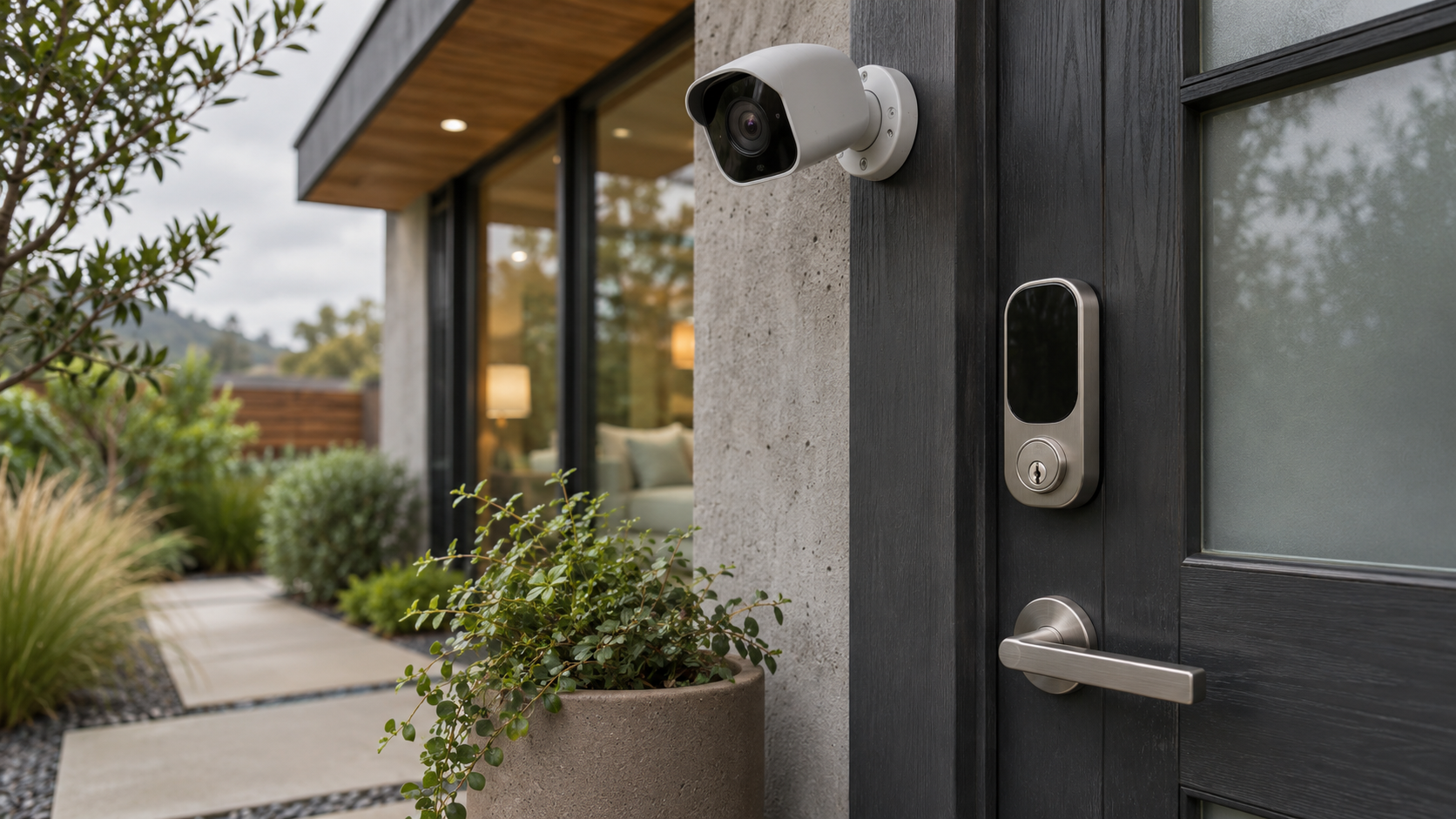
When you compare home security offers, the word “premium” can suggest a safer home by default. In practice, package names are marketing labels, and the features behind them vary by provider. One basic plan may include professional monitoring, while another may provide only app alerts. A premium plan might add cameras, smart-home integrations, or cloud video storage—but those extras are useful only if they fit your home and habits.
This guide explains how basic and premium security packages compare, what to check before choosing one, and how a security system can work alongside smart lighting, thermostats, and other connected-home devices. It is a feature-based comparison, not a ranking of providers. Because plan names, equipment, and terms change, confirm current details directly with the company before you buy.
What is a basic or premium security package?
A basic security package is an entry-level set of security equipment and services. Depending on the provider, it may include a hub or keypad, door and window sensors, motion detection, an app, and either self-monitoring or professional monitoring. “Basic” does not have a universal definition: check the actual equipment list and whether monitoring is included or costs extra.
A premium security package generally adds equipment, services, or integrations beyond the entry-level offer. Common possibilities include indoor or outdoor cameras, video recording, additional sensors, cellular backup, professional installation, smart-lock or lighting controls, and expanded monitoring. A higher tier may bundle these features, charge for them separately, or make some available only with a particular contract.
The key distinction is not simply the number of devices. It is what the package can detect, what happens after an alert, whether you can review events later, and what recurring commitments apply.
How basic and premium security packages compare
Equipment and coverage
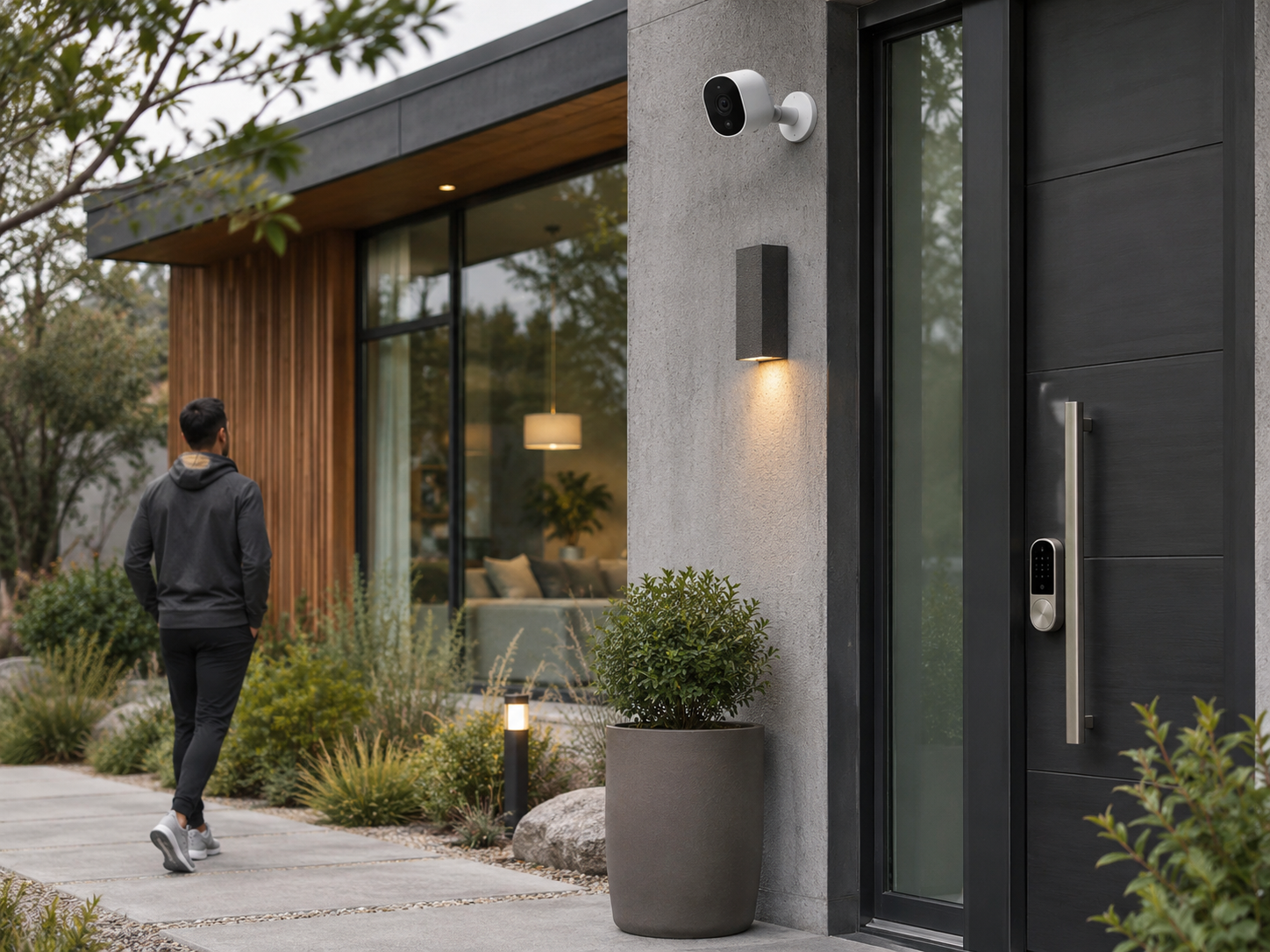
A basic setup can be enough to monitor common entry points and movement in a smaller home. Door and window contacts can report when an opening changes state; a motion sensor can detect activity in its coverage area. These devices do not necessarily show what happened, and their placement matters. A sensor cannot protect an opening it does not cover, while a poorly positioned motion detector may miss activity or trigger unnecessarily.
Premium packages may add cameras, glass-break sensors, smoke or water sensors, extra keypads, or devices for more rooms. This can provide broader awareness, but equipment should match a specific need. A camera pointed at an area already covered by a door sensor may add little value if you do not intend to view or store footage. Conversely, a home with several access points or a detached entrance may benefit from additional devices.
Monitoring and response
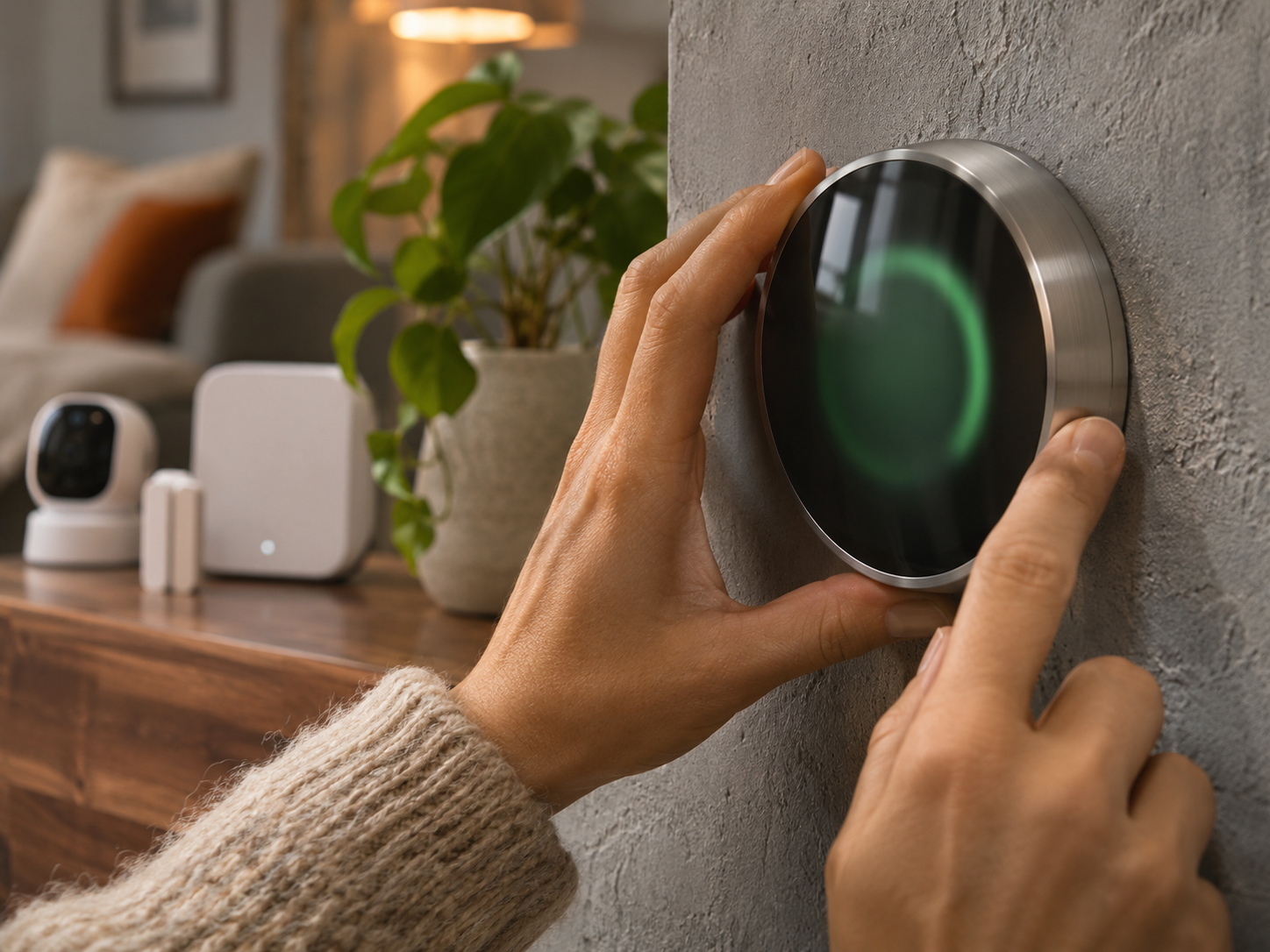
With self-monitoring, the system typically sends notifications to the homeowner, who decides what to do next. With professional monitoring, a monitoring service may receive an alarm signal and follow its documented procedures, which can include contacting the homeowner or emergency services. Exact procedures, verification steps, availability, and response obligations vary by provider and location.
Do not assume that “premium” means professional monitoring, or that a basic plan lacks it. Compare the service description, operating hours, cancellation terms, and any requirements for an active internet or cellular connection. Ask what happens during a power outage, network failure, false alarm, or missed notification.
Video features and privacy
Camera hardware and video services are separate considerations. A camera may provide live viewing without including a history of recorded clips. A plan may limit video features, require a subscription, or store recordings for a specified period. Check whether recording is continuous or event-based, how long clips remain available, who can access them, and whether the provider describes encryption and account-security controls.
More recording can help you understand an event, but it also creates privacy responsibilities. Consider camera placement, household consent, visitor expectations, and whether indoor cameras can be switched off or covered when not needed. Read the provider’s privacy policy rather than relying on a package label.
Smart-home integration
Some packages can coordinate security with connected lights, locks, speakers, or thermostats. For example, a system might turn on a light when a sensor detects activity, or let you arm the alarm through a compatible smart-home app. These actions depend on supported products, permissions, internet access, and correct setup. Compatibility can change, so check the exact device models and features before purchasing.
Google’s Google Home support post about its AT&T Connected Life partnership is a useful example of how security and smart-home services may be presented together. It describes a particular partnership, not a universal set of features or a guarantee that every Google Home or AT&T customer can use every function. Check availability and compatibility for your account and location.
Smart lighting can support a security routine by illuminating an entryway, but it is not a substitute for a working alarm. A smart thermostat may help manage comfort and energy use, yet its security role is limited unless a specific, supported automation is configured. Keep essential security functions understandable and usable even if an optional smart-home integration stops working.
Installation, contracts, and ongoing costs
A package’s purchase price is only one part of its cost. Compare equipment charges, installation, monitoring, video storage, activation, taxes, cancellation fees, and any required contract. Ask whether equipment is owned, rented, or financed, and what happens to it if you end service. Promotions can make a plan appear inexpensive at first while leaving recurring costs or renewal terms less visible.
As a market reference, CNET’s guide to home security systems discusses providers and features in a comparison format. It can help you identify questions to ask, but editorial recommendations are not a substitute for checking current terms, regional availability, and the provider’s own documentation. The Verge’s report on AT&T Connected Life and Google, including pricing context likewise illustrates why partnership details and costs should be checked against current service information. These sources inform the comparison; they do not establish one package as best for every household.
Neutral pros and cons
Potential advantages of a basic package
- Fewer devices can mean a simpler setup and less equipment to maintain.
- It may cover the most important entry points without paying for features you will not use.
- Self-monitoring, where available, can avoid a monitoring subscription.
- A smaller system may be easier to understand and manage through an app.
Potential disadvantages of a basic package
- It may not include cameras, video history, cellular backup, or professional response.
- Alerts alone can be insufficient if nobody is available to act on them.
- Expanding later may cost more or require equipment that works only with that provider.
- “Basic” may still involve monthly fees or a contract; the label does not guarantee a low total cost.
Potential advantages of a premium package
- Additional sensors and cameras can address more areas or provide more context about an alert.
- Bundled monitoring or integrations may simplify managing several compatible devices.
- Some plans offer backup connections or service options that suit homes with specific reliability needs.
- Professional installation may be helpful when placement or configuration is complicated.
Potential disadvantages of a premium package
- More hardware and subscriptions can raise upfront and ongoing costs.
- Extra notifications, recordings, and automations can create complexity rather than useful oversight.
- Features may depend on internet access, compatible devices, cloud services, or continued subscriptions.
- More cameras and connected devices mean more privacy, account-security, and maintenance considerations.
Practical steps for choosing a package
- Map the areas you want to monitor. Note doors, accessible windows, shared entrances, and places where a sensor or camera would serve a clear purpose. Consider privacy before placing cameras indoors.
- Decide who will respond to alerts. If you can reliably receive notifications and act on them, self-monitoring may fit. If not, investigate professional monitoring and its precise procedures rather than assuming a higher tier automatically provides it.
- Separate must-haves from conveniences. List essentials such as entry sensors or backup connectivity, then optional features such as video history, smart lighting scenes, or voice control. This keeps a bundle from deciding your priorities for you.
- Check compatibility by model and feature. Confirm that your existing hub, locks, lights, cameras, and preferred smart-home platform work with the proposed system. A device appearing in an app does not necessarily mean every automation is supported.
- Calculate the full cost over your expected use. Include equipment, installation, monthly services, storage, contract length, renewal terms, and cancellation costs. Ask for the terms in writing.
- Review reliability and failure modes. Ask how the system behaves without power, internet, or cellular service, and whether alarms and local controls continue to function. Follow manufacturer instructions for testing and maintenance.
- Protect the account and the home network. Use unique passwords, enable multifactor authentication where available, keep device software updated, and limit account access to people who need it.
- Reassess after setup. Test sensors according to the provider’s instructions, adjust notification settings, and remove automations or alerts that are not useful. Revisit the plan if your household or home layout changes.
Limitations to keep in mind
No consumer security package can guarantee that a break-in, fire, leak, or other emergency will be prevented or handled without delay. Sensors can fail, batteries can run down, communications can be interrupted, and alerts can be missed. Cameras may not capture a clear or complete view. Professional monitoring describes a service process, not a promise of a particular emergency-service response time.
Smart-home integrations also introduce dependencies. A lighting routine may require the right bridge, network, permissions, and service availability. A cloud feature may change if a provider revises its product. For essential safety needs, follow local fire and building requirements and use appropriate, independently functioning alarms where required. Keep a non-digital response plan for household members.
Concise Q&A
Is a premium package always safer?
No. It may offer more coverage or response options, but a well-placed, properly maintained basic system can be more useful than an expensive setup that is poorly configured or ignored.
Can I start basic and add devices later?
Sometimes. Before buying, confirm which devices can be added, whether they require the same provider, and whether monitoring or storage fees change when you expand.
Do I need cameras?
Not necessarily. Cameras can provide visual context, but they add cost and privacy considerations. Entry sensors and an appropriate monitoring plan may better match some homes.
What should I compare first?
Start with monitoring, equipment coverage, total cost, backup options, privacy terms, and compatibility. Compare features line by line rather than relying on package names.
Bottom line
Basic and premium security packages differ in the equipment, services, integrations, and ongoing obligations they include—not in a universal level of protection. Choose the least complicated system that covers your priorities, provides a response path you trust, and fits your budget and privacy preferences. Verify current terms with the provider, and treat smart-home conveniences as additions to—not replacements for—sensible safety practices.
Safety and purchasing note: This article is general information, not professional security, legal, or financial advice. Product availability, monitoring procedures, and contract terms vary; verify details with the provider and relevant local authorities.