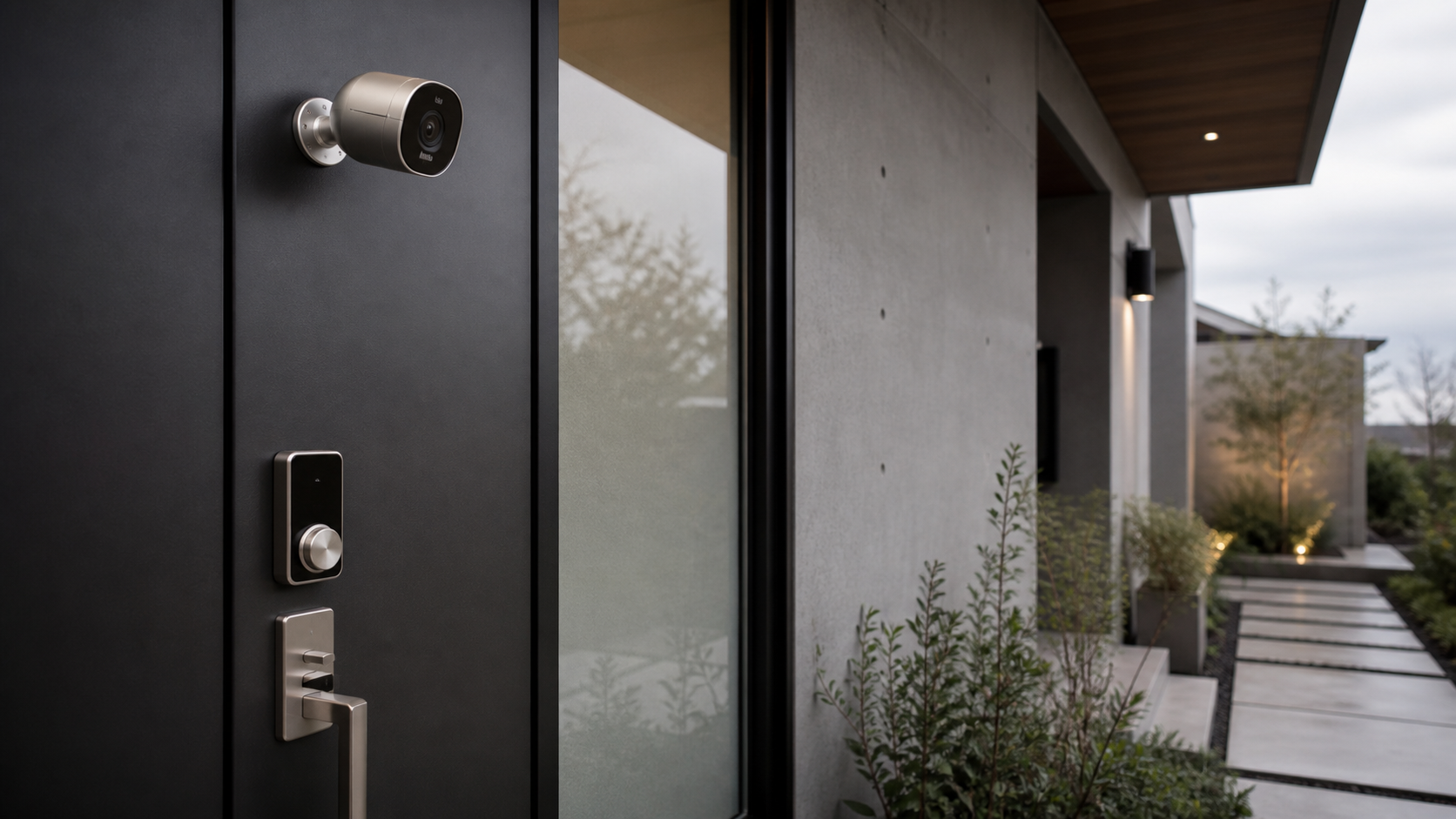
Editor note: For this 2026 setup guide, we compared common apartment and house layouts, checked current retail pricing from Amazon, Best Buy, Home Depot, Lowe’s, Vivint, Ring, SimpliSafe, Abode, Aqara, Eufy, Arlo, and Google Store, and built a room-by-room checklist for owners who care about safety without turning the home into a gadget showroom.
If you are searching for how to set up a smart home security system, the best answer is not simply buying the biggest kit. The best answer is placing the right sensors in the right places, choosing one control app, and deciding which areas deserve cameras and which areas deserve privacy.
What Is a Smart Home Security System?
A smart home security system is a connected group of sensors, cameras, locks, alarms, and control hubs that can detect entry, motion, glass breakage, leaks, or package activity, then alert you through an app or monitoring center. The best setups protect key access points while fitting the architecture and daily rhythm of the home.
The design lesson is simple: visible tech should either look intentional or stay quiet. A bright white keypad on a walnut entry wall can look careless. A slim Aqara Door and Window Sensor P2 on a white door frame, a Ring Alarm Contact Sensor tucked high on a rental door, or an Abode Mini Door Sensor set flush against painted trim can almost disappear.
“Security hardware belongs to the home, not on top of it. The right setup protects the threshold, then gets out of the room’s way.”
Best Starter Kits and What They Cost in 2026
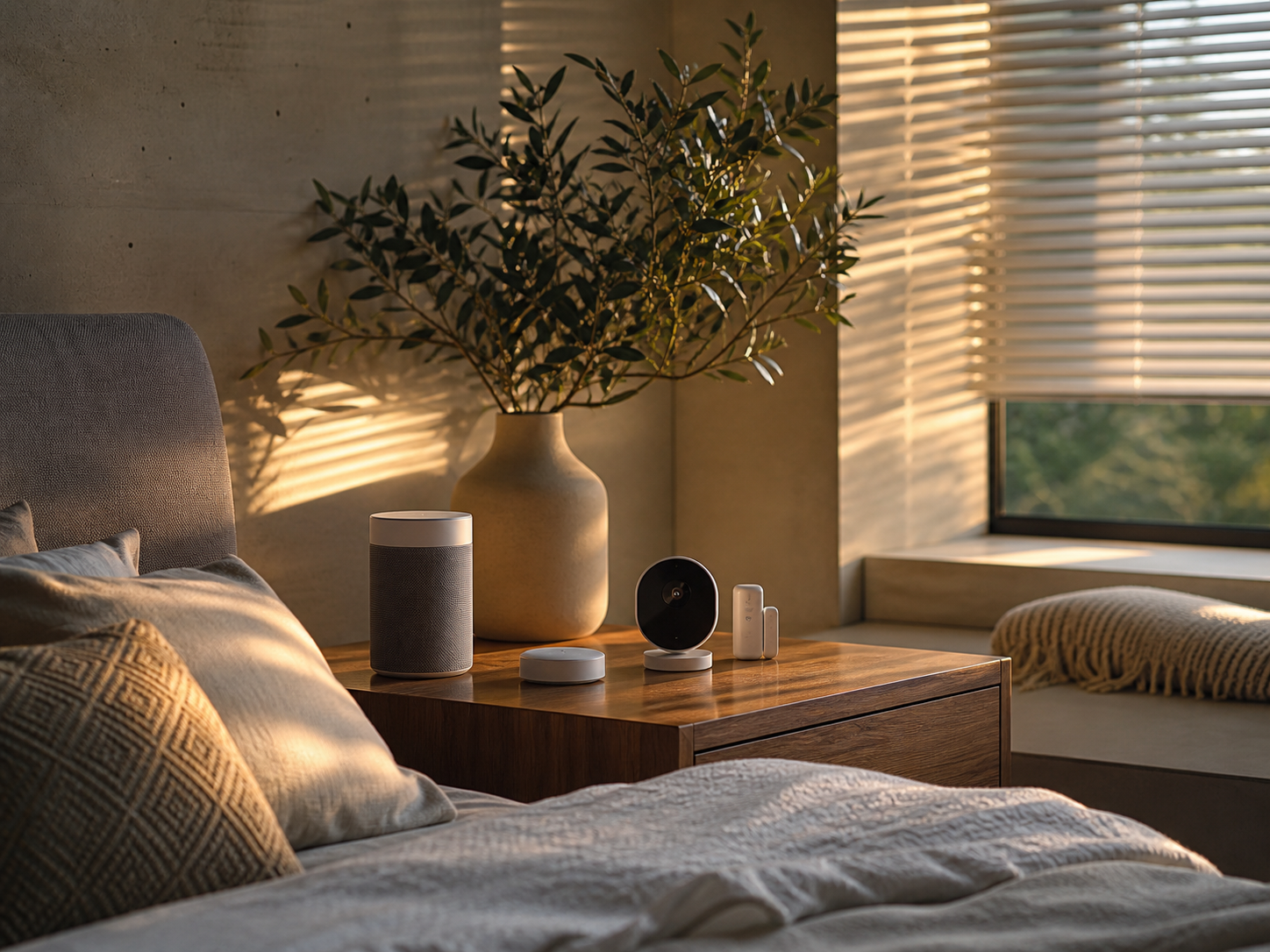
For most homes, the core shopping list is a hub or base station, entry sensors, a keypad, a motion sensor, a siren, and one or two cameras. Renters can stay mostly adhesive. Homeowners can add a wired doorbell camera, floodlight camera, or smart lock.
| System | Typical 2026 starter price | Best for | Where to buy | Design note |
|---|---|---|---|---|
| SimpliSafe 8-piece kit | $239 to $319 | Easy DIY homes | SimpliSafe, Best Buy, Amazon | Compact keypad, neutral hardware |
| Ring Alarm 8-piece kit | $249 to $299 | Alexa homes and rentals | Amazon, Ring, Home Depot | Visible but tidy, strong accessories |
| Abode Security Kit | $159 to $279 | HomeKit, Alexa, Google households | Abode, Amazon | Good for mixed smart homes |
| Aqara M3 Hub plus sensors | $130 to $260 built piece by piece | Apple Home and Matter users | Amazon, Aqara, B&H | Small sensors, discreet placement |
| Eufy Security kit | $179 to $399 | Local storage fans | Amazon, Eufy, Best Buy | Clean camera design, no monthly plan required for basics |
| Vivint custom system | Often $599 to $1,800 before monitoring | Professional install | Vivint direct | Best when you want fewer visible decisions |
According to FBI Crime Data Explorer property-crime reporting, burglary risk is still concentrated around access and opportunity, not exotic attack methods. According to the Electronic Security Association’s industry summaries, monitored alarms remain common because fast notification matters when nobody is home. Those data points support a practical plan: entry first, cameras second, automation last.
Room-by-Room Setup Plan
1. Front Door and Entry
The front door deserves the cleanest stack: one contact sensor, one video doorbell or peephole camera, one keypad within easy reach, and optional smart lock control. Good 2026 picks include the Ring Battery Doorbell Plus at about $149, Google Nest Doorbell Battery at about $179, Arlo Video Doorbell 2K near $129, and Eufy Video Doorbell E340 around $179.
When readers ask how to set up a smart home security system, the entry is where mistakes show. Do not mount the keypad in full view through glass if you can avoid it. Put it on an inside side wall at shoulder height. If the door has black hardware, consider a black Level Lock Plus, Yale Assure Lock 2, or Aqara Smart Lock U100 so the lock reads as door hardware rather than a plastic add-on.
2. Windows and Sliding Doors
Ground-floor windows need contact sensors only where entry is plausible. A second-floor bedroom window above a steep drop is usually a lower priority than a patio slider. For sliding doors, use both a contact sensor and a glass-break or vibration sensor. SimpliSafe Glassbreak Sensors cost about $39.99 each; Aqara Vibration Sensors often sell near $19; Ring Glass Break Sensors are usually about $39.99.
Place sensors on the least visible rail and match color where possible. A white sensor on black steel-framed doors looks like a barcode. In dark frames, Ecolink or YoLink black contact sensors can be a better visual match, though platform compatibility must come first.
3. Hallways and Living Room
Motion sensors work best in transition zones, not aimed directly at sunny windows, fireplaces, ceiling fans, or pet beds. In a small apartment, one motion sensor covering the entry-to-living-room path may be enough. In a house, use one near the stair landing and one in the rear hall.
For style-sensitive rooms, skip camera-first thinking. A motion sensor on a bookshelf or tucked into a high corner looks less intrusive than an indoor camera watching the sofa. If you need a camera for pets or deliveries, the Eufy Indoor Cam C120 around $42, Google Nest Cam Indoor around $99, and Arlo Essential Indoor 2K around $79 are sensible picks. Use privacy shutters where possible.
4. Garage, Utility Room, and Water Risk Areas
Security is not only burglary. The best home systems now add leak detection, smoke listening, and garage status. A YoLink water leak sensor is often under $25, the GoveeLife Wi-Fi Water Leak Detector 2 sits around $35 to $50, and the Moen Flo Smart Water Monitor is a higher-end whole-home option that can cost $400 to $500 before installation.
If your garage is attached, treat it like an exterior door. Add a contact sensor to the interior garage door, not just the rolling door. A MyQ smart garage controller, usually $29 to $49, is useful for status checks, but pair it with a real alarm sensor if garage entry matters.
DIY or Professional Installation?
The DIY route fits renters, condo owners, and anyone comfortable with adhesive mounting and app setup. Ring, SimpliSafe, Abode, Eufy, and Aqara can be installed in an afternoon. Professional systems such as Vivint and ADT make sense for larger houses, aging family members, exterior cameras, or homes where wall drilling and power routing would be annoying.
| Choice | Upfront cost | Monthly cost | Best reason to choose it |
|---|---|---|---|
| DIY self-monitored | $200 to $600 | $0 to $10 | Lowest cost and full control |
| DIY with professional monitoring | $250 to $700 | $10 to $32 | Good balance for apartments and small homes |
| Professional install | $600 to $2,000+ | $30 to $60+ | Best for larger homes and exterior camera planning |
Here is the practical rule: if you can place every device without a ladder higher than a step stool, DIY is probably enough. If you need floodlight cameras, hardwired doorbells, exterior cable routing, or a panel replacement, hire the installer.
Privacy, Monitoring, and App Choices
Before buying, decide whether your system should depend on cloud recording. Eufy and Aqara appeal to people who want more local control. Ring, Arlo, Google Nest, and Vivint are stronger when you want richer app features, cloud video history, and polished notification handling. Prices change often, but cloud camera plans commonly run from $4.99 to $20 per month, while full professional monitoring can sit closer to $20 to $60 per month.
For Apple households, look at Aqara, Abode, Eve, Level, and Yale models with HomeKit or Matter support. For Alexa households, Ring is the most direct fit. For Google homes, Nest cameras and compatible locks keep daily control simple. The important part is resisting app sprawl. A house with five security apps becomes hard to arm, audit, and explain to guests.
Checklist: How to Set Up a Smart Home Security System
Start by drawing the home as a simple floor plan. Mark every exterior door, ground-floor window, patio slider, attached garage door, stair route, and high-value room. Then number your devices before mounting them, so the app names match the physical home.
- Choose one primary platform: Ring, SimpliSafe, Abode, Aqara, Eufy, Vivint, ADT, or Google Nest.
- Install the base station near the router but not beside a front window.
- Add contact sensors to main exterior doors first.
- Add window or glass sensors only to realistic entry points.
- Place motion sensors in hallways and transition zones.
- Use cameras at doors, garages, and package zones before adding indoor cameras.
- Create names like Front Door, Patio Slider, Upstairs Hall, and Garage Interior Door.
- Test arming, entry delay, siren volume, phone alerts, and backup battery.
- Share app access with one trusted adult, then review permissions quarterly.
Repeat the phrase out loud when you test: how to set up a smart home security system is really how to make the system understandable at 2 a.m. The app label, the alert tone, and the device placement should make sense under stress.
Common Mistakes to Avoid
The first mistake is buying too many indoor cameras. They are useful for pets, children, or vacant properties, but they can make daily life feel watched. The second mistake is forgetting backup power. Look for base stations with battery backup and cellular backup if outages are common.
The third mistake is poor entry-delay planning. A 30-second delay may be right for a front door with a keypad nearby, but too long for a back door rarely used by family. The fourth mistake is messy mounting. Clean the surface with isopropyl alcohol, dry it fully, and use the included adhesive only after checking signal strength.
Q&A
Q: How much should a stylish smart security setup cost?
A good apartment setup usually costs $250 to $500 before any plan. A two-story house with cameras, smart lock, water sensors, and monitoring often lands between $700 and $1,500. Professional systems can cost more, but the tradeoff is cleaner planning and less setup labor.
Q: Can renters install a smart home security system?
Yes. Renters should choose adhesive contact sensors, battery doorbells that fit lease rules, portable keypads, and no-drill indoor motion sensors. Ring, SimpliSafe, Abode, Eufy, and Aqara are all renter-friendly when mounted carefully.
Q: Do I need professional monitoring?
You need it if you travel often, miss phone alerts, or want emergency dispatch support. Self-monitoring is fine for people who respond quickly and mainly want awareness. The best answer depends on lifestyle, not only budget.
Q: What is the first device to buy?
Buy a starter kit with a base station, keypad, motion sensor, and two to four entry sensors. Add cameras after the entry layer works. That order keeps the system useful even before you decide on doorbells, smart locks, or outdoor lighting.
Bottom Line
The best way to learn how to set up a smart home security system is to think like both a designer and a risk assessor. Protect doors, likely windows, hallways, garage access, and water-risk areas first. Choose hardware that visually belongs in the room. Keep cameras purposeful. Test every alert. A beautiful home does not need to look unprotected, and a protected home does not need to look paranoid.