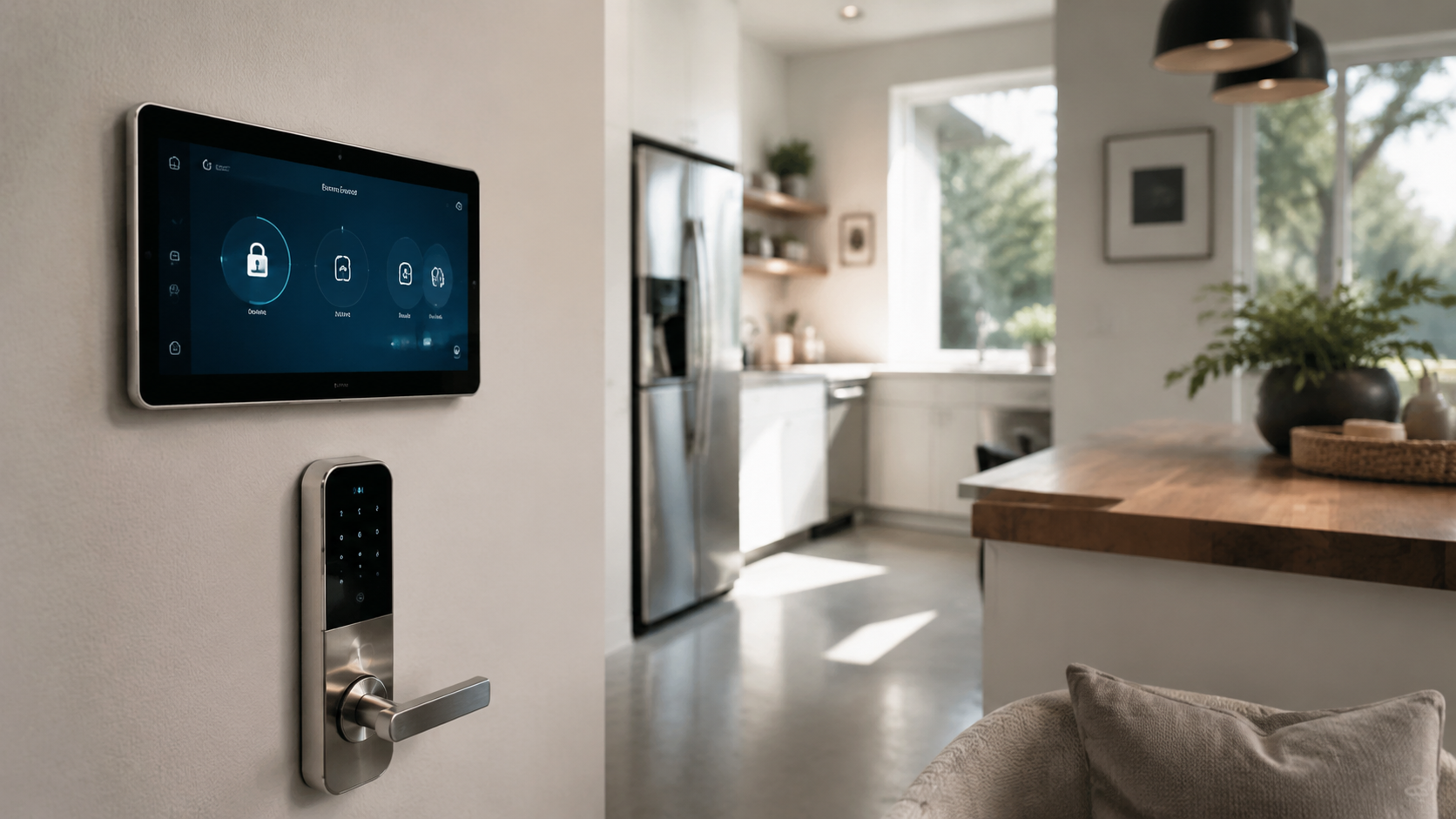
The best smart lock is not always the flashiest one on the shelf. After the novelty of app access and auto-unlock wears off, the locks people stay happy with tend to do three things well: they open quickly, they do not chew through batteries, and they still feel like proper door hardware.
That is the real answer to what smart lock are you actually happy with long term. A reliable smart lock should become almost boring in daily use. It should let family in, handle guests without a spare key under a planter, and keep working when your Wi-Fi hiccups.
Below are the smart locks I would shortlist for a modern home in 2026, with real-world strengths, current typical pricing, and notes on where each one makes the most sense. Prices vary by finish and retailer, but these are common street prices at Amazon, Best Buy, Home Depot, Lowe’s, Apple, and manufacturer stores.
What makes a smart lock satisfying after the first year?
Long-term satisfaction usually comes down to the details you notice every day. A good lock should not make you wait on the porch while Bluetooth wakes up. It should not require a support call every time a guest code expires.
Hardware quality matters too. If the deadbolt drags because the door is slightly misaligned, the smartest app in the world will not save the experience. Before buying any smart lock, make sure your existing deadbolt slides smoothly by hand.
The five traits worth paying for
- Reliable local control: Bluetooth, keypad, fingerprint, Apple Home Key, or Z-Wave can keep access working even when Wi-Fi is down.
- Good battery life: Six months is acceptable, but a year or more is better for a main entry.
- Simple guest access: Temporary codes should be easy to create and revoke.
- Strong physical hardware: ANSI Grade 1 or Grade 2 ratings are worth looking for.
- Quiet operation: A loud motor gets old fast in apartments, nurseries, and late-night households.
Best long-term smart locks compared
| Smart lock | Typical price | Best for | Access methods | Where to buy |
|---|---|---|---|---|
| Schlage Encode Plus | $299 to $329 | Apple homes and high-security front doors | Keypad, key, app, Apple Home Key, Wi-Fi | Amazon, Home Depot, Lowe’s, Best Buy |
| Yale Assure Lock 2 | $160 to $290 | Most homes, renters with permission, mixed ecosystems | Keypad, app, optional key, optional modules | Amazon, Yale, Best Buy |
| Level Lock Plus | $329 | Design-focused doors that should not look smart | Key, app, NFC key cards, Apple Home Key | Apple, Amazon, Level |
| Aqara Smart Lock U100 | $190 to $230 | Feature-rich Apple Home setups on a tighter budget | Fingerprint, keypad, key, app, Apple Home Key | Amazon, Aqara |
| Ultraloq U-Bolt Pro WiFi | $179 to $249 | Families who want many ways to enter | Fingerprint, keypad, key, app, auto-unlock | Amazon, U-tec, Best Buy |
| August Wi-Fi Smart Lock | $180 to $230 | Apartments and doors where exterior hardware must stay | App, auto-unlock, existing key | Amazon, August, Best Buy |
1. Schlage Encode Plus: the safest long-term recommendation
If someone asks what smart lock are you actually happy with long term and they use an iPhone, the Schlage Encode Plus is usually the first lock I mention. It costs around $299 to $329, which is not cheap, but it feels like a serious piece of door hardware rather than a gadget bolted to the entry.
The big attraction is Apple Home Key. You can tap an iPhone or Apple Watch to the lock, much like using Apple Pay. For households already using Apple Home, it is fast, familiar, and very easy for less tech-obsessed family members to understand.
Schlage also has a long reputation in traditional locks, and that matters. The keypad is clear, the physical key remains available, and built-in Wi-Fi means you do not need a separate bridge. Battery life depends on Wi-Fi usage, but many owners see several months before swapping AA batteries.
Who should buy it?
Buy the Schlage Encode Plus if the front door is your main entry, you want Apple Home Key, and you care about a strong deadbolt feel. It is also a good choice for houses with cleaners, dog walkers, or visiting family because managing codes is straightforward.
2. Yale Assure Lock 2: the flexible crowd-pleaser
The Yale Assure Lock 2 is the lock I like for people who are not fully committed to one smart home platform. Depending on the version, it usually runs from about $160 to $290. You can buy keyed, key-free, Bluetooth, Wi-Fi, Z-Wave, and Matter-ready configurations.
That modular approach is useful in the long run. If your smart home changes, the lock is less likely to feel obsolete. The design is also cleaner than many older keypad locks, with a compact interior housing that does not look like a plastic battery brick.
The Yale app is clear enough for everyday use, and the keypad is pleasant. I would choose the keypad version for most homes because PIN access is still the most universal option for guests, kids, and neighbors.
One buying tip
Pay close attention to the exact module included. A Bluetooth-only Yale Assure Lock 2 is less expensive, but remote locking and voice assistant control may require a Wi-Fi module or compatible hub. The naming can be confusing at retail, so check the box before checkout.
3. Level Lock Plus: best for interiors that hate visible tech
The Level Lock Plus, usually around $329, is for people who have carefully chosen door hardware and do not want a black touchscreen changing the look. From the outside, it can appear almost like a normal lock. Most of the smart mechanism sits inside the door.
This makes it especially appealing for restored homes, minimalist apartments, and front doors with premium hardware finishes. It supports Apple Home Key on compatible versions, plus app control, physical keys, and NFC key cards.
The tradeoff is that the hidden design leaves less room for big batteries and bulky radios. It is beautiful and clever, but it is not the strongest pick if you want the loudest feature list per dollar. Think of it as design-first smart access.
4. Aqara Smart Lock U100: the value pick for Apple Home
The Aqara Smart Lock U100 often sells for about $190 to $230, making it one of the most feature-packed locks under $250. It includes fingerprint access, a keypad, physical keys, app control, and Apple Home Key support.
That mix is impressive. Fingerprint entry is excellent for quick daily use, while PIN codes remain useful for visitors. If you already use Aqara sensors, cameras, or hubs, the U100 fits nicely into that system.
For long-term happiness, the main question is whether you are comfortable with Aqara’s ecosystem and app experience. The hardware value is strong, but the setup can feel more enthusiast-oriented than Schlage or Yale.
Best use case
Choose the U100 for side doors, back doors, tech-forward apartments, or Apple Home households that want modern features without spending over $300. It is also a fun pick if you like fingerprint entry but still want a normal key as backup.
5. Ultraloq U-Bolt Pro WiFi: most access options for busy households
The Ultraloq U-Bolt Pro WiFi usually sits between $179 and $249. It has a distinctive design and a long list of entry methods: fingerprint, keypad, app, physical key, auto-unlock, and remote control on Wi-Fi models.
This is the lock for people who want options. Kids can use fingerprints, guests can use temporary codes, and adults can use auto-unlock or the app. The fingerprint reader is the standout feature when it works well with your household’s routines.
The design is less traditional than Schlage or Yale, so it may not suit every front door. But for utility entries, garages, and family entrances, it is practical and often priced well.
6. August Wi-Fi Smart Lock: best when you cannot change the outside
The August Wi-Fi Smart Lock, commonly $180 to $230, replaces only the interior thumb turn. From the outside, your door still uses the existing key and exterior hardware. That makes it useful for apartments, condos, and historic doors where the exterior look cannot change.
August is especially good at auto-unlock, guest access, and working with existing deadbolts. It is also easy to remove later, which renters may appreciate if their lease and landlord allow smart lock changes.
The main drawback is battery life. Compact Wi-Fi locks can drain batteries faster than larger keypad models. If you choose August, keep spare CR123 batteries in a drawer and turn on low-battery notifications.
Which smart lock should you avoid for long-term use?
I would be cautious with no-name smart locks that cost under $100 and promise every feature at once. A lock is not the place to gamble on an unknown app, unclear firmware support, or weak physical hardware. Cheap access control can become expensive if it fails when someone needs to get inside.
Also be careful with locks that depend entirely on Wi-Fi or an app. A keypad, key, fingerprint reader, NFC option, or local smart home control gives you a backup path. The more ways you can safely enter, the less irritating the lock becomes over time.
Smart lock buying checklist
| Question | Why it matters | Best answer |
|---|---|---|
| Does your deadbolt move smoothly? | Motorized locks struggle with door friction. | The bolt slides freely without pushing the door. |
| Do you need a physical key? | Some modern locks are key-free. | Keep a keyway if you want familiar backup access. |
| Which ecosystem do you use? | Apple Home, Alexa, Google Home, SmartThings, and Z-Wave support vary. | Match the lock to your current hub and phone habits. |
| Who needs entry? | Guests, cleaners, children, and neighbors may need simple codes. | Choose a keypad or fingerprint model for shared homes. |
| How visible should it be? | Some smart locks dominate the door visually. | Pick Level or August if design discretion matters most. |
My long-term recommendation
For most people, the best long-term smart lock is the Schlage Encode Plus if the budget allows. It has strong hardware, a sensible keypad, broad retail support, and Apple Home Key for homes that use iPhones. It feels dependable, which is exactly what a front-door device should feel like.
If you want a lower price or more platform flexibility, the Yale Assure Lock 2 is the next best all-around choice. For design-conscious homes, the Level Lock Plus is the one that least disrupts the look of the door. For maximum features per dollar, the Aqara U100 is hard to ignore.
So, what smart lock are you actually happy with long term? Usually, it is the one that disappears into your routine. It opens the door quickly, lets you share access without drama, and still gives you a backup when batteries, phones, or Wi-Fi decide to be difficult.