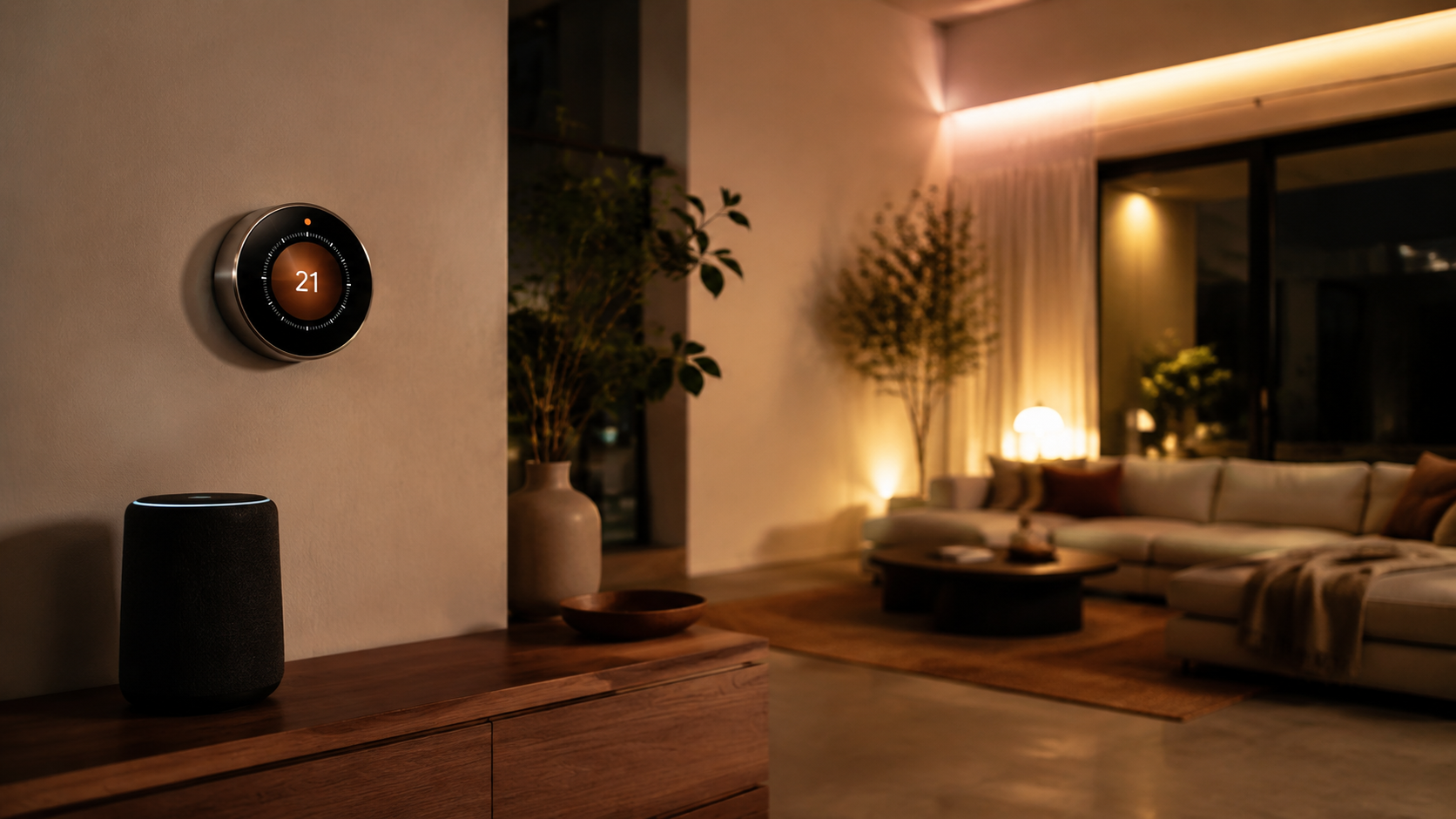
How do smart thermostats save energy? They reduce heating and cooling when comfort matters least, learn daily routines, use sensors to avoid conditioning empty rooms, and show homeowners where HVAC time is being wasted. The savings are not magic. They come from fewer unnecessary minutes of furnace, heat pump, or air conditioner runtime.
That matters because heating and cooling often make up the largest share of home energy use. ENERGY STAR certified smart thermostats are independently tested for savings, and Google estimates Nest thermostats save about 10% to 12% on heating and 15% on cooling in typical homes. In plain terms, many households can save about $100 to $180 a year, depending on climate, utility rates, insulation, and habits.
Quotable data point: A smart thermostat saves energy by reducing HVAC runtime during the hours when comfort has the lowest value.
Definition: what a smart thermostat actually does
A smart thermostat is a Wi-Fi connected HVAC control that can schedule temperature changes, detect occupancy, track energy use, and accept commands from an app, voice assistant, or smart home platform. Unlike a basic programmable thermostat, it can react to behavior, weather, sensors, and utility pricing.
For design-minded homes, it also replaces a dated plastic control with something more intentional. The best models look like part of the room rather than a maintenance panel.
The main ways smart thermostats save energy
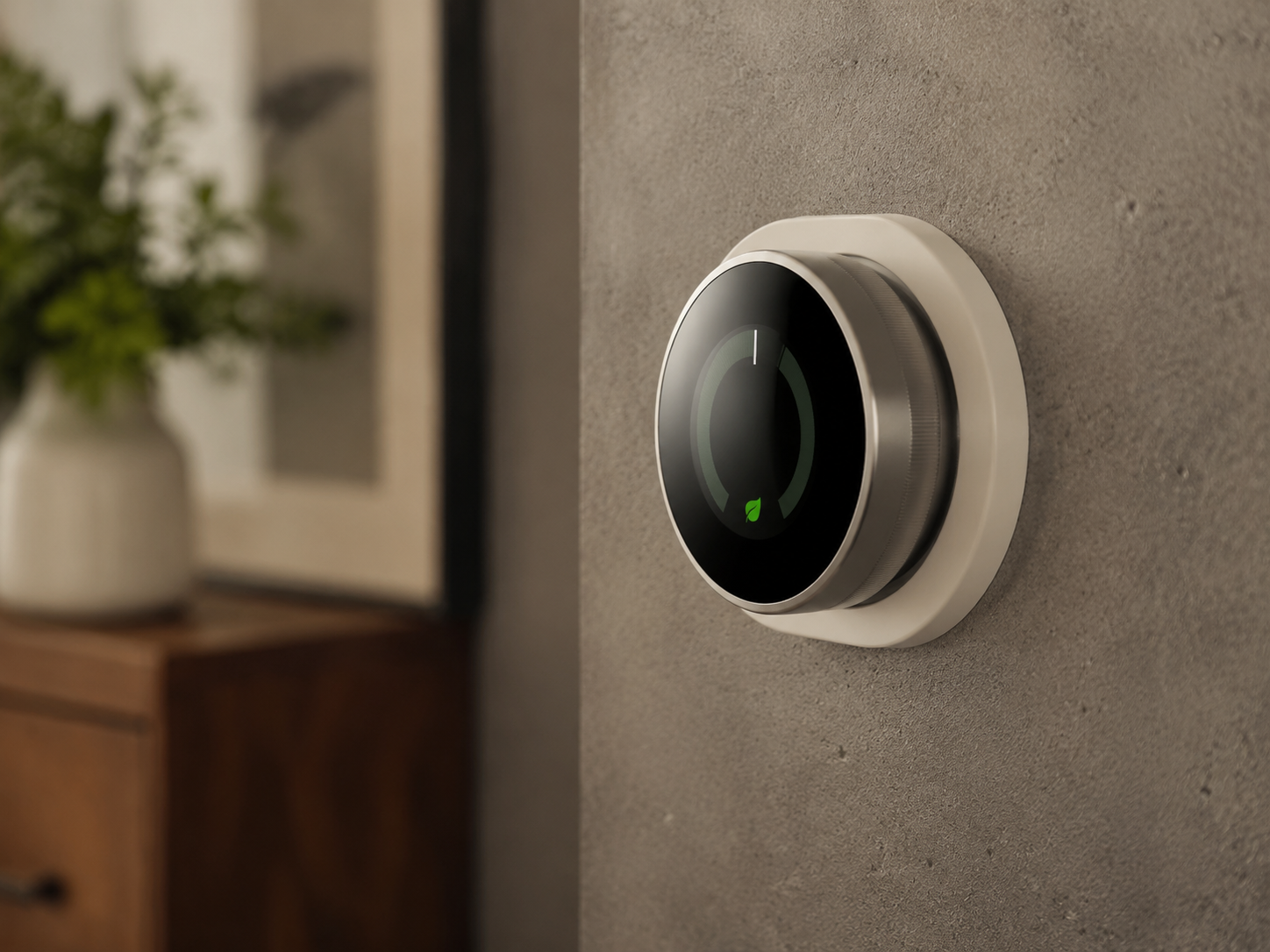
1. They stop conditioning an empty house
The easiest savings come from automatic setback. If everyone leaves at 8:15 a.m., the thermostat can let the winter temperature drift lower or the summer temperature rise higher until people return. You get comfort during the hours you use the home, not during the hours the home sits empty.
A typical plan might heat to 68°F in the morning, drop to 62°F while everyone is out, and return to 68°F before dinner. In summer, the home might sit at 78°F while occupied and 82°F or higher while away. Those small changes can remove hours of HVAC runtime each week.
2. They make scheduling easier
Old programmable thermostats saved energy only when people actually programmed them. Many did not, because the interface was miserable. Smart thermostats move scheduling into a phone app with clear time blocks, copyable days, and simple comfort presets.
The Google Nest Learning Thermostat, about $249 at Google Store, Best Buy, and Amazon, can build a schedule from repeated manual changes. The $129.99 Google Nest Thermostat uses app scheduling and Savings Finder suggestions. Ecobee models lean more on planned comfort settings and room sensors, which can be better for busy households with predictable zones.
3. They use room sensors to prevent overcorrection
A traditional thermostat measures one hallway. That can waste energy when the hallway is comfortable but the bedroom, nursery, or office is not. People respond by pushing the setpoint up or down, which often overconditions the rest of the house.
Ecobee Smart Thermostat Premium, about $249.99 at Ecobee, Home Depot, and Amazon, includes a SmartSensor that can prioritize occupied rooms. Honeywell Home T9, often $179 to $209 at Lowe’s and Amazon, also supports room sensors with people detection. Better sensing helps the system serve the rooms in use instead of chasing a misleading wall temperature.
4. They learn how fast the home heats and cools
Smart recovery is a quiet but useful feature. The thermostat learns how long your home takes to reach a target temperature, then starts at the right time. A cold morning might need a 40-minute head start, while a mild morning needs only 15 minutes.
This avoids two common wastes: starting too early and overshooting, or starting too late and prompting someone to crank the temperature. Smart recovery makes the system feel calmer and more precise.
5. They turn energy use into readable feedback
Nest Energy History, Ecobee Home IQ, and Emerson Sensi reports show when the system ran and how settings affected use. This is useful design intelligence for the house. You might learn that west-facing glass drives long cooling cycles, or that an upstairs office needs a sensor more than a lower setpoint.
Quotable data point: The weekly energy report is one of the cheapest efficiency tools in the home because it reveals waste that a utility bill hides.
Smart thermostat comparison table for 2026
| Model | Typical price | Where to buy | Best saving feature | Design note |
|---|---|---|---|---|
| Google Nest Learning Thermostat | $249 | Google Store, Best Buy, Amazon | Auto-schedule and Eco Temperatures | Polished metal ring, best for visible walls |
| Google Nest Thermostat | $129.99 | Google Store, Target, Amazon | Savings Finder and app scheduling | Minimal mirrored face |
| Ecobee Smart Thermostat Premium | $249.99 | Ecobee, Home Depot, Amazon | Included room sensor | Black glass face, sensor-first design |
| Ecobee Smart Thermostat Enhanced | $189.99 | Ecobee, Best Buy, Amazon | Smart recovery and comfort settings | Clean square profile |
| Honeywell Home T9 | $179 to $209 | Lowe’s, Amazon, Resideo partners | Room sensors with people detection | Simple white body for traditional rooms |
| Emerson Sensi Touch 2 | $169.99 | Amazon, Home Depot, Emerson | Usage reports and flexible schedules | Color touchscreen, familiar shape |
| Amazon Smart Thermostat | $79.99 | Amazon | Alexa routines and low entry cost | Plain white, best for budget upgrades |
Which thermostat fits which home?
For a small apartment or townhouse, the Google Nest Thermostat is often enough. It is attractive, affordable, and easy to manage from a phone. It works best when the thermostat location already reflects the main living area.
For larger homes, Ecobee Smart Thermostat Premium is the stronger energy tool. The included sensor helps with bedrooms, offices, and family rooms that do not match the hallway temperature. Extra Ecobee SmartSensors cost about $99 for a two-pack.
For older homes or more traditional interiors, Honeywell Home T9 is a practical choice. Its white face recedes on painted walls, and its sensor system helps solve hot and cold spots without adding a showy gadget to the room.
Settings that usually save the most
The biggest results come from wider setbacks while away or asleep. ENERGY STAR commonly recommends 68°F while awake in winter, lower while asleep or away, and 78°F while home in summer, higher while away. Treat those as starting points, not commandments.
- Winter morning: 68°F from 6:30 a.m. to 8:30 a.m.
- Winter away: 60°F to 64°F during work or school hours
- Winter sleep: 62°F to 66°F with proper bedding
- Summer home: 76°F to 78°F with ceiling fans
- Summer away: 82°F to 85°F, adjusted for humidity needs
A leaky 1920s house in Chicago will behave differently from a shaded new-build in Charlotte. Start with modest changes, then read the energy report after a week.
Utility rebates and peak pricing
Many utilities offer $50 to $100 rebates for eligible smart thermostats, which can make a budget model very inexpensive. Some also offer demand response programs that provide bill credits for small temporary adjustments during grid stress.
Enrollment should be voluntary, and most programs let users override an event. Read the terms before joining, especially if anyone in the home is medically sensitive to temperature changes. If you are on time-of-use pricing, a smart thermostat may pre-cool or pre-heat before expensive hours, then coast through part of the peak window.
Installation details to check first
Before buying, check whether your HVAC system has a C-wire, also called a common wire. Many smart thermostats need steady low-voltage power. Some include adapters, but heat pumps, dual-fuel systems, humidifiers, and multi-stage equipment need closer compatibility checks.
Use the manufacturer’s online checker from Nest, Ecobee, Honeywell Home, Emerson, or Amazon. If the wiring looks unusual, a licensed HVAC technician is worth the $150 to $300 installation cost.
Standalone definition: smart recovery
Smart recovery is a thermostat feature that learns how quickly a home changes temperature and starts heating or cooling early enough to reach the scheduled setpoint at the scheduled time.
Standalone definition: occupancy sensing
Occupancy sensing uses motion sensors, room sensors, phone location, or related signals to estimate whether people are home so the thermostat can switch between comfort and energy-saving settings.
Q&A: smart thermostat energy savings
How do smart thermostats save energy in winter?
They reduce heating when the home is empty or asleep, then warm the space before key comfort periods. Lower indoor-outdoor temperature difference means less heat loss.
How do smart thermostats save energy in summer?
They raise the cooling setpoint when nobody is home, manage pre-cooling during cheaper hours, and help identify rooms or windows that drive long AC cycles.
Do smart thermostats always save money?
No. If you already use a disciplined schedule, savings may be modest. If you hold one temperature all day and night, savings can be much larger.
Which model saves the most energy?
For larger homes, Ecobee Smart Thermostat Premium has a strong case because sensors reduce hallway bias. For smaller homes, Nest models are excellent because their energy features are easy to use consistently.
The bottom line
Smart thermostats save energy by matching HVAC behavior to real life. They cut back when rooms are empty, learn routines, use better sensing, avoid clumsy recovery cycles, and make energy use visible. Choose Nest if style and simplicity matter most, Ecobee if room sensors matter most, and Amazon Smart Thermostat if the goal is the lowest-cost first step.