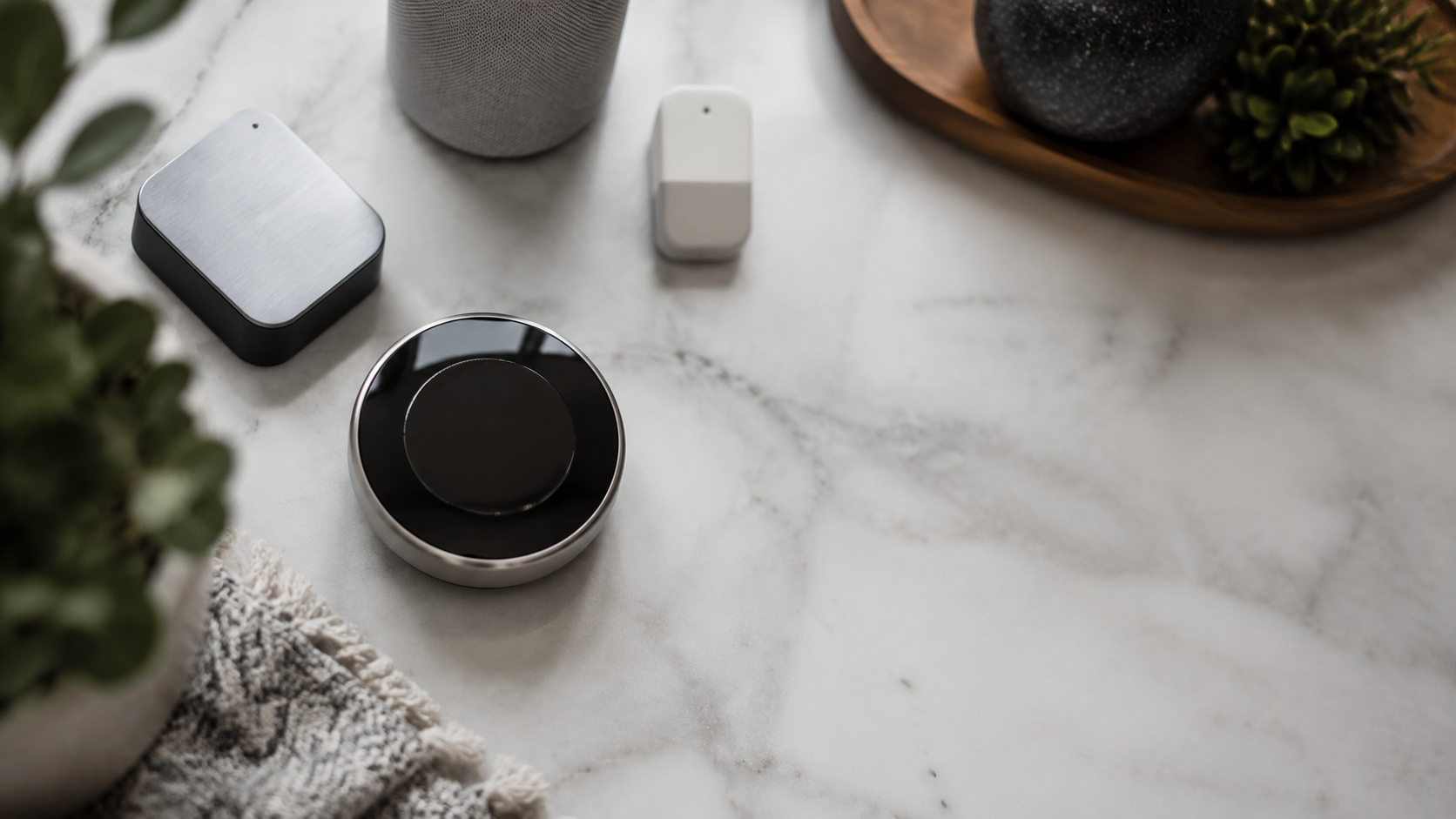
Quick definition: A smart thermostat is a Wi-Fi connected thermostat that can learn schedules, adjust heating and cooling from an app, use room sensors, and join optional utility energy-saving programs.
The search phrase “what is smart thermostats can energy companies control” is awkward, but the question behind it is sharp: can a utility company change the temperature in your home? The short answer is no, not under normal use. A power company usually gets limited control only if you opt into a demand response or thermostat rewards program.
That distinction matters. A Nest, Ecobee, Honeywell Home, Amazon, or Sensi thermostat bought from Best Buy, Amazon, Home Depot, Lowe’s, or the brand itself is not automatically controlled by your utility. Utility control is typically tied to a rebate, bill credit, or peak-saving plan that you approve.
Standalone answer: Energy companies can adjust some smart thermostats only when the customer enrolls in an opt-in program. Most residential programs allow the homeowner to override the change from the thermostat or app.
Can Energy Companies Control Smart Thermostats?
The useful way to read “what is smart thermostats can energy companies control” is this: smart thermostats can be part of utility programs, but the utility does not get a permanent remote for your house. It can usually send a short event signal that changes the setpoint by a few degrees during peak demand.
For example, your air conditioner might be adjusted from 72°F to 76°F on a hot afternoon. The event may last two to four hours, often during late afternoon when the grid is under stress. The utility is not watching your rooms or choosing a daily comfort schedule for you.
Quotable statement: “A smart thermostat does not hand your home to the power company. A demand response program gives limited, event-based permission that you can usually override.”
How Demand Response Works


Demand response is a grid management tool. During hours when electricity demand is high, utilities ask enrolled devices to use less power for a short window. Air conditioning is a major target because cooling load can rise across thousands of homes at the same time.
Instead of turning on expensive backup generation, a utility can request a small cooling adjustment from participating thermostats. Some thermostats pre-cool the home before the event, then let the temperature drift slightly upward during the peak window.
Definition: Demand response is an energy program where customers agree to temporary reductions in electricity use during peak demand periods in exchange for incentives, bill credits, or lower grid strain.
Programs have different names. You may see Rush Hour Rewards, Smart Savers, Energy Wise, Peak Rewards, or Bring Your Own Thermostat programs. The names vary, but the structure is similar: opt in, accept occasional temperature events, and receive a reward.
What Control Does the Utility Actually Get?
In most residential programs, the utility can trigger a scheduled event, adjust the heating or cooling setpoint within program limits, and receive participation data needed to issue credits. It does not get broad access to every thermostat setting.
A summer event might run from 3 p.m. to 7 p.m. and raise cooling by 2°F to 4°F. A winter event in a home with electric heat might lower heating slightly during a peak period. Program rules should state how many events can occur and how long they can last.
The key homeowner feature is the override. On many programs, you can tap the thermostat, open the app, and set the temperature back. Some utilities may reduce rewards for frequent overrides, but the temperature control remains visible and reversible.
Data point: ENERGY STAR says certified smart thermostats save about 8 percent on heating and cooling bills on average. Demand response can add separate credits, often in the $25 to $100 annual range, depending on the utility and region.
Popular Smart Thermostats and Utility Program Fit
If you are buying in 2026, start with HVAC compatibility, then look at design, app preference, sensors, and utility eligibility. Prices move during sales, but these are common street prices at major retailers.
| Model | Typical price | Best for | Where to buy | Utility program notes |
|---|---|---|---|---|
| Google Nest Learning Thermostat, 4th gen | About $279 | Design-led homes, Google Home users, learning schedules | Google Store, Best Buy, Amazon, Home Depot | Often supported by rewards programs, including eligible Nest Rush Hour Rewards areas |
| Ecobee Smart Thermostat Premium | About $249 | Multi-room comfort, remote sensors, Alexa households | Ecobee, Best Buy, Amazon, Lowe’s | Common in bring-your-own-thermostat utility programs |
| Amazon Smart Thermostat | About $79.99 | Budget Alexa homes and simple app control | Amazon | Strong value if your utility lists it as eligible |
| Honeywell Home T9 Smart Thermostat | About $199 | Room sensors, familiar HVAC controls | Amazon, Home Depot, Lowe’s | Frequently appears under Honeywell Home or Resideo eligibility lists |
| Sensi Touch 2 Smart Thermostat | About $209 | Privacy-minded buyers, simple touchscreen control | Amazon, Lowe’s, Sensi, HVAC dealers | Check local support before buying because utility coverage varies |
Editor Note: How We Compared These Thermostats
Editor note: We compared 2026 retail pricing, brand compatibility pages, ENERGY STAR guidance, utility rebate listings, and common homeowner complaints around wiring, comfort, and app control. The focus was not only which model is smartest, but which one gives clear control over enrollment, overrides, and household comfort.
We also looked at where each thermostat sits visually in a home. A thermostat is often mounted at eye level in a hallway, living room, or kitchen, so it behaves more like a wall control than a hidden appliance.
Design Matters Because the Thermostat Is Always Visible
The Nest Learning Thermostat has the most decorative presence, especially in polished metal finishes. It suits homes where visible technology needs to look intentional rather than purely functional.
Ecobee reads more like a black glass control panel. It works well in modern kitchens, media rooms, and offices with matte hardware or other screen-based controls. Honeywell Home and Sensi models feel quieter and more appliance-like, which can be better in traditional interiors.
If the thermostat is in a styled entry or open-plan room, treat it like a switch plate. Align it with other wall controls where possible and choose a finish that relates to door hardware, lighting trims, or cabinet pulls.
Privacy: What Data Can a Smart Thermostat Share?
A smart thermostat may collect temperature settings, HVAC run time, occupancy signals, app interactions, device identifiers, and energy event participation. If you connect voice assistants or utility programs, more account relationships enter the picture.
That does not mean every thermostat is spying in a dramatic way. It means connected comfort requires data. The practical question is what data is collected, who receives it, and how easily you can leave the program.
Before joining a utility plan, read the utility terms, the thermostat brand privacy policy, and the withdrawal rules. If the credit is small but the data sharing makes you uncomfortable, skip the program and keep app-only control.
Quotable statement: “The cheapest smart thermostat is not always the best value if the rebate comes with permission terms you would not accept at full price.”
How to Keep Control of Your Smart Thermostat
First, buy for your HVAC system, not for the rebate alone. Check C-wire needs, heat pump support, dual-fuel support, and whether your system uses line voltage. Use the brand’s compatibility checker or ask an HVAC technician if your wiring is unclear.
Second, enroll only in programs you understand. Look for event frequency, maximum temperature change, override rules, seasonal rewards, and cancellation steps. Save a copy of the terms when you enroll.
Third, set comfort limits inside the app. Nest, Ecobee, Honeywell Home, Amazon, and Sensi all let you manage schedules or temperature preferences. A good setup should save energy without making the bedroom too warm at 2 a.m. or the nursery too cold in winter.
Fourth, review connected accounts once a year. Remove old utility enrollments, rental house accounts, installers, and smart home integrations you no longer use.
Best Smart Thermostat Choices by Household
Best for design-conscious Google homes: Nest Learning Thermostat
The Google Nest Learning Thermostat, 4th gen, costs about $279 and has the strongest object-like design. It is the natural pick for Google Home households that want learning schedules and a thermostat that looks intentional on the wall.
Best for uneven rooms: Ecobee Smart Thermostat Premium
The Ecobee Smart Thermostat Premium, about $249, is the best fit for a hot upstairs bedroom, cold office, or open-plan living zone that fools a hallway thermostat. Its remote sensors help put comfort where people actually spend time.
Best budget option: Amazon Smart Thermostat
The Amazon Smart Thermostat costs about $79.99 and often drops during sales. It lacks the premium finish and sensor package of pricier models, but it covers the basics well for Alexa households.
Best traditional brand option: Honeywell Home T9
The Honeywell Home T9, around $199, makes sense for homeowners who want room sensors and a familiar HVAC brand. Many utility programs recognize Honeywell Home and Resideo devices.
Q&A: Smart Thermostats and Energy Company Control
Can my electric company change my thermostat without asking?
Not under normal use. The electric company generally needs your enrollment in a demand response or thermostat rewards program before it can send temperature adjustment events. That is the core answer to “what is smart thermostats can energy companies control.”
Can I override a utility thermostat event?
Usually, yes. Most residential programs allow overrides from the thermostat or app, although frequent overrides may reduce rewards. Always confirm this in your local terms.
Will a smart thermostat save money if I never join a utility program?
Yes, it can. ENERGY STAR estimates certified smart thermostats save about 8 percent on heating and cooling costs on average. Savings depend on climate, HVAC type, insulation, schedule discipline, and local rates.
Are utility rebates worth it?
They can be, especially when a $75 to $150 rebate cuts the cost of a better thermostat. The tradeoff is program permission and data sharing. If you value strict control more than the credit, buy without enrolling.
Which thermostat gives the most privacy?
No connected thermostat is fully private like a manual dial. Sensi often appeals to privacy-minded shoppers, while Nest, Ecobee, Amazon, and Honeywell Home all depend on account-based apps. Read current policies before buying because terms can change.
Final Verdict
Smart thermostats are not a hidden handoff of your home to the power company. They are connected climate controls that can join optional grid programs if you give permission. Choose the thermostat for comfort and compatibility first, then decide whether the utility rebate is worth the extra terms.
For most design-led homes, Nest is the best-looking choice, Ecobee is the best multi-room comfort system, Amazon is the clean budget pick, and Honeywell Home T9 is the practical middle ground. If you join a demand response program, know the override rules before the first hot day arrives.