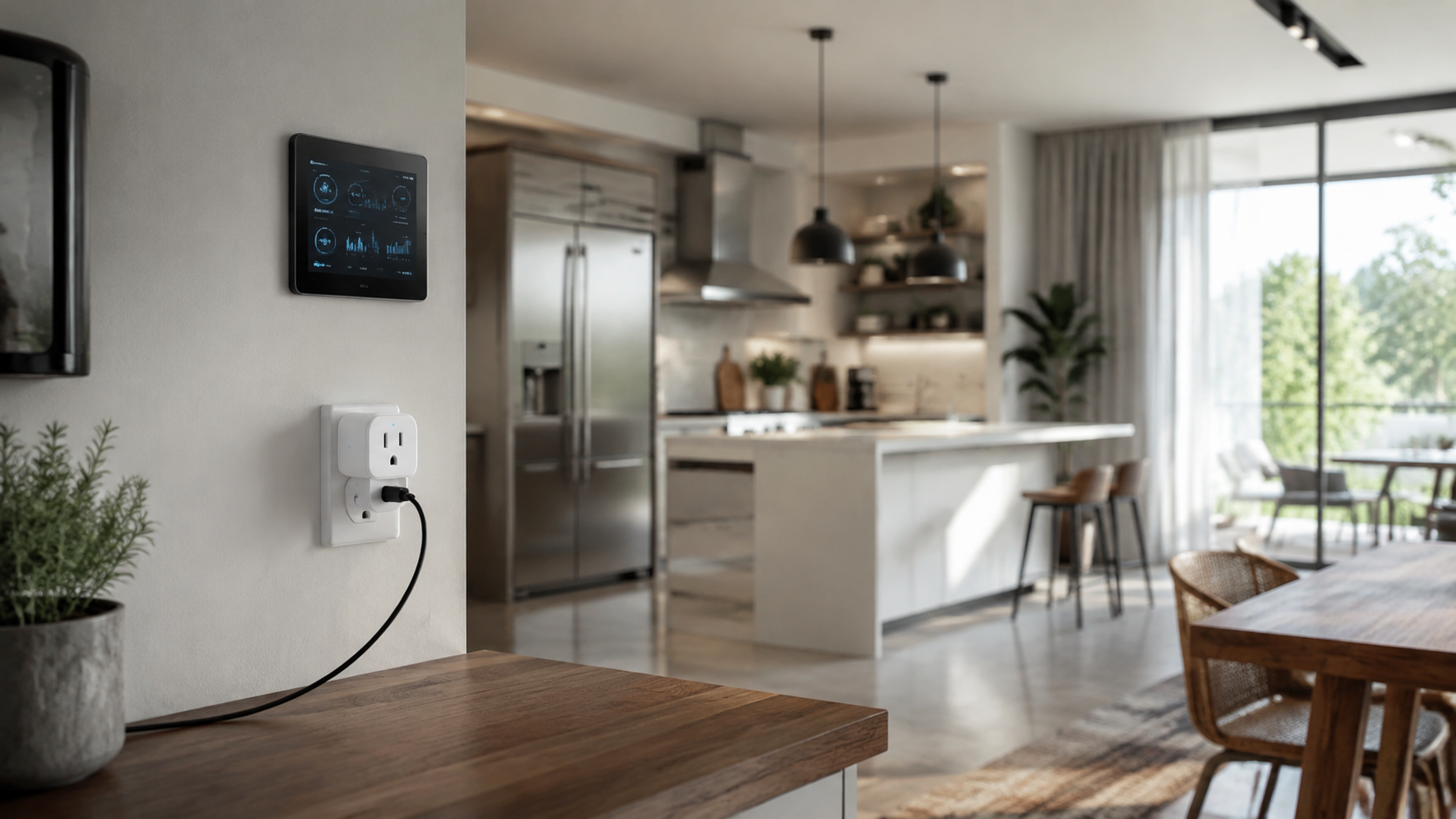
The best smart plugs for energy monitoring do more than turn lamps and appliances on or off. They show how much electricity a device uses, help identify standby consumption, and make everyday routines easier to manage. With the right plug, you can connect energy awareness to smart lighting, home security, heating, kitchen appliances, and home wellness without replacing every device in your home.
A smart plug is not a whole-home energy monitor, but it is a useful tool for measuring individual appliances. It can reveal how much power a desk setup consumes overnight, whether a dehumidifier is running longer than expected, or how much energy a frequently used coffee maker draws. The most suitable model depends on your electrical system, smart-home platform, Wi-Fi coverage, privacy preferences, and the type of appliance you want to control.
What Makes a Smart Plug Good for Energy Monitoring?
All smart plugs can switch power remotely, but energy-monitoring models add a measurement component. The plug records electrical use and presents the information in an app, sometimes with daily, weekly, or monthly summaries. Some also estimate cost after you enter your electricity rate.
Useful measurement data
Look for a plug that displays live power demand in watts, cumulative energy in kilowatt-hours, and historical usage. Live wattage helps you understand what an appliance is doing at a particular moment. Kilowatt-hour data is more useful for comparing energy use over time because that is the unit commonly used on electricity bills.
Cost estimates can be helpful, but they are only as accurate as the electricity rate entered in the app. Time-of-use pricing, taxes, delivery charges, and changing utility rates can make an app estimate differ from your bill. Treat the figure as a planning tool rather than a guaranteed charge.
Safety and electrical limits
Check the plug’s rated voltage, current, and load type before connecting an appliance. A smart plug designed for lamps and small electronics may not be suitable for a high-draw heater, air conditioner, kettle, or cooking appliance. Resistive loads and motor-driven loads can behave differently at startup, so follow the manufacturer’s guidance.
Do not use a smart plug as a substitute for a dedicated circuit, a properly installed thermostat, or a safety device. Avoid connecting medical equipment, life-support equipment, or appliances that must never lose power unless the manufacturer and a qualified professional specifically approve the setup.
Reliable connectivity
Most energy-monitoring plugs use 2.4 GHz Wi-Fi because it travels farther through walls than 5 GHz Wi-Fi. Wi-Fi models are easy to deploy but can add traffic to a busy network and may depend on a cloud service. Thread-based plugs generally require a compatible Thread Border Router and smart-home controller, but they can be attractive for households building a Matter setup.
Choose a model that matches the platform you already use. Compatibility may include Amazon Alexa, Google Home, Apple Home, SmartThings, Matter, or a manufacturer’s own app. Platform support can vary by generation, region, and firmware, so confirm the current specifications before buying.
Best Smart Plugs for Energy Monitoring by Use Case
Best all-around Wi-Fi option: a mainstream plug with clear historical charts
For many homes, the best starting point is a widely supported Wi-Fi plug with power monitoring, scheduling, scenes, and a well-maintained app. Models such as the TP-Link Kasa KP115 and Kasa EP25 have been popular examples in this category, although exact availability and regional specifications vary.
This type of plug suits a desk lamp, entertainment center, fan, humidifier, or small kitchen appliance. The main advantage is simplicity: setup is usually quick, the app presents energy data in an accessible format, and voice assistants can control the connected device. Look for a model that lets you export or review historical readings rather than showing only live wattage.
A mainstream Wi-Fi plug is a sensible choice for renters and first-time smart-home owners. It does not require a separate hub, and you can add one plug at a time. The trade-off is that some features may rely on the manufacturer’s cloud service, so read the privacy policy and check what happens if the internet connection is interrupted.
Best for Matter households: a certified Matter plug with power measurement
Matter can simplify multi-platform smart homes by allowing compatible devices to work across supported ecosystems. Energy monitoring is not guaranteed on every Matter plug, however. Confirm that the specific model reports power or energy data through the platform you intend to use, since basic on-and-off control may be supported while advanced measurement features are not.
Meross, Eve, and other manufacturers have offered smart plugs with Matter or platform-specific energy features in selected regions and product generations. The buying decision should focus on the exact model number, radio protocol, required controller, and supported measurements. A Matter plug may be an excellent fit for a home that uses Apple Home, Google Home, or Alexa across several brands, but it is not automatically the most convenient option for every user.
Choose Matter when interoperability and local control matter to you. Choose a simple Wi-Fi model when you want the easiest setup and do not need a hub or Border Router.
Best for Apple-focused homes: an energy-monitoring plug with HomeKit or Matter support
Apple Home users should prioritize a plug that clearly supports Apple Home, either through native HomeKit certification or Matter. Eve Energy has been a notable option in this space, with different versions supporting different wireless standards and feature sets. Check whether the current model offers energy monitoring in the Apple Home app or requires the manufacturer’s app for detailed readings.
Apple-focused households often use smart plugs for lamps, bedroom gadgets, air purifiers, and minimalist desk setups. Scenes can combine a plug with smart lighting and motion sensors, while energy data helps identify equipment that remains active after bedtime. Thread versions may improve responsiveness and reduce dependence on Wi-Fi, but they require compatible home infrastructure.
Best for local-control enthusiasts: a plug with local APIs or a strong hub integration
Privacy-conscious users and advanced smart-home builders may prefer a plug that supports local control, a documented local API, or integration with platforms such as Home Assistant. Shelly has produced compact energy-monitoring plugs and relays aimed at users who want more control over automations and data. Availability and regional electrical formats vary, so verify the product’s certification and plug type.
Local operation can keep basic automations working when the internet is unavailable and may reduce the amount of usage data sent to a remote service. The trade-off is a more involved setup. You may need to configure a hub, manage firmware, or create your own dashboards. This path is best for users who enjoy customization and are comfortable maintaining a smart-home system.
Best for simple appliance tracking: an affordable plug with dependable readings
If your main goal is to measure one appliance, do not pay for features you will not use. A reasonably priced plug with live wattage, kilowatt-hour history, a timer, and overload protection may be all you need. Place it behind a television, game console, printer, coffee station, or fan, then observe usage for several days before changing schedules.
Accuracy claims should be treated carefully. Consumer plugs are useful for comparisons and patterns, but they are not laboratory instruments. Readings may be less reliable with very low-power loads, rapidly changing loads, dimmers, or appliances with unusual power supplies. For a major energy audit, use a certified meter or consult an electrician.
How to Use Smart Plugs to Reduce Wasted Energy
Start with devices that have a predictable routine
Smart plugs work best when the connected appliance has a clear schedule. A desk lamp can turn off at bedtime, a decorative light can follow sunset and sunrise, and a charger can be disconnected after a set period. Automations are easier to trust when the device does not need to remain available continuously.
Be careful with appliances that lose their settings when power is removed. Some coffee makers, ovens, computers, and networking devices may not restart automatically. Test the behavior manually before creating an unattended schedule.
Measure before creating rules
Use the plug for several normal days before deciding what to automate. Compare daytime and overnight readings, then identify periods when the appliance is active without serving a useful purpose. This approach is more reliable than assuming every standby load is significant.
After creating an automation, review the readings again. If the plug is frequently switching while the appliance is still needed, adjust the schedule. Energy management should not make a home less comfortable or create unnecessary wear on equipment.
Connect energy data with smart spaces
Energy monitoring becomes more useful when it supports a broader room-by-room plan. In a minimalist desk setup, one plug can track monitors, speakers, chargers, and task lighting. In a bedroom, it can schedule a fan or bedside lamp while helping identify chargers that remain plugged in all day.
For smart lighting and atmosphere, use a plug with a lamp that has a physical power switch and a predictable recovery behavior. In the kitchen, monitor a small appliance or an organized coffee station, but avoid overloading the plug or using it with a device that should not be remotely powered. A robot vacuum may be better connected directly to the wall if its dock needs uninterrupted power for scheduled cleaning.
Air purifiers, humidifiers, and fans can be monitored, but do not use a plug to override the safety controls built into those appliances. Smart plugs can complement home wellness routines; they should not replace proper ventilation, filter maintenance, or manufacturer-approved operating procedures.
Important Buying Considerations
Form factor and outlet access
A bulky plug can block the neighboring socket or make a power strip difficult to use. Check the dimensions and outlet orientation, especially behind furniture, in a kitchen backsplash area, or beside a bed. A compact design is often more valuable than a long feature list.
Data privacy and account requirements
Review whether the plug requires an account, which data is collected, and whether energy history is stored in the cloud. Use a strong, unique password and enable two-factor authentication when offered. A separate smart-home network or guest network can add useful separation from computers and personal devices.
Schedules, scenes, and failure behavior
Check whether schedules run locally or depend on an internet connection. Also look for a power-loss recovery setting such as off, on, or previous state. The appropriate setting depends on the appliance. For many household devices, restoring the previous state is convenient; for a heater or cooking appliance, an automatic restart may be undesirable.
Energy data access
A graph is useful, but data access matters if you plan to compare appliances or track changes over time. Look for readable history, selectable dates, and an option to export data if that is important to you. Some apps report apparent power or estimated energy differently, so use the same plug and method when comparing devices.
Smart Plug Q&A
Can a smart plug measure an appliance’s exact electricity cost?
It can estimate the cost by combining measured energy use with an electricity rate. The result may not match your bill because rates, taxes, fees, and time-of-use pricing vary. Use it for comparisons and trend tracking.
Are energy-monitoring smart plugs safe for heaters?
Only use a plug with a suitable rating and explicit manufacturer approval for the heater’s load. Portable heaters draw substantial power and can create a fire risk when used with an unsuitable extension device or plug. Follow local safety guidance and never leave a high-heat appliance unattended.
Do smart plugs use electricity when they are off?
Yes. The plug needs a small amount of power to maintain its electronics and wireless connection. The amount varies by model and network conditions. Energy monitoring can help you compare that overhead with the standby energy saved by controlling the connected appliance.
Will a smart plug work without Wi-Fi?
Some plugs can retain schedules or support local control after an internet outage, while others depend heavily on cloud access. Thread and Matter setups may offer local paths, but the exact behavior depends on the controller and product. Check the specifications before purchasing.
Final Buying Advice
The best smart plugs for energy monitoring are not necessarily the ones with the longest feature list. Choose a certified model that fits your electrical system, supports your preferred smart-home platform, provides understandable energy history, and has a load rating appropriate for the appliance.
For an easy first purchase, select a well-supported Wi-Fi plug with power monitoring. For an Apple or multi-platform home, consider a current Matter-compatible model after confirming that energy data is supported. For advanced automation and privacy, investigate local-control options. Start with one plug, measure a device you use regularly, and expand only when the readings lead to a practical improvement in your home.