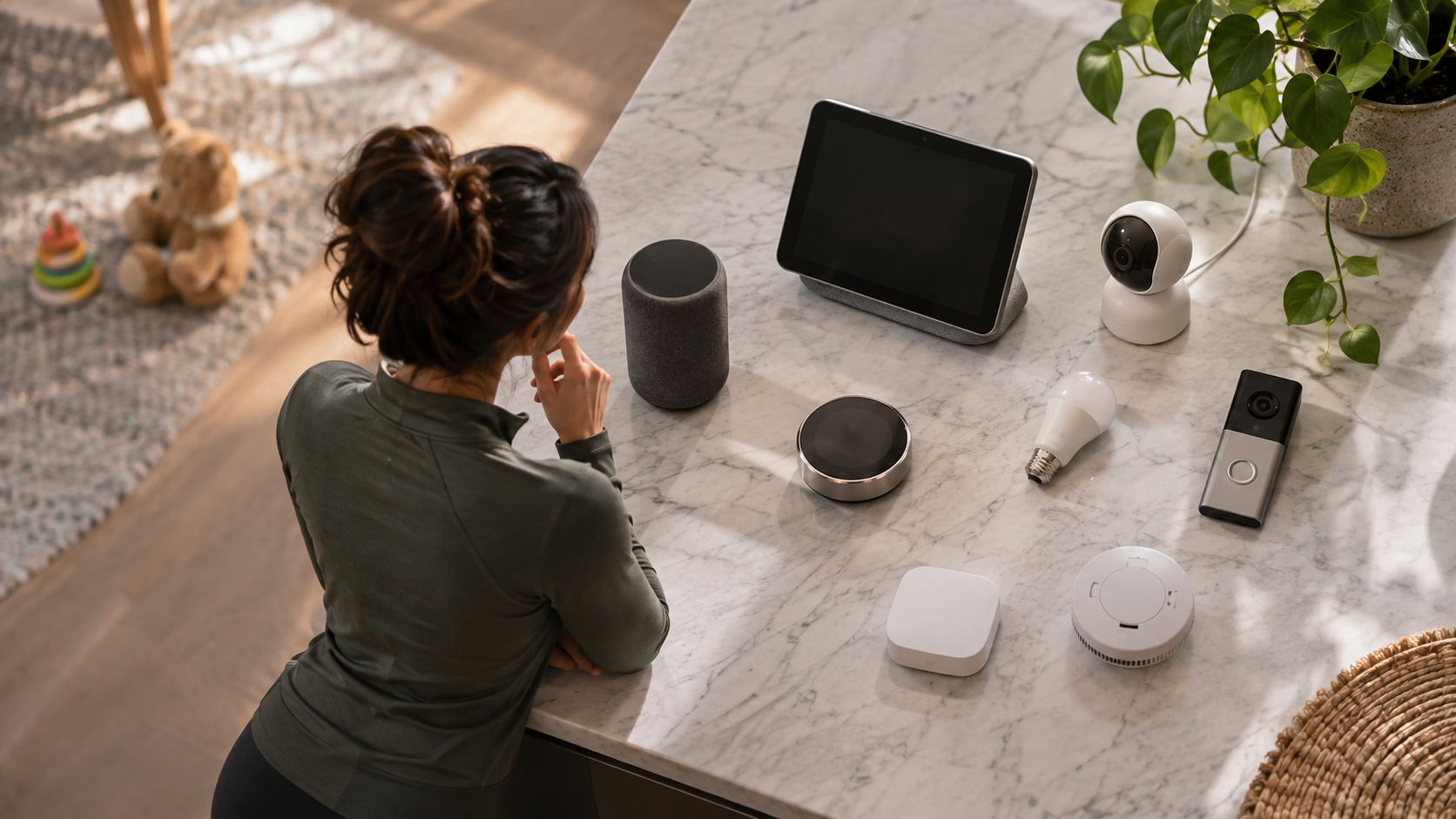
To child proof smart home devices, start with what children can reach and operate. A locked touchscreen does not secure a loose battery, and a camera password does not make its power cord safe. Check physical hazards, account access, and automated actions separately. The U.S. Consumer Product Safety Commission (CPSC) cautions that no safety device is completely childproof.
Begin with accessible devices, then check what children can activate through speakers, shared tablets, and routines. Work through bedrooms, living areas, the kitchen, and entryways. Adults should be able to operate essential controls reliably, while children have access only to appropriate functions.
What Does Childproofing a Smart Home Mean?
Childproofing a smart home means reducing children’s access to physical device hazards, limiting inappropriate digital controls, and checking that automated functions operate safely. It covers batteries, cords, appliances, cameras, voice commands, and the accounts used to control them.
Ask three questions about every device: Can my child touch something hazardous? Can they operate something they should not? Can an automation operate it unexpectedly? Write down the answers before changing settings so a convenient feature does not distract you from an urgent physical repair.
1. Make a Device and Access Inventory
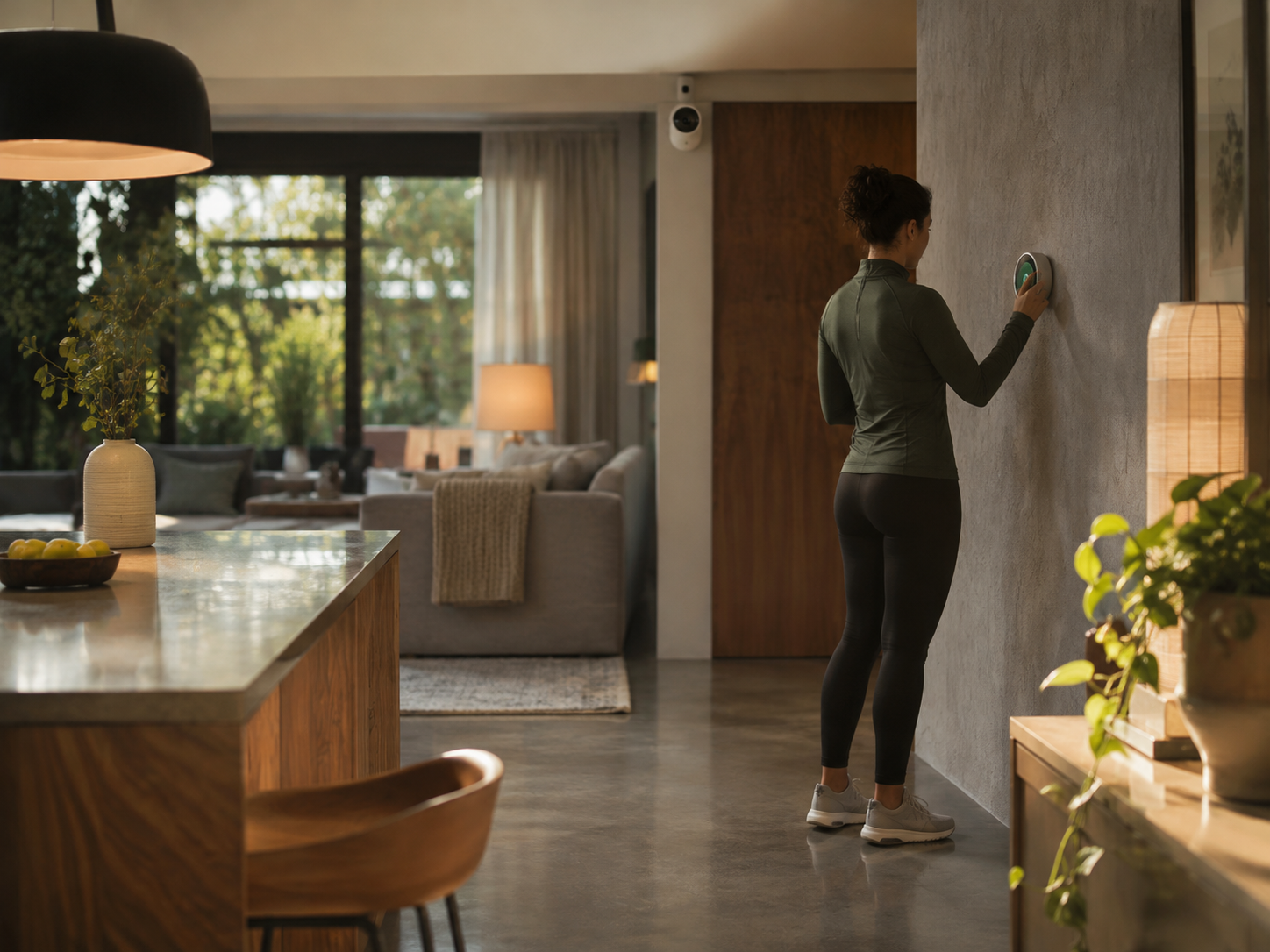
To child proof smart home devices room by room, list every connected product and its accessories. Include lighting remotes, contact sensors, smart plugs, charging docks, and spare batteries. For each item, record:
- Its location and whether a child can reach it or climb toward it.
- The physical buttons, app accounts, and speakers that control it.
- Any schedules, motion triggers, or linked routines.
- The adult responsible for updates and maintenance.
- The manufacturer’s instructions for child locks and normal operation.
Address accessible batteries and cords before adjusting entertainment preferences. For account and software security, the Federal Trade Commission (FTC) recommends updating connected devices and their apps, disabling unused features, and disconnecting older devices you no longer use.
2. Secure Batteries, Cords, and Furniture
Inspect remotes and battery compartments
Check every small remote and battery-powered accessory. CPSC advises keeping products with accessible button or coin batteries away from children when their compartments lack a screw closure. Repair or replace a damaged compartment, or remove the product from use. Keep spare and used batteries inaccessible. Small devices are not necessarily suitable toys.
When replacing a battery, keep children away from the work area, close the compartment correctly, and immediately put the removed battery somewhere inaccessible. Do not leave it on a desk or kitchen counter while finishing another task. CPSC recommends covering discharged battery terminals with nonconductive tape and taking them to a battery collection center.
Check the entire cord route
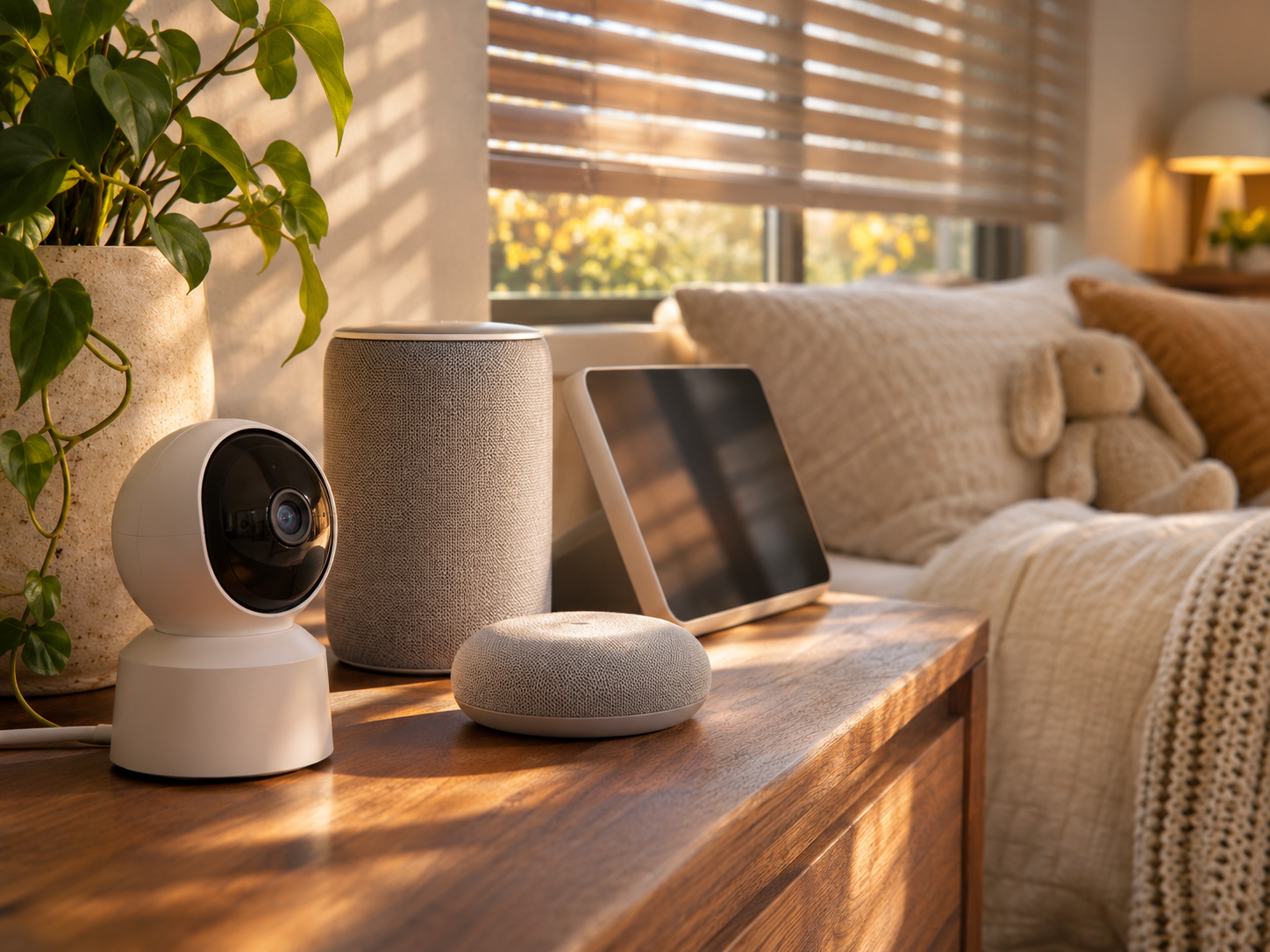
CPSC says baby monitor cords must stay at least three feet from every part of a crib, bassinet, or play yard and out of children’s reach. Never place a monitor inside or on the edge of a crib. A wall-mounted camera also needs a cord check: mounting it high does not make a dangling cord inaccessible. See CPSC’s baby monitor guidance.
In living areas and bedrooms, anchor furniture and televisions as instructed, including furniture supporting smart displays. Choose cordless window coverings where possible and move climbable furniture away from windows. Check a motorized blind for accessible cords; app control does not establish that the installation is safe. CPSC identifies cordless window coverings as the safest choice around young children.
3. Protect Accounts and Shared Controllers
Account security is another part of learning how to child proof smart home devices. Change default router administrator credentials, enable Wi-Fi encryption, and keep router firmware current. Use a strong, unique password for each device account and enable multifactor authentication wherever available, especially for cameras and voice assistants. The FTC’s connected-device guidance explains these protections. Pair them with physical childproofing.
Reserve administrator access for responsible adults. Before sharing a home account, read the platform’s permission descriptions and choose the most limited role that meets the person’s needs. Avoid leaving an adult control dashboard open on a tablet used for games or videos.
Check access across your setup:
- Which adults need full control?
- Which devices, if any, should an older child operate?
- Can temporary caregiver access expire or be removed?
- Can someone reach controls through another linked app?
- Where will adults keep recovery information?
Not every platform offers separate roles or restrictions for individual devices. Confirm the available options in the documentation for your account and model.
4. Limit Voice Commands and Personal Information
Review what each smart speaker can do. The FTC recommends turning off voice ordering or adding a purchase PIN, reviewing connected accounts, and checking whether personal information can be read aloud. It also recommends reviewing recording retention settings and using a physical microphone-off control when you want to prevent listening. Options vary by assistant.
Write a short list of approved voice uses, such as requesting music or operating a designated lamp. Check whether the same speaker can control more sensitive functions. If you cannot confirm an appropriate restriction, remove that integration from the shared speaker.
A child profile does not establish that every connected device is secured. Check permissions in the speaker account, the device’s own app, and any shared household controller.
5. Review Lighting, Atmosphere, and Bedroom Gadgets
When you child proof smart home devices in bedrooms and living areas, make lighting controls easy for caregivers to understand. Decide which switches children may use, which scenes adults manage, and how a caregiver can restore ordinary lighting without searching through an unfamiliar app. Give routines descriptive names, such as “Hallway evening light.”
Review bedtime routines one action at a time. Changing a lamp, operating a blind, and adjusting room temperature each need a separate decision. Keep the routine list short enough that another adult can explain what each routine does.
Check cords and batteries on sound machines, clocks, lighting accessories, and cameras. Keep gadgets outside the infant sleep space. CPSC recommends a firm, flat infant sleep surface with no added items in the sleeping area.
6. Check What a Thermostat Lock Actually Restricts
A thermostat lock can limit changes made at the wall, but it may leave other controls available. Google’s documentation for supported Nest Thermostat E and Nest Learning Thermostat models states that people with shared app access can still change settings or enable the thermostat. Scheduled temperatures and Eco Temperatures can also operate outside the locked adjustment range.
Check your model’s physical lock, household app permissions, schedules, and energy-saving settings separately. Choose settings appropriate to your household and record how an adult can make an immediate adjustment.
A local lock can reduce casual changes at the thermostat. It does not necessarily block every temperature command. Google’s example shows why you need to check exactly which controls a lock restricts.
7. Review Cameras, Security Systems, and Door Controls
For cameras, check whether account information, live streams, and stored recordings are encrypted. The FTC recommends researching these protections and asking the manufacturer when the documentation is unclear. Secure the account and review who can view household footage.
Choose camera views deliberately. Does each view serve a clear purpose, and would a less intrusive angle meet the same need? Decide who can access recordings separately from who can operate household lights.
At entryways, record who can activate or disarm security systems and change door-lock settings. Read the product manual before enabling automatic lock release or shared access features. Emergency escape must remain part of physical childproofing: CPSC advises that protective door hardware must allow an adult to open the door quickly in an emergency.
8. Check Kitchen Appliances, Cleaners, and Air Purifiers
Kitchen appliances and smart plugs
To child proof smart home devices in the kitchen, read each appliance’s exact manual before relying on its child lock. For example, the Dacor DOP30T940IS range manual describes a lock that disables the touchpad and locks the oven door, with conditions governing when it can be activated. Other appliances may work differently.
Identify which controls remain usable and whether remote operation is enabled. Avoid adding remote power control to heating equipment as a childproofing shortcut. CPSC instructs users to plug electric space heaters directly into wall outlets and turn them off when sleeping. A smart plug should not bypass those precautions.
Robot vacuums and cleaners
If your model has a child lock, enable it and check what it restricts. iRobot’s Child & Pet Lock documentation explains that the feature locks robot buttons while app functions continue operating normally. A button lock therefore does not establish that the robot cannot start through another control.
Schedule cleaning when children are elsewhere and review the dock’s location before use. Include cleaning supplies in the physical safety check. Follow the robot manual’s instructions for operation, storage, and supervision.
Air purifiers and wellness devices
Check the purifier’s placement, cord, filter access, and control-lock instructions. The Environmental Protection Agency (EPA) describes filtration as a supplement to reducing pollution sources and ventilating with clean outdoor air. Filters cannot remove every pollutant. Avoid devices intended to generate ozone in occupied spaces. EPA explains that ozone can harm health and that no federal agency has approved ozone generators for use in occupied spaces.
Benefits, Tradeoffs, and Limits
To child proof smart home devices effectively, match each safeguard to the problem it addresses. Physical protections limit access to hazards; account restrictions limit access to controls. You need to review both. CPSC’s warning that safety devices are not completely childproof also applies when a product includes digital locks.
- Local control locks: They can limit button presses, but app commands may remain available, as iRobot documents for its supported products.
- Thermostat restrictions: They can limit local adjustments, while schedules and authorized app users may retain control. Check the manufacturer’s documented restrictions.
- Account protection: Strong passwords and multifactor authentication help secure access. Adults also need to manage recovery information responsibly. See the FTC’s voice assistant guidance.
Apply the same questions to minimalist desk setups and products marketed as sustainable or luxurious. Look for documented safety features, maintenance instructions, and software support information. Assess appearance and sustainability claims separately from childproofing requirements.
Final Checks and Concise Q&A
Finish your effort to child proof smart home devices with an adult walkthrough of each room. Confirm that battery compartments close properly, cords remain inaccessible, and permitted controls work as intended. Check each manual for normal offline operation and explain essential controls to caregivers. Repeat the walkthrough after moving furniture, adding a device, or changing household access.
Does a child lock disable every way to operate a device?
No. iRobot says app functions remain available when its documented Child & Pet Lock is enabled. Check your model’s specific restrictions.
Should I replace every smart device?
Start by checking condition, documentation, updates, and available restrictions. The FTC recommends disconnecting older devices you no longer use because their security may be outdated. This checklist does not require replacing every device at the outset.
What if a child may have swallowed a button battery?
Seek immediate medical attention. In the United States, call Poison Help at 800-222-1222 for urgent guidance. CPSC advises immediate action for suspected button or coin battery ingestion.
Source basis: This guide draws on named guidance from the U.S. Consumer Product Safety Commission, Federal Trade Commission, Environmental Protection Agency, Google Nest Help, and iRobot support. Product examples explain documented limitations; they are not hands-on tests or endorsements.
Safety disclaimer: This article provides general information and does not replace supervision, product instructions, medical advice, or a professional assessment of electrical and installation hazards.